
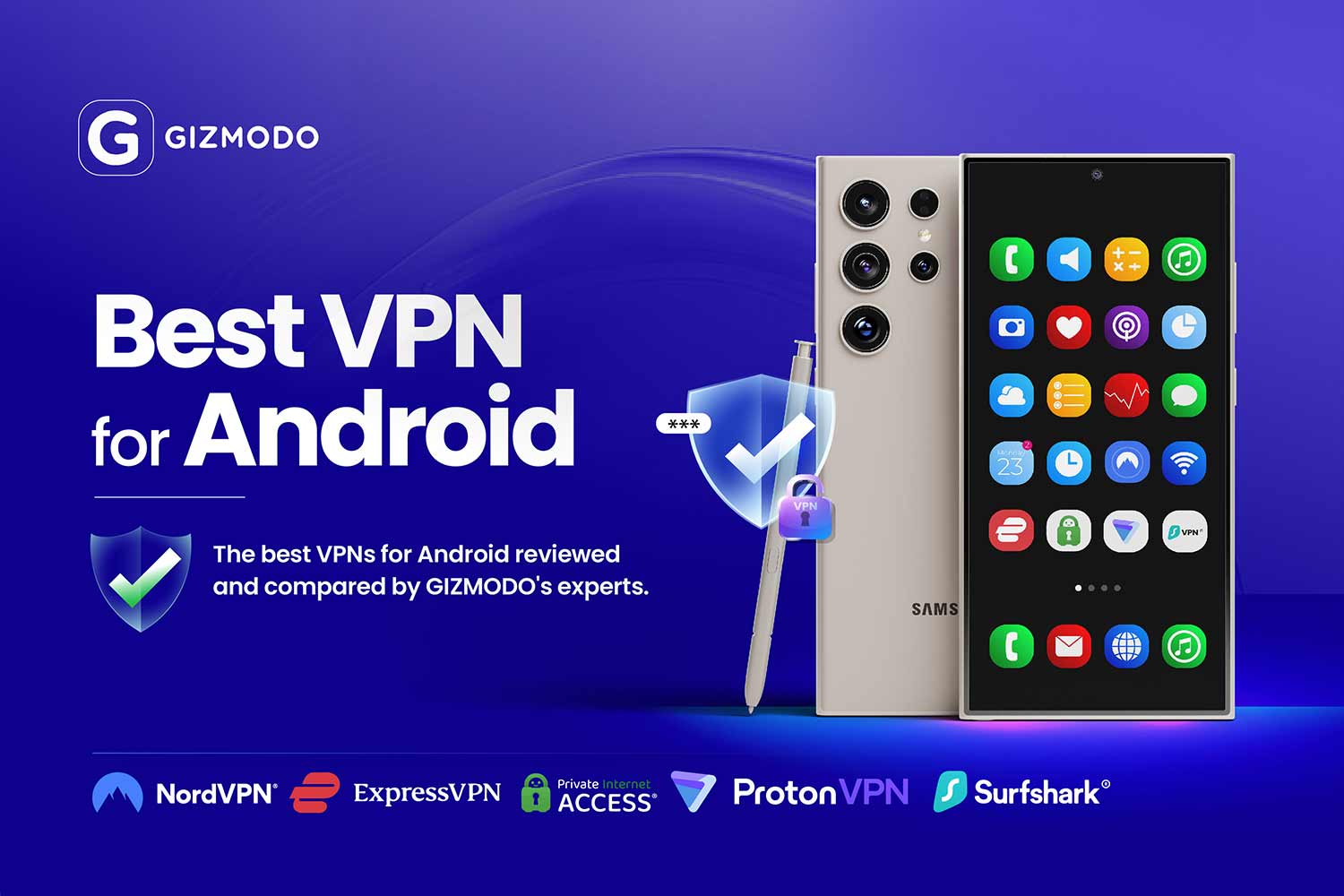
Choosing The Best Vpn For Android: A Comprehensive Guide
Are you tired of worrying about internet security while traveling or using public Wi-Fi on your Android device? Look no further! In this article, we will explore the best VPNs for Android, their features, and how to choose the perfect one for your needs.
What is a Vpn And Why Do I Need One?
A Virtual Private Network (VPN) is a service that creates a secure, encrypted connection between your device and the internet. This ensures that all data exchanged between you and the internet remains private and protected from hackers, governments, or other third parties. With a VPN, you can browse the internet safely, securely, and anonymously.
The Top 5 Vpns For Android: A Review
- Nordvpn
- Compatible with Android, iOS, Windows, macOS, Linux, Chromebook, and more
- Strong encryption (AES-256-GCM) and secure protocols (OpenVPN, IKEv2/IPSec)
- Features:
- Threat Protection (blocks malware and trackers)
- Meshnet (allows access to devices on your network)
- Double VPN (encrypts traffic twice for added security)
- Kill Switch (closes internet connection if VPN disconnects)
- Pricing: $3.71/Month (2-year plan), $6.99/Month (monthly plan)
- Surfshark
- Compatible with Android, iOS, Windows, macOS, Linux, Chromebook, and more
- Strong encryption (AES-256-GCM) and secure protocols (OpenVPN, IKEv2/IPSec)
- Features:
- Bypasser (blocks ads and trackers)
- CleanWeb (provides protection from online threats)
- Kill Switch (closes internet connection if VPN disconnects)
- Split Tunneling (allows specific traffic to go through VPN or not)
- Pricing: $2.49/Month (2-year plan), $12.95/Month (monthly plan)
- Expressvpn
- Compatible with Android, iOS, Windows, macOS, Linux, Chromebook, and more
- Strong encryption (AES-256-GCM) and secure protocols (OpenVPN, IKEv2/IPSec)
- Features:
- 94 Server locations worldwide
- Split Tunneling (allows specific traffic to go through VPN or not)
- Kill Switch (closes internet connection if VPN disconnects)
- Lightway protocol (fast and secure)
- Pricing: $12.95/Month (monthly plan), $9.99/Month (billed 6 months), $8.32/Month (billed 1 year)
- Privadovpn
- Compatible with Android, iOS, Windows, macOS, Linux, Chromebook, and more
- Strong encryption (AES-256-GCM) and secure protocols (OpenVPN, IKEv2/IPSec)
- Features:
- Free version available (with limited features)
- Split Tunneling (allows specific traffic to go through VPN or not)
- Kill Switch (closes internet connection if VPN disconnects)
- Parental Controls and Threat Prevention
- Pricing: $3.33/Month (monthly plan), $2.50/Month (billed 6 months), $1.83/Month (billed 1 year)
Choosing The Best Vpn For Android
When choosing a VPN for your Android device, consider the following factors:
- Security: Look for strong encryption and secure protocols.
- Features: Consider features like Threat Protection, Kill Switch, Split Tunneling, and more.
- Pricing: Compare prices among different providers to find the best deal.
- Compatibility: Ensure the VPN is compatible with your Android device.
Conclusion
Choosing the right VPN for Android can be overwhelming, but by considering the top 5 VPNs reviewed in this article, you’ll make an informed decision. Remember to prioritize security, features, pricing, and compatibility when selecting a VPN that suits your needs. Stay safe online!
Frequently Asked Questions (FAQs)
- What is The Difference Between a Free And Paid Vpn?
- A free VPN typically has limited features, slower speeds, and may display ads.
- How do I Install a Vpn on my Android Device?
- Download and install the VPN app from the Google Play Store, then follow the in-app instructions to set it up.
- Can I Use a Vpn With Other Devices?
- Yes, most VPNs are compatible with multiple devices, including smartphones, tablets, computers, and more.
- Does a Vpn Slow Down my Internet Speed?
- A good VPN should not significantly affect your internet speed.
- Is it Legal to Use a Vpn in my Country?
- Check local laws regarding VPN usage; most countries allow the use of VPNs for personal purposes.
- How do I Cancel or Change my Vpn Subscription?
- Refer to the VPN provider’s website or contact their customer support for instructions on cancellation and changes.
- Can I Access Geo-restricted Content With a Vpn?
- Yes, many VPNs offer servers in specific countries that can help you access geo-restricted content.
Stay safe online, and happy browsing!


