
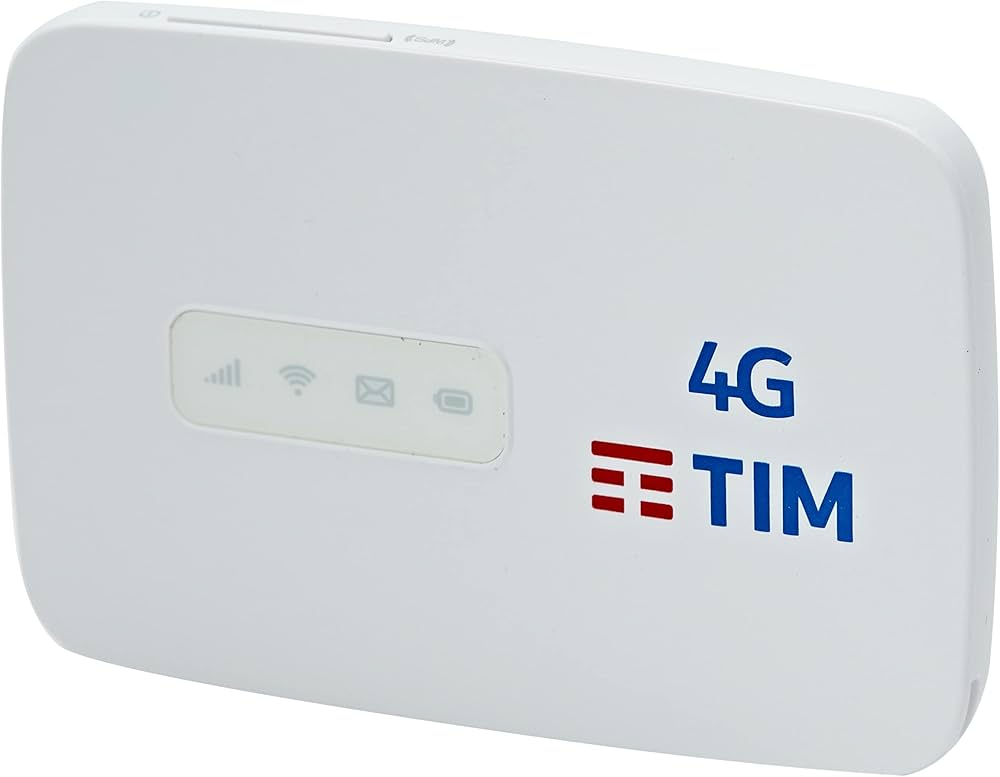
How to Update Your Tim Modem: A Step-by-step Guide
As a valued reader, you’re likely aware of the importance of updating your modem’s firmware regularly. This simple yet crucial step can significantly improve the performance and security of your internet connection. In this article, we’ll guide you through the process of updating your TIM modem, including the TIM HUB, in a clear and concise manner.
Why Update Your Modem’s Firmware?
Before diving into the update process, let’s quickly discuss why it’s essential to keep your modem’s firmware up-to-date. By doing so, you’ll:
- Improve overall internet performance
- Enhance security by fixing vulnerabilities and patches
- Ensure compatibility with the latest devices and software
Updating Your Tim Modem: A Step-by-step Guide
To update your TIM modem, follow these simple steps:
- Check if Your Modem is Eligible For an Update: Look for a notification on your modem’s interface or check the official TIM website for any firmware updates.
- Identify Your Modem Model: Ensure you have the correct modem model before proceeding with the update.
- Gather Necessary Information: Take note of your modem’s current firmware version and any other relevant details.
Method 1: Updating Via The Modem Interface
If your modem has a web interface, follow these steps:
- Access the modem’s interface by typing its IP address (usually 192.168.0.1 Or 192.168.1.1) In your browser.
- Log in with your admin credentials.
- Navigate to the Firmware Update section and follow the on-screen instructions.
Method 2: Updating Via The Tim Modem App
If you have a TIM Modem app installed on your device, follow these steps:
- Open the app and navigate to the Firmware Update section.
- Follow the in-app instructions to update your modem’s firmware.
Troubleshooting And Support
In case you encounter any issues during the update process or experience problems with your modem, don’t hesitate to reach out for support. You can contact TIM’s technical assistance team through their official website or by calling their customer service number.
Tim Modem Models And Updates
Here are some common TIM modem models and their corresponding firmware update procedures:
- Tim Hub: Follow the steps outlined above for updating via the modem interface or using the TIM Modem app.
- Technicolor Dga4331: Refer to the official user manual for specific update instructions.
- Zte H388x: Consult the official user manual for specific update instructions.
Conclusion
Updating your TIM modem is a straightforward process that can significantly improve your internet experience. By following these step-by-step guides, you’ll be able to keep your modem’s firmware up-to-date and enjoy a more stable and secure connection.
Frequently Asked Questions (FAQs)
-
What Happens if I Don’t Update my Modem’s Firmware?
Your modem may become outdated, leading to performance issues, security vulnerabilities, or compatibility problems.
2. Can I Update my Modem’s Firmware Manually?No, it’s recommended to use the official TIM Modem app or follow the on-screen instructions provided by your modem for a seamless and secure update process.
3. What if I Encounter Issues During The Update Process?Don’t hesitate to contact TIM’s technical assistance team through their official website or by calling their customer service number.
4. Are There Any Specific Requirements For Updating my Modem’s Firmware?Ensure your device meets the minimum system requirements and that you have a stable internet connection before proceeding with the update.
5. Can I Use Third-party Software to Update my Modem’s Firmware?No, it’s recommended to use only official TIM software or tools provided by your modem for updating its firmware.
By following these simple steps and guidelines, you’ll be able to keep your TIM modem up-to-date and enjoy a more reliable, secure, and high-performance internet connection.


