
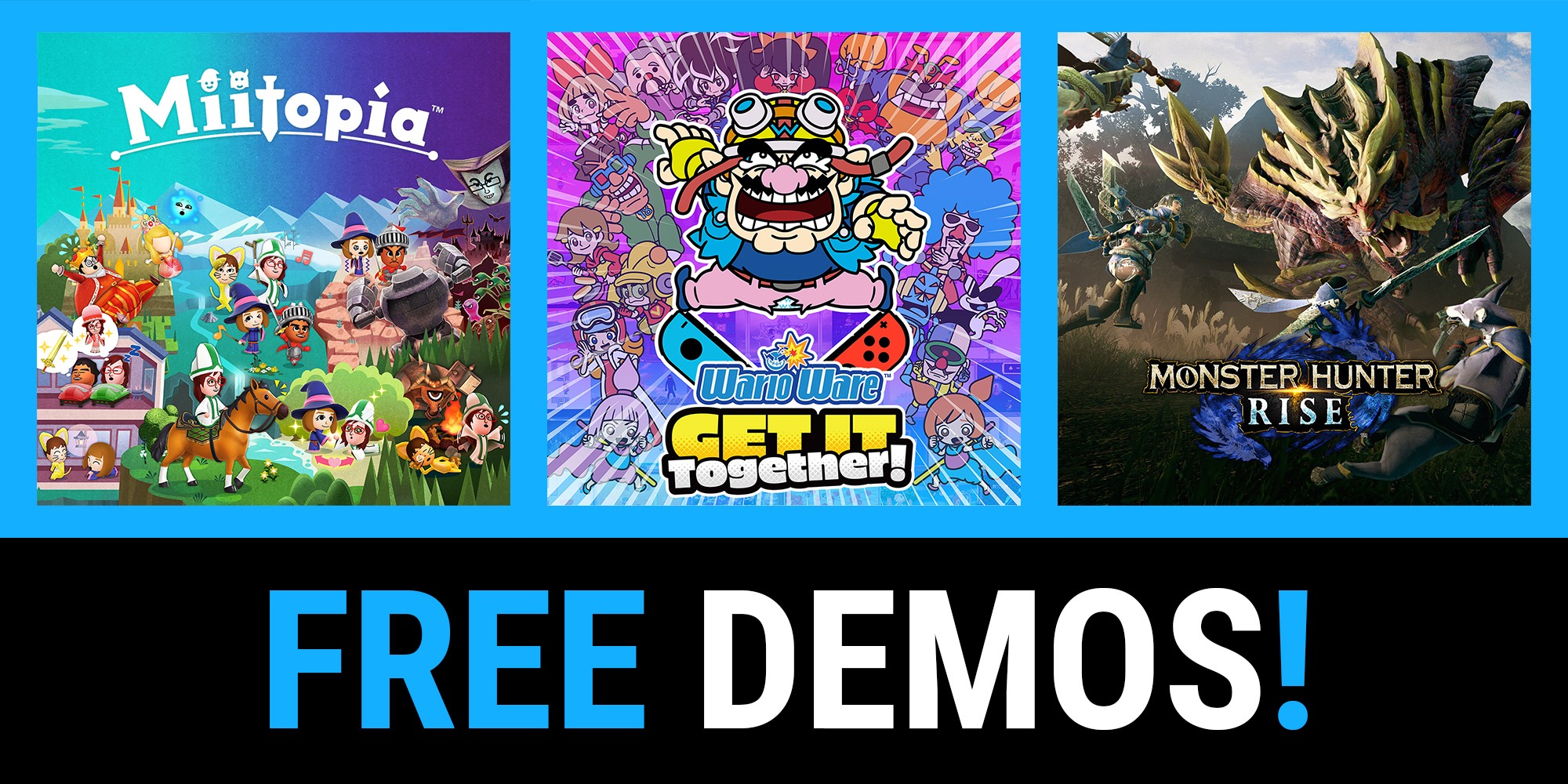
The Ultimate Guide to Downloading Free Games on Nintendo Switch
Are you tired of shelling out money for games on the Nintendo Switch? Look no further! In this article, we’ll show you how to download free games on your Nintendo Switch, including demos and trials.
Getting Started With Your Nintendo Account
Before you can start downloading games, you need to create a Nintendo account. This is a simple process that can be done from your computer or smartphone.
Creating a Nintendo Account
To create a Nintendo account, follow these steps:
- Go to the Nintendo Accounts website on your computer or smartphone.
- Click on the “Create a Nintendo Account” button.
- Fill out the required information, including your email address, password, and birthdate.
- Agree to the terms of service and privacy policy.
- Confirm your email address by clicking on the verification link sent to you.
Configuring Your Nintendo Account on Switch
Now that you have a Nintendo account, it’s time to configure it on your Switch console.
- Make sure your Switch is connected to Wi-Fi.
- Go to System Settings > Internet > Wi-Fi.
- Select your Wi-Fi network and enter the password.
- Go back to the Home screen and select your avatar.
- Select “Link a Nintendo Account” and follow the on-screen instructions.
Downloading Free Games
Now that you have a linked Nintendo account, it’s time to start downloading free games!
- Open the Nintendo eShop on your Switch console.
- Search for free games using the search bar at the top of the screen.
- Select “Free” from the filter options at the bottom of the screen.
- Browse through the selection of free games and demos available in the eShop.
- Select a game to download, then follow the on-screen instructions to complete the download.
Additional Tips
Here are some additional tips to keep in mind when downloading free games on your Nintendo Switch:
- Some demos may only be available for a limited time or until a certain date.
- Free games and demos may have ads or other forms of monetization.
- Make sure to check the system requirements for each game before downloading.
Nintendo Switch Online Subscription
In addition to downloading free games, you can also subscribe to Nintendo Switch Online, which offers additional benefits such as online multiplayer, cloud saves, and access to classic NES titles.
Frequently Asked Questions
Here are some frequently asked questions about downloading free games on the Nintendo Switch:
Q: Do I need a Nintendo account to download free games?
A: Yes, you do need a Nintendo account to download free games from the eShop.
Q: How do I create a Nintendo account?
A: You can create a Nintendo account on the Nintendo Accounts website or through the Nintendo eShop on your Switch console.
Q: Can I download free games if I don’t have an internet connection?
A: No, you need to be connected to Wi-Fi to download free games from the eShop.
Q: Are there any restrictions on downloading free games?
A: Some demos may only be available for a limited time or until a certain date.
Conclusion
Downloading free games on your Nintendo Switch is a great way to enjoy new titles without breaking the bank. By following the steps outlined in this article, you can create a Nintendo account, configure it on your Switch console, and start downloading free games from the eShop. Happy gaming!
Here are some additional headings to break up the content:
Benefits of Downloading Free Games
Downloading free games offers several benefits, including:
- Cost Savings: No need to spend money on game purchases!
- Increased Accessibility: Free games make it easier for players to try out new titles without committing to a purchase.
- Community Engagement: Join online multiplayer sessions with friends and other players worldwide!
Tips For Downloading Free Games
To get the most out of downloading free games, keep these tips in mind:
- Keep an Eye on Demos: Some demos may only be available for a limited time or until a certain date.
- Check System Requirements: Ensure that your Switch meets the necessary specs to run each game smoothly.
- Monitor For Updates: Free games and demos may receive updates with new features, bug fixes, and other improvements.
Troubleshooting Common Issues
Encountering issues while downloading free games? Try these troubleshooting tips:
- Restart Your Console: Sometimes a simple reboot can resolve connectivity or download issues.
- Check Your Internet Connection: Ensure that you’re connected to a stable Wi-Fi network.
- Contact Nintendo Support: Reach out to Nintendo’s customer service team for assistance with more complex problems.
Conclusion And Final Thoughts
Downloading free games on the Nintendo Switch is an excellent way to enjoy new titles without breaking the bank. Remember to create a Nintendo account, configure it on your console, and take advantage of demos and trials to get started. Happy gaming!


