
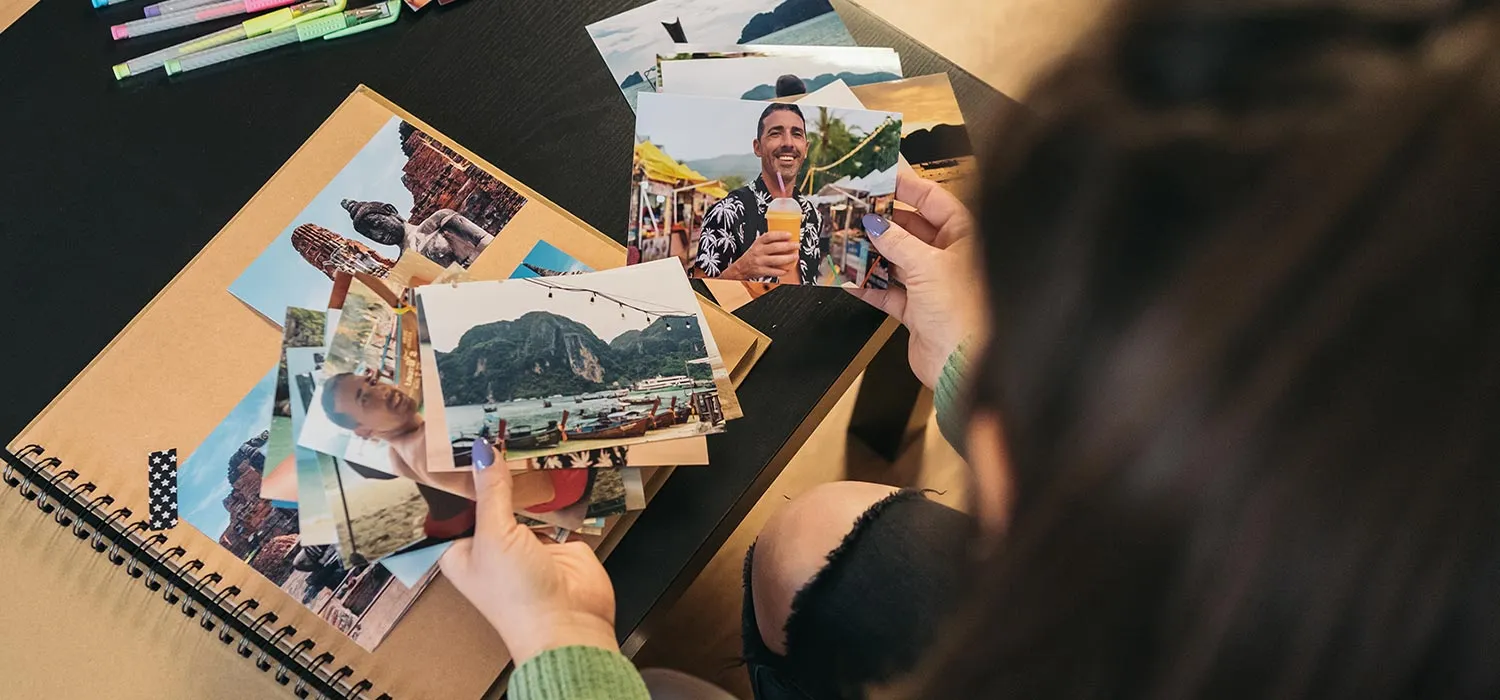
How to Create a Photographic Album: A Step-by-step Guide
Are you tired of saving your favorite memories on your phone or computer, only to have them scattered all over the place? Do you want to create a beautiful and organized album that showcases your favorite photos? Look no further! In this article, we will guide you through the process of creating a photographic album using various methods.
Why Create a Photographic Album?
A photographic album is more than just a collection of pictures. It’s a way to relive memories, share them with loved ones, and preserve your favorite moments for years to come. Whether you’re a seasoned photographer or just starting out, creating an album can be a fun and rewarding experience.
Methods to Create a Photographic Album
There are several ways to create a photographic album, depending on your preferences and needs. Here are some of the most popular methods:
Digital Photographic Albums
With the rise of digital technology, it’s easier than ever to create a digital photographic album. You can use applications like Google Photos, Apple Photos, or Microsoft Photo Gallery to organize and edit your photos.
How to Create a Digital Photographic Album on PC
To create a digital album on PC, follow these steps:
- Open the Photo application.
- Create a new folder for your album.
- Add all the photos you want to include in the album.
- Organize your photos using the editing tools provided by the application.
How to Create a Digital Photographic Album on Smartphone And Tablet
To create a digital album on smartphone and tablet, follow these steps:
- Open the Gallery app.
- Tap on the + icon to create a new album.
- Add all the photos you want to include in the album.
- Organize your photos using the editing tools provided by the application.
How to Create a Digital Photographic Album With Music
If you want to add music to your digital album, there are several options available. You can use applications like Clipchamp on Windows or Magisto on Android and iOS devices.
How to Add Music to Your Digital Album
To add music to your digital album, follow these steps:
- Open the application.
- Select all the photos you want to include in the album.
- Choose a song from the library or add a new one.
- Edit the video and add transitions, filters, and effects.
How to Create a Photographic Album With Powerpoint
If you’re familiar with Microsoft Office tools, you can create a photographic album using PowerPoint. This method is ideal for creating a professional-looking album.
How to Add Photos to Powerpoint
To add photos to PowerPoint, follow these steps:
- Open the application.
- Select all the photos you want to include in the album.
- Choose a template or design your own layout.
- Add text, transitions, and effects as desired.
How to Create a Photographic Album With Cewe
Cewe is an online service that allows you to create personalized photo albums using various templates and designs. This method is ideal for creating a physical album.
How to Use Cewe
To use Cewe, follow these steps:
- Choose the type of album you want to create (e.G., Compact, panoramic).
- Select all the photos you want to include in the album.
- Design your album using the available templates and editing tools.
- Order your album online or pick it up from a local store.
Conclusion
Creating a photographic album is a fun and rewarding experience that allows you to preserve your favorite memories for years to come. Whether you’re a seasoned photographer or just starting out, there are various methods to suit your needs and preferences. From digital albums to physical ones, we’ve covered the most popular options in this article.
Faqs
Q: How do I create a digital photographic album?
A: You can use applications like Google Photos, Apple Photos, or Microsoft Photo Gallery to organize and edit your photos.
Q: Can I add music to my digital album?
A: Yes, you can use applications like Clipchamp on Windows or Magisto on Android and iOS devices.
Q: How do I create a photographic album with PowerPoint?
A: You can select all the photos you want to include in the album and choose a template or design your own layout.
Q: What is Cewe and how does it work?
A: Cewe is an online service that allows you to create personalized photo albums using various templates and designs.
Q: Can I create a physical photographic album with Cewe?
A: Yes, you can order your album online or pick it up from a local store.
Q: How do I add photos to PowerPoint?
A: You can select all the photos you want to include in the album and choose a template or design your own layout.
Q: Can I use other applications to create a photographic album?
A: Yes, there are various other applications available that allow you to create a photographic album, such as Adobe Lightroom or PhotoShop.


