
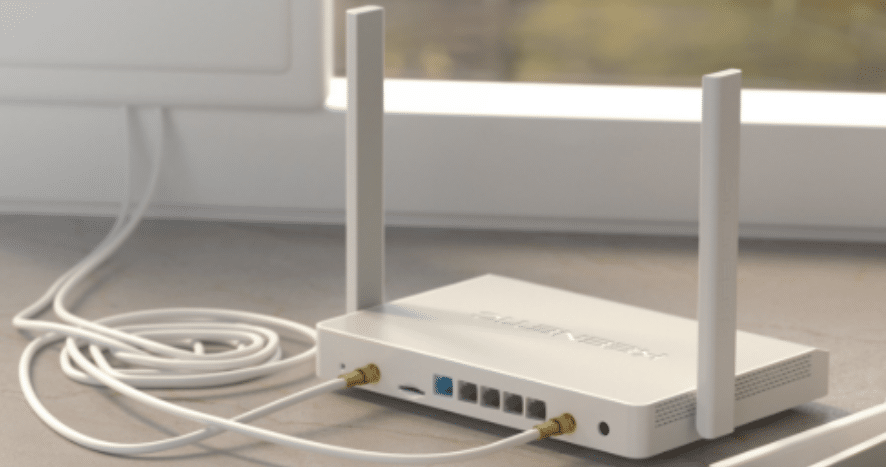
How to Enhance Your Wifi Coverage by Adding External Wifi Antennas
Are you tired of a weak WiFi signal that can’t reach the farthest corners of your home? Do you struggle with dropped connections and slow internet speeds? You’re not alone! Many homeowners face this issue, but there’s a simple solution: Adding external WiFi antennas to your router. In this article, we’ll guide you through the process of choosing the right antenna and configuring it for optimal performance.
Understanding Your Router
Before diving into the world of external WiFi antennas, it’s essential to understand your router. Most routers provided by Internet Service Providers (ISPs) are designed to be aesthetically pleasing but lack external antennas. This is because they’re optimized for a specific range and can’t be easily modified without voiding the warranty.
Types of Routers
There are two types of routers: Those with removable external antennas and those without. The former allows you to upgrade or replace antennas as needed, while the latter requires a kit with cables and connectors to install new antennas manually.
Choosing The Right Antenna
When selecting an antenna, consider the following factors:
- Directionality: Do you need an omnidirectional antenna that covers all areas or a directional one that focuses on a specific region?
- Gain (dBi): Look for antennas with high gain ratings to ensure optimal performance.
- Dimensions: Choose an antenna that fits your available space and meets your specific needs.
- Connector Type: Ensure the connector type matches your router’s requirements.
Some popular options include:
- Bingfu Antenna Wifi Bidanda 2,4GHz 5GHz 5,8GHz Sma Male For Telecam
- Kit Complete With Cable And Connectors for manual installation on the router
Configuring Your Router
Before configuring your router, ensure you have a stable internet connection. Next, follow these steps:
- Turn off your router and unplug it from power.
- Remove any existing antennas (if applicable).
- Install the new antenna(s) according to the manufacturer’s instructions.
- Plug in your router and turn it back on.
Optimizing Your Wifi Signal
To further enhance your WiFi signal, consider the following tips:
- Positioning: Place your router centrally in your home, away from obstacles that can interfere with the signal.
- Channel Selection: Switch to a less crowded channel or adjust your channel settings to optimize performance.
Conclusion
Enhancing your WiFi coverage by adding external WiFi antennas is a straightforward process. By understanding your router’s capabilities and choosing the right antenna for your needs, you can enjoy a stronger, more reliable internet connection throughout your home.


