
How to Add a Place on Instagram: A Step-by-step Guide
Are you tired of not being able to add geographic locations to your Instagram posts? Look no further! In this article, we’ll show you how to add a place on Instagram without Facebook, and provide tips for adding places in your posts, stories, and bio.
Why Can’t I Add Places on Instagram?
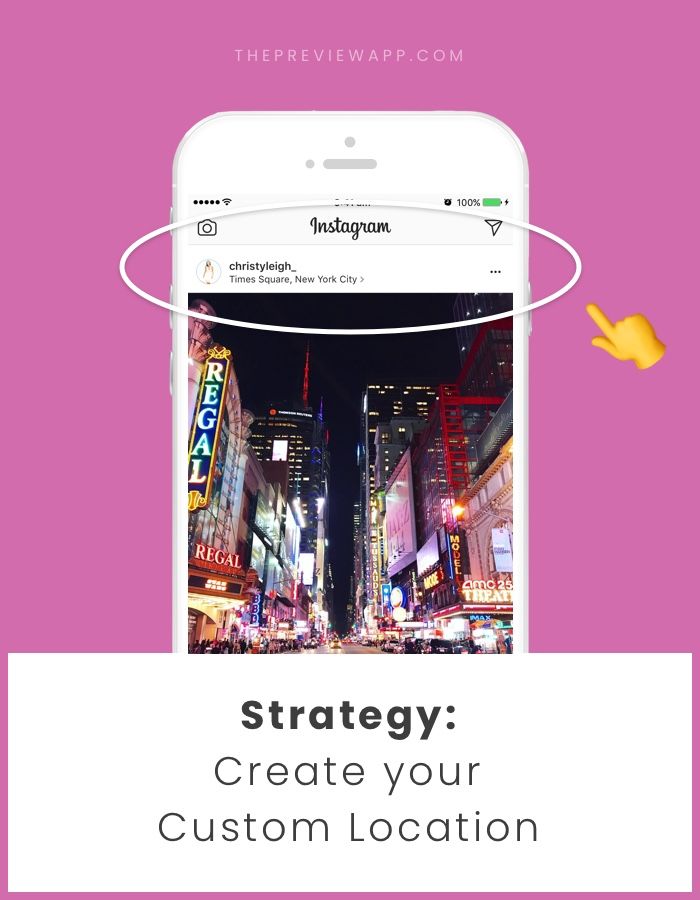
Before we dive into the tutorial, it’s essential to understand that Instagram doesn’t allow users to create custom places. In the past, it was possible to bypass this limit by using Facebook, but that’s no longer an option. Today, you can only add existing places or use geographic tags in your posts and stories.
How to Add a Place on Instagram Without Facebook
While you can’t create a custom place on Instagram, there are still ways to add geographic locations to your content. Here are the steps:
Adding Places in Your Posts
To add a place to your post, follow these simple steps:
- Open The Instagram App: Launch the app and navigate to the “Post” section.
- Create a New Post: Tap the “+” icon to create a new post.
- Select Your Photo or Video: Choose the media you want to share.
- Tap “Next”: Select the next step, which will take you to the post editor.
- Add Place: Tap on the “Place” option and select the location from the list or type in the search bar.
Adding Places in Your Stories
You can also add places to your Instagram stories using these steps:
- Open The Instagram App: Launch the app and navigate to the “Stories” section.
- Create a New Story: Tap the “+” icon to create a new story.
- Add a Photo or Video: Select the media you want to share.
- Tap “Place”: Add the location by tapping on the “Place” option.
- Select The Location: Choose the location from the list or type in the search bar.
Adding Places in Your Bio
If you’re wondering how to add a place to your Instagram bio, the answer is that it’s not possible for personal accounts. However, if you have a business account, you can add a custom place in your profile settings:
- Open The Instagram App: Launch the app and navigate to your profile.
- Tap “Edit Profile”: Edit your profile by tapping on the three horizontal lines.
- Select “Options of Contact”: Tap on the “Contact Options” tab.
- Add Place: Add the location in the “Address of the company” field.
Tips And Tricks
- Make sure you have a Facebook account to use Instagram’s features.
- Use the official Instagram app for Android or iOS devices.
- If you’re having trouble finding a specific location, try searching by name or typing in the search bar.
Conclusion
Adding places on Instagram can be a bit tricky, but with these simple steps, you should be able to add geographic locations to your posts, stories, and bio. Remember that creating custom places is not possible without using Facebook’s features. If you have any further questions or need more help, feel free to ask!
Frequently Asked Questions
- Q: Can I Add a Custom Place on Instagram?
A: No, Instagram doesn’t allow users to create custom places. - Q: How Can I Add Places to my Posts And Stories?
A: You can add places by tapping on the “Place” option in the post or story editor. - Q: Can I Add a Place to my Bio?
A: Yes, but only if you have a business account. - Q: Do I Need Facebook to Use Instagram’s Features?
A: No, but some features may require a Facebook account.


