
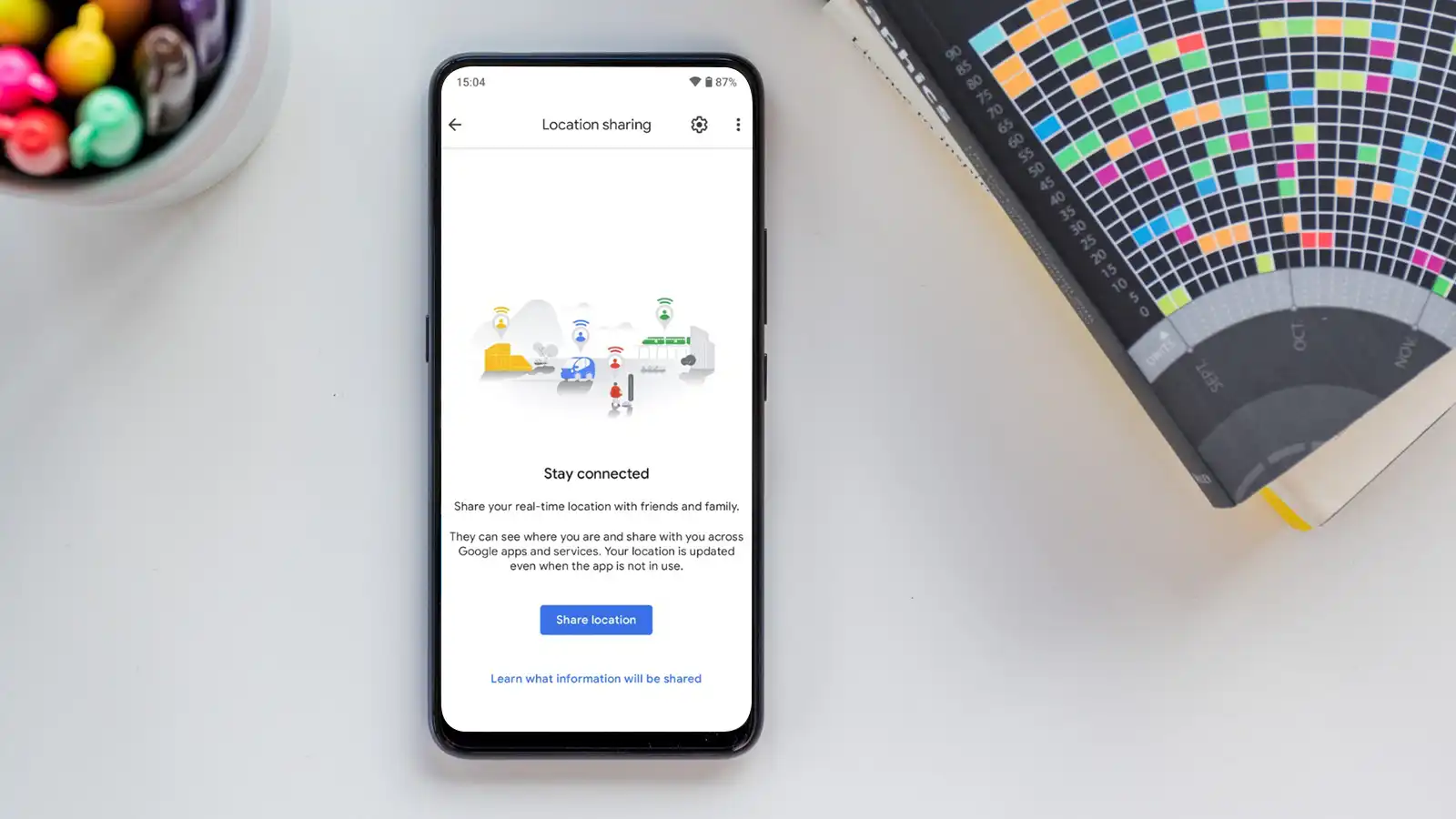
How to Share Your Position With Friends Using Android, Iphone, Whatsapp, Maps, And More
Are you tired of sending your friends the coordinates of your location every time you want to meet up? Do you wish there was an easier way to share your position without having to explain how to use Google Maps or other navigation apps? Look no further! In this article, we will guide you through the process of sharing your position with friends using various devices and platforms.
Understanding The Basics
Before we dive into the specifics, let’s understand the basics of sharing your position. When you share your position, you are essentially sending a set of coordinates to someone else, which allows them to locate you on a map. This can be useful for meeting up with friends, tracking each other’s progress during an event or activity, or even just to show off your current location.
Sharing Your Position With Android
If you have an Android device, sharing your position is relatively easy. Here are the steps:
- Open Google Maps: Find the Google Maps app on your Android device and open it.
- Tap on The Menu Icon: Tap on the menu icon (three horizontal lines) at the top left corner of the screen.
- Select “Sharing my Position”: From the menu, select “Sharing my position”.
- Choose How to Share: Choose how you want to share your position: Via a link that can be shared via messaging apps, email, or social media; by sharing with a specific contact directly from Google Maps.
- Enter The Time Frame: Enter the time frame for which you want to share your position (e.G., 1 Hour, until the end of the day).
- Confirm And Share: Confirm that you want to share your position and choose how you want to share it.
Sharing Your Position With Iphone
If you have an iPhone, sharing your position is also relatively easy. Here are the steps:
- Open Apple Maps: Find the Apple Maps app on your iPhone and open it.
- Tap on “Share My Location”: Tap on the “Share My Location” button at the bottom left corner of the screen.
- Choose How to Share: Choose how you want to share your position: Via a link that can be shared via messaging apps, email, or social media; by sharing with a specific contact directly from Apple Maps.
- Enter The Time Frame: Enter the time frame for which you want to share your position (e.G., 1 Hour, until the end of the day).
- Confirm And Share: Confirm that you want to share your position and choose how you want to share it.
Sharing Your Position With Whatsapp
If you use WhatsApp frequently, sharing your position is easy using this messaging app. Here are the steps:
- Open Whatsapp: Find the WhatsApp app on your device and open it.
- Tap on a Conversation: Tap on a conversation with the person you want to share your position with.
- Tap on The “+” Icon: Tap on the “+” icon at the bottom right corner of the screen to create a new message.
- Select “Share Location”: Select the option to share your location from the menu.
- Choose How to Share: Choose how you want to share your position: Via a link that can be shared via messaging apps, email, or social media; by sharing with a specific contact directly from WhatsApp.
Sharing Your Position With Maps
If you have a device that uses Google Maps (e.G., An Android device), but want to use a different mapping app, you can use the “Maps” app instead. Here are the steps:
- Open Maps: Find the Maps app on your device and open it.
- Tap on The Menu Icon: Tap on the menu icon at the top left corner of the screen.
- Select “Sharing my Position”: From the menu, select “Sharing my position”.
- Choose How to Share: Choose how you want to share your position: Via a link that can be shared via messaging apps, email, or social media; by sharing with a specific contact directly from Maps.
Additional Tips And Tricks
- Make sure you have an active internet connection before attempting to share your position.
- Ensure that location services are enabled on your device for the chosen mapping app.
- Consider setting a time frame for how long you want to share your position, so others can easily track your progress or meet up with you.
Conclusion
Sharing your position with friends is easy and convenient using various devices and platforms. By following these simple steps, you can ensure that you’re always just a tap away from meeting up with your loved ones. Remember to be mindful of your location services settings and to only share your position with trusted contacts.
Frequently Asked Questions
- Q: How do I stop sharing my position?
A: To stop sharing your position, simply follow the same steps as before but select “Stop Sharing” or “Unshare” instead. - Q: Can I share my position on multiple platforms at once?
A: Yes, you can share your position on multiple platforms simultaneously using some mapping apps.


