
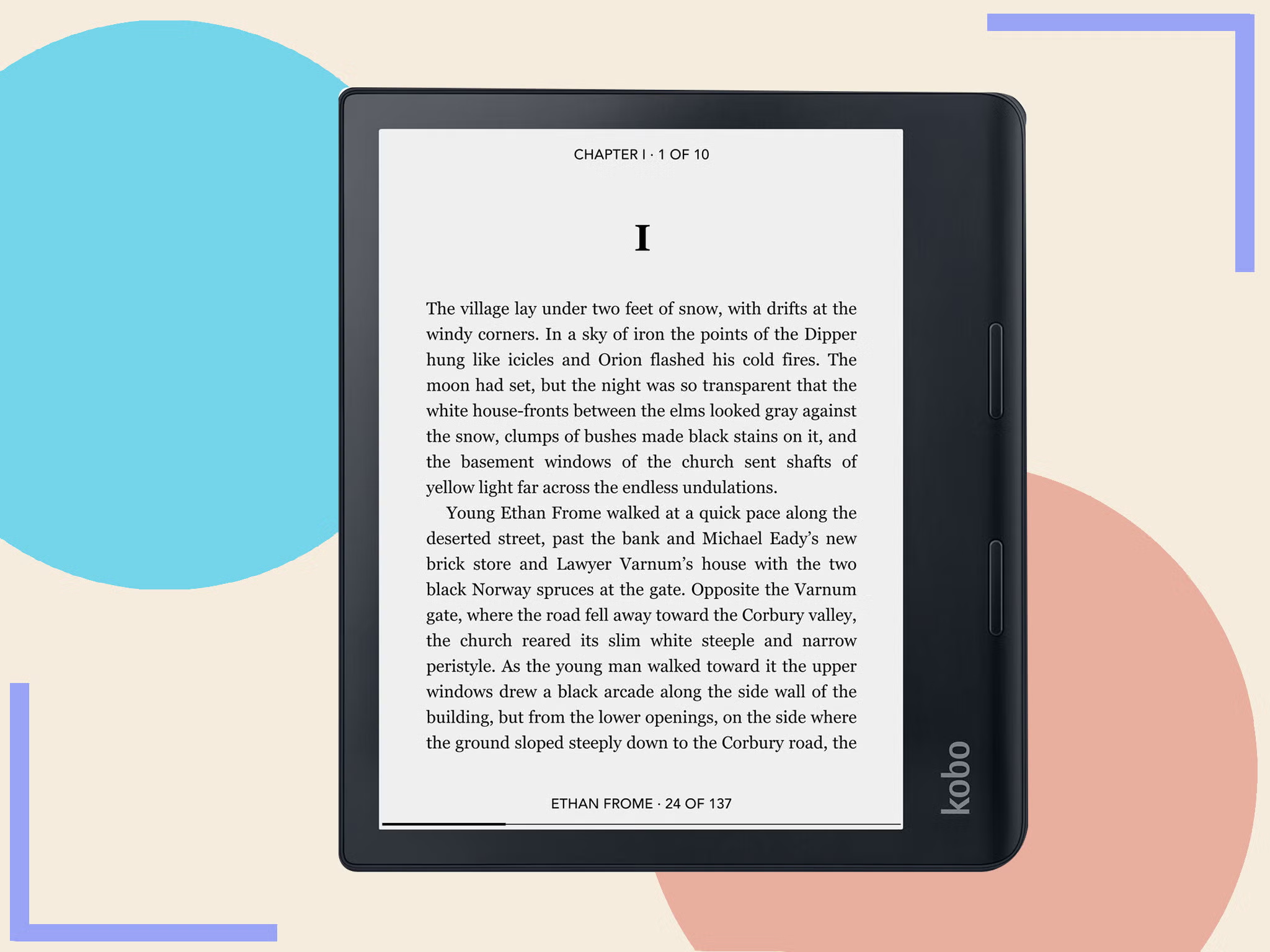
How to Use Your Kobo Ebook Reader: A Step-by-step Guide
Are you excited to get started with your new Kobo eBook reader? You’ve made an excellent choice! The Kobo is a fantastic device that allows you to carry hundreds of books with you wherever you go. In this guide, we’ll take you through the process of setting up and using your Kobo, so you can start enjoying your favorite eBooks right away.
Setting Up Your Kobo
Before you can start reading on your Kobo, you need to set it up. Here’s how:
- Turn on Your Kobo: Press and hold the power button until the device turns on.
- Connect to Wi-fi: Tap on the Wi-Fi icon and select your network from the list of available networks. Enter your password when prompted.
- Download And Install The Kobo Desktop App: Go to the Kobo website and download the Kobo Desktop app for your computer. Follow the instructions to install and launch the app.
- Register Your Kobo: Tap on the “Get Started” button on your Kobo, then select “Register Device”. Enter your email address and password to create a Rakuten account.
Configuring Your Kobo
Once you’ve set up your Kobo, it’s time to configure it. Here’s what you need to do:
- Update Your Kobo: Tap on the “Settings” icon and select “System Update”. Follow the instructions to update your device.
- Set up Your Library: Tap on the “My Books” tab and select “Add Library”. Choose a name for your library and add any eBooks you’ve purchased or downloaded.
Buying And Reading Ebooks
Now that your Kobo is set up, it’s time to start buying and reading eBooks! Here’s how:
- Browse The Kobo Store: Tap on the “Discover” tab and browse through the different categories to find a book that interests you.
- Purchase an Ebook: Select a book and tap on the “Buy Now” button to purchase it.
- Download Your Ebook: Once you’ve purchased an eBook, tap on the “Download” button to download it to your Kobo.
Tips For Reading on Your Kobo
Here are some tips to help you get the most out of your Kobo:
- Use The Zoom Feature: Tap on the “Zoom” icon to zoom in and out of text.
- Adjust The Font Size: Tap on the “Settings” icon and select “Reading Settings” to adjust the font size and style.
- Use The Dictionary Feature: Tap on the “Dictionary” icon to look up words you don’t know.
Kobo Plus: Subscription Service
If you want to access more eBooks, audiobooks, and other content, consider subscribing to Kobo Plus. Here’s how:
- Sign up For a Subscription: Go to the Kobo website and sign up for a Kobo Plus subscription.
- Download Kobo Plus Ebooks: Once you’ve subscribed, tap on the “Kobo Plus” tab to access a library of eBooks and audiobooks.
Conclusion
Congratulations! You now have a fully functioning Kobo eBook reader. With these steps, you should be able to set up your device, buy and read eBooks, and even subscribe to Kobo Plus for more content. Happy reading!
Frequently Asked Questions (FAQs)
-
What is The Difference Between Kobo And Kobo Plus?
Kobo is a eBook reader that allows you to purchase and download eBooks from the Kobo Store. Kobo Plus is a subscription service that provides access to a library of eBooks, audiobooks, and other content. -
Can I Read Ebooks on my Kobo Without Wi-fi?
Yes, you can read eBooks on your Kobo even when it’s not connected to Wi-Fi. However, if you want to download new eBooks or update your device, you’ll need a stable internet connection. -
How do I Adjust The Font Size And Style on my Kobo?
To adjust the font size and style on your Kobo, tap on the “Settings” icon, then select “Reading Settings”. -
Can I Listen to Audiobooks on my Kobo?
Yes, you can listen to audiobooks on your Kobo. Simply download a compatible audiobook from the Kobo Store or access it through Kobo Plus. -
How do I Subscribe to Kobo Plus?
To subscribe to Kobo Plus, go to the Kobo website and sign up for a subscription. You’ll be able to access a library of eBooks, audiobooks, and other content once you’ve subscribed. -
Can I Use my Kobo With Other Devices?
Yes, you can use your Kobo with other devices such as your computer or mobile phone. Simply download the Kobo Desktop app or the Kobo Mobile app to access your eBook library on multiple devices. -
How do I Transfer Ebooks From my Computer to my Kobo?
To transfer eBooks from your computer to your Kobo, connect your device to your computer using a USB cable and follow the instructions to transfer files. -
What is The Difference Between Drm And Non-drm Ebooks?
DRM (Digital Rights Management) eBooks are protected by digital locks that prevent them from being copied or shared. Non-DRM eBooks do not have these restrictions, allowing you to copy and share them freely.


