
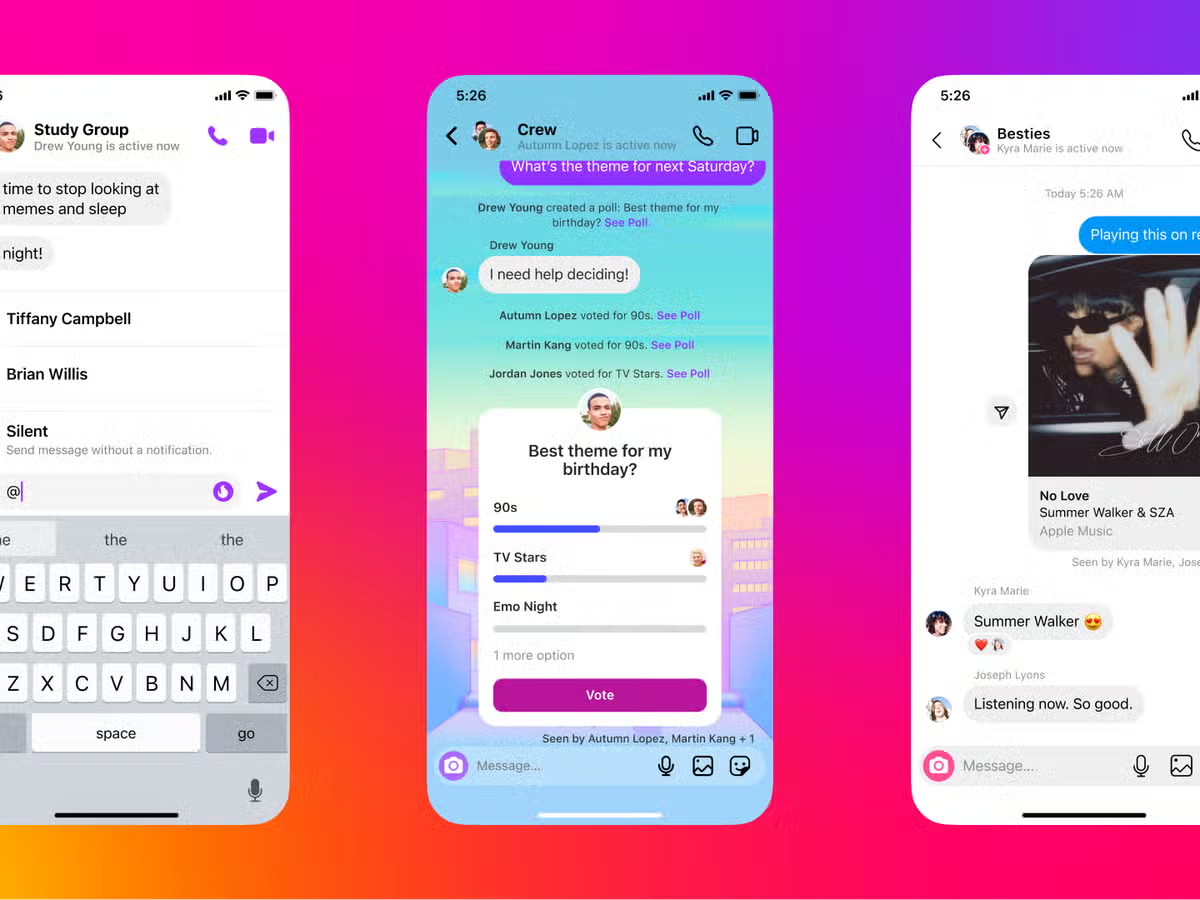
How to See Messages on Instagram: A Step-by-step Guide
Are you wondering how to see messages on Instagram? Well, you’ve come to the right place! In this article, we’ll guide you through the process of accessing direct messages, comments, and answers to your posts on Instagram.
What Are Direct Messages on Instagram?
Before we dive into the nitty-gritty, it’s essential to understand what direct messages (DMs) mean. On Instagram, DMs allow users to send private messages to each other. This feature is similar to WhatsApp or Facebook Messenger.
How to See Direct Messages on Instagram From Your Smartphone
To see your direct messages on Instagram using your smartphone, follow these steps:
- Open the Instagram app and log in to your account.
- Tap on the icon of an airplane in the top-right corner of the screen.
- You’ll see a list of active conversations with other users. Tap on the conversation you want to view, and you’ll be able to see the messages exchanged between you and the other user.
How to See Direct Messages on Instagram From Your Computer
To access your direct messages on Instagram using your computer:
- Log in to your Instagram account through the website or application.
- Click on the icon of an airplane in the top-right corner of the screen.
- You’ll see a list of active conversations with other users. Click on the conversation you want to view, and you’ll be able to see the messages exchanged between you and the other user.
How to See Comments on Instagram
If you’re wondering how to see comments on Instagram, follow these steps:
- Open the Instagram app or access it through your computer.
- Find the post for which you want to see comments.
- Tap or click on the comment icon (a speech bubble) below the post.
How to See Answers to Your Posts on Instagram
If someone has answered one of your posts, follow these steps:
- Open the Instagram app or access it through your computer.
- Find the post that has been answered.
- Tap or click on the notification icon (a bell) at the top-right corner of the screen.
- You’ll see a list of notifications, including answers to your posts.
How to See Messages on Instagram Without Being Seen
Unfortunately, it’s not possible to see messages on Instagram without being seen by the other user. If you want to view messages in a private conversation, both users must have access to them.
Can You See Comments on Instagram Without an Account?
No, you cannot see comments on Instagram without creating an account. Instagram requires users to log in or sign up to access various features, including viewing comments and DMs.
How to Recover Deleted Messages on Instagram
Unfortunately, deleted messages on Instagram are not recoverable. Instagram does not store deleted messages on your device, so they’re lost forever.
Conclusion
In this article, we’ve covered the basics of seeing direct messages, comments, and answers to posts on Instagram. Whether you’re using a smartphone or computer, following these steps will help you navigate the world of Instagram messaging.
Frequently Asked Questions (FAQs)
- How do I See my Direct Messages on Instagram?
You can access your DMs by tapping on the airplane icon in the top-right corner of the screen. - Can I See Comments on Instagram Without an Account?
No, you need to create an Instagram account to view comments and other features. - How do I Recover Deleted Messages on Instagram?
Unfortunately, deleted messages are not recoverable, as Instagram does not store them on your device. - Can I See Answers to my Posts on Instagram Without Logging In?
No, you need to log in or sign up for an account to access various features, including viewing comments and DMs. - How do I Block a User on Instagram?
You can block a user by tapping on the three dots next to their name and selecting “Block.” - Can I See Messages From Other Users Without Being Seen?
Unfortunately, it’s not possible to see messages from other users without them knowing you’ve viewed them. - How do I Limit or Block Someone’s Account on Instagram?
You can limit or block a user by tapping on the three dots next to their name and selecting “Limit” or “Block.” - Can I Recover Deleted Images, Videos, or Files From my Chat on Instagram?
Unfortunately, deleted files are not recoverable, but you may be able to find them in your device’s trash folder or through other means.


