
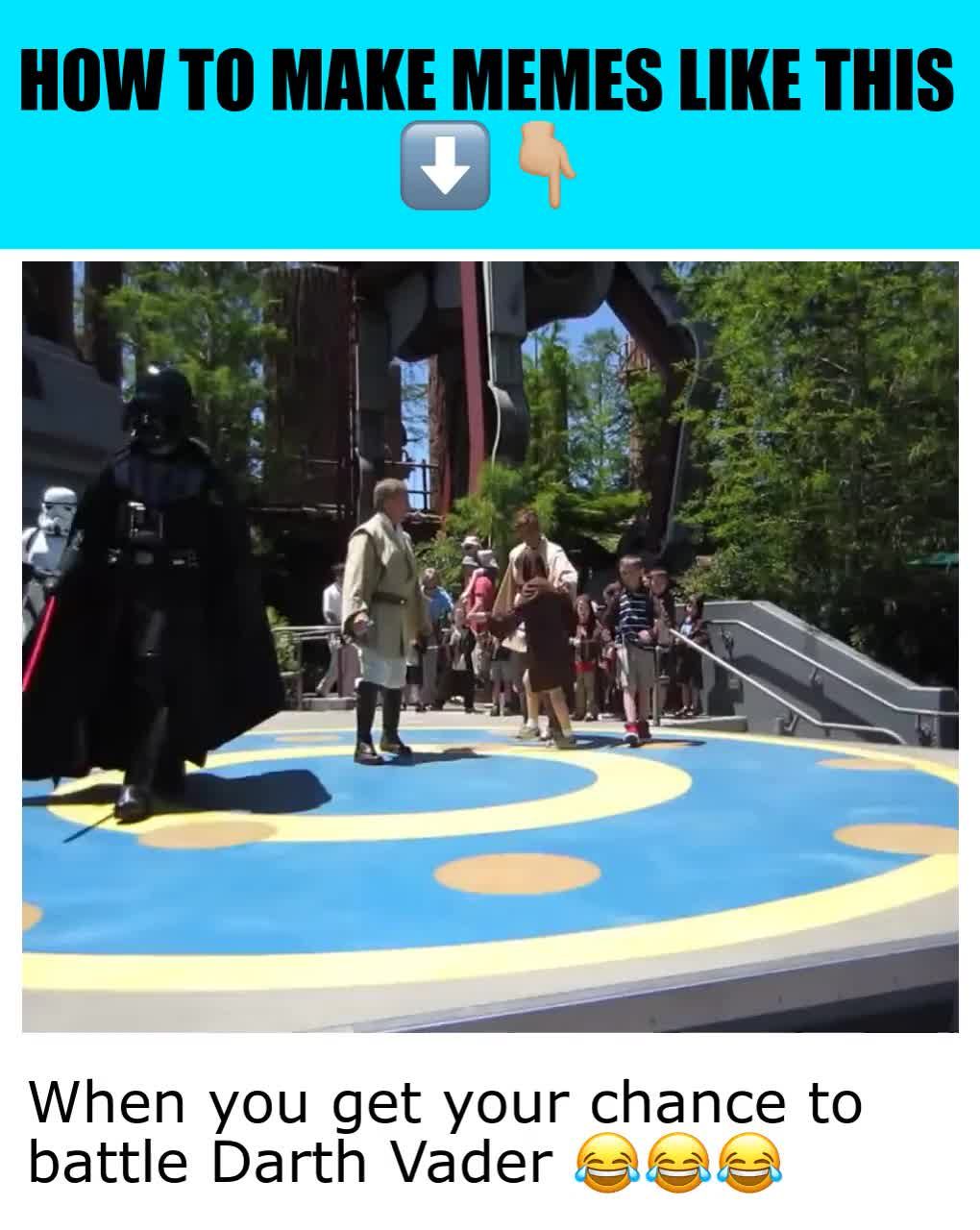
How to Create Humorous Cartoons (Meme) Online: A Step-by-step Guide
Are you interested in creating humorous cartoons, also known as memes, online? Look no further! In this article, we will guide you through the process of creating memes on your PC and mobile devices using various online tools and applications.
What is a Meme?
A meme is a humorous image or cartoon that is copied and spread rapidly online. Memes can be used to express humor, irony, or absurdity, and are often shared on social media platforms.
Why Create Memes Online?
Creating memes online allows you to showcase your creativity and sense of humor. It’s also a great way to connect with others who share similar interests and passions.
Tools For Creating Memes on PC
Here are some tools that can be used to create memes on your PC:
- Imgflip
- Imgflip is an online tool that allows you to create memes using various templates, images, and text.
- To use Imgflip, simply visit the website, select a template or image, add text, and customize the meme as desired.
- Memecreator
- MemeCreator is another online tool that allows you to create memes using images and text.
- Simply upload an image, add text, and customize the meme as desired.
Tools For Creating Memes on Mobile Devices
Here are some tools that can be used to create memes on your mobile device:
- Meme Generator Free (Android)
- Meme Generator Free is a free app that allows you to create memes using various templates, images, and text.
- Simply select an image, add text, and customize the meme as desired.
- Simple Meme Creator (iOS/iPadOS)
- Simple Meme Creator is another app that allows you to create memes using images and text.
- Simply upload an image, add text, and customize the meme as desired.
Other Helpful Solutions For Creating Memes
If the tools mentioned above are not to your liking, here are some other options:
- Iloveimg
- Iloveimg is a service that allows you to edit images using various tools.
- The service includes a tool for creating memes.
- Memecenter
- MemeCenter is an online platform that offers advanced tools for modifying images.
- The platform also allows you to create memes and share them with others.
Tips And Tricks
Here are some tips and tricks for creating effective memes:
- Use Humor: Memes should be humorous or ironic.
- Keep it Simple: Don’t overcomplicate the design of your meme.
- Use Relevant Images: Choose images that are relevant to the message you want to convey.
Conclusion
Creating memes online can be a fun and creative way to express yourself and connect with others. With these tools and tips, you’re ready to start creating your own humorous cartoons!
Frequently Asked Questions (FAQs)
- Q: What is The Best Tool For Creating Memes?
A: The best tool depends on personal preference. Imgflip and MemeCreator are popular options for PC users, while Meme Generator Free and Simple Meme Creator are popular options for mobile device users. - Q: Can I Create Memes on my Phone?
A: Yes! There are many apps available that allow you to create memes on your phone. - Q: Do I Need Any Special Skills or Knowledge to Create Memes?
A: No, you don’t need any special skills or knowledge to create memes. Just use the tools and follow the instructions! - Q: Can I Share my Meme With Others?
A: Yes! Memes are meant to be shared. You can share your meme on social media platforms or via email. - Q: How do I Make Sure my Meme is Funny?
A: Use humor! Try to make your meme humorous or ironic, and keep it simple. - Q: Can I Use Copyrighted Images in my Meme?
A: No, you should not use copyrighted images without permission. - Q: Do I Need to Pay For Any of These Tools?
A: Some of the tools mentioned above are free, while others may require a subscription or payment. - Q: How do I Know if my Meme is Successful?
A: Check the views and engagement on your meme! If it’s being shared and liked by many people, it’s likely to be considered successful!


