
Installing Python: A Step-by-step Guide
Are you new to programming and want to learn Python? You’ve come to the right place! In this guide, we’ll show you how to install Python on your computer, whether you’re using Windows, Mac, or Ubuntu.
Why Choose Python?
Python is a popular language for beginners and experienced programmers alike. It’s easy to read and write, has a vast community of developers, and is widely used in various fields such as web development, data analysis, machine learning, and more.
Understanding The Different Versions of Python
Before we dive into the installation process, it’s essential to understand that there are two main versions of Python: 2 And 3. While both versions are still supported, Python 3 is the most modern and widely used version. In this guide, we’ll cover how to install both versions.
Installing Python on Windows
To install Python on Windows, follow these steps:
- Download The Installer: Go to the official Python website and click on the “Downloads” tab. Select the correct version (3.X) and download the installer.
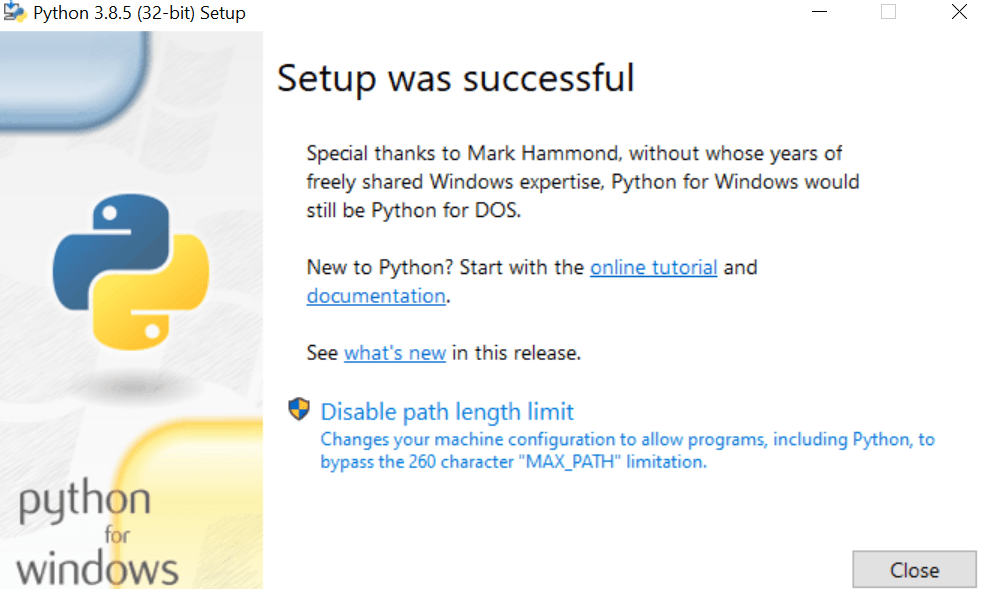
- Run The Installer: Once downloaded, run the installer by double-clicking on it. Follow the prompts to install Python 3.
- Add Python to Path: Make sure to check the box that says “Add Python 3.X to PATH” to enable easy access to Python from the command line.
Installing Python on Mac
To install Python on a Mac, follow these steps:
- Download The Installer: Go to the official Python website and click on the “Downloads” tab. Select the correct version (3.X) and download the installer.
- Run The Installer: Once downloaded, open the installer by double-clicking on it. Follow the prompts to install Python 3.
Installing Python on Ubuntu
To install Python on Ubuntu, follow these steps:
- Open a Terminal: Open the Terminal app from the Applications menu.
- Install Python 3: Type
sudo apt-get updateand press Enter. Then, typesudo apt-get install python3-devand press Enter.
Checking The Installation
To verify that Python has been installed correctly, open a terminal or command prompt and type python --version. This should display the version of Python you just installed (e.G., Python 3.X).
Getting Started With Python
Now that you have Python installed, it’s time to start learning. You can find many resources online, including tutorials, documentation, and communities. Here are a few tips to get you started:
- Start with basic concepts such as variables, data types, loops, and conditional statements.
- Practice writing code using the Python interpreter or a text editor.
- Explore libraries and frameworks that interest you, such as NumPy, pandas, or Flask.
Conclusion
Installing Python is a straightforward process that can be completed in a few minutes. Whether you’re using Windows, Mac, or Ubuntu, follow the steps outlined in this guide to get started with Python programming. Happy coding!
Frequently Asked Questions (FAQs)
- What Are The Differences Between Python 2 And Python 3?
Python 3 is the most modern version of Python, with significant changes that make it incompatible with Python 2. - Why Should I Choose Python Over Other Programming Languages?
Python’s simplicity, readability, and vast community make it an excellent choice for beginners and experienced programmers alike. - How do I Upgrade From Python 2 to Python 3?
You can install both versions side-by-side or uninstall Python 2 and use Python 3 exclusively. -
What Are The Most Popular Libraries And Frameworks in Python?
NumPy, pandas, Flask, and Django are just a few examples of popular libraries and frameworks used in Python development. -
What is the best way to learn Python programming?
You can start by learning the basics of Python programming from online resources such as tutorials, documentation, and communities.
- How do I install additional packages or modules for Python?
You can use pip (Python’s package manager) to install packages using the command pip install <package_name>.
- Can I run Python code in a web browser?
Yes, you can use services like Repl.It or CodePen to run and share Python code directly in your web browser.
- How do I get help with my Python programming projects?
You can ask questions on online forums such as Reddit’s r/learnpython or Stack Overflow, or seek guidance from experienced developers in the Python community.


