
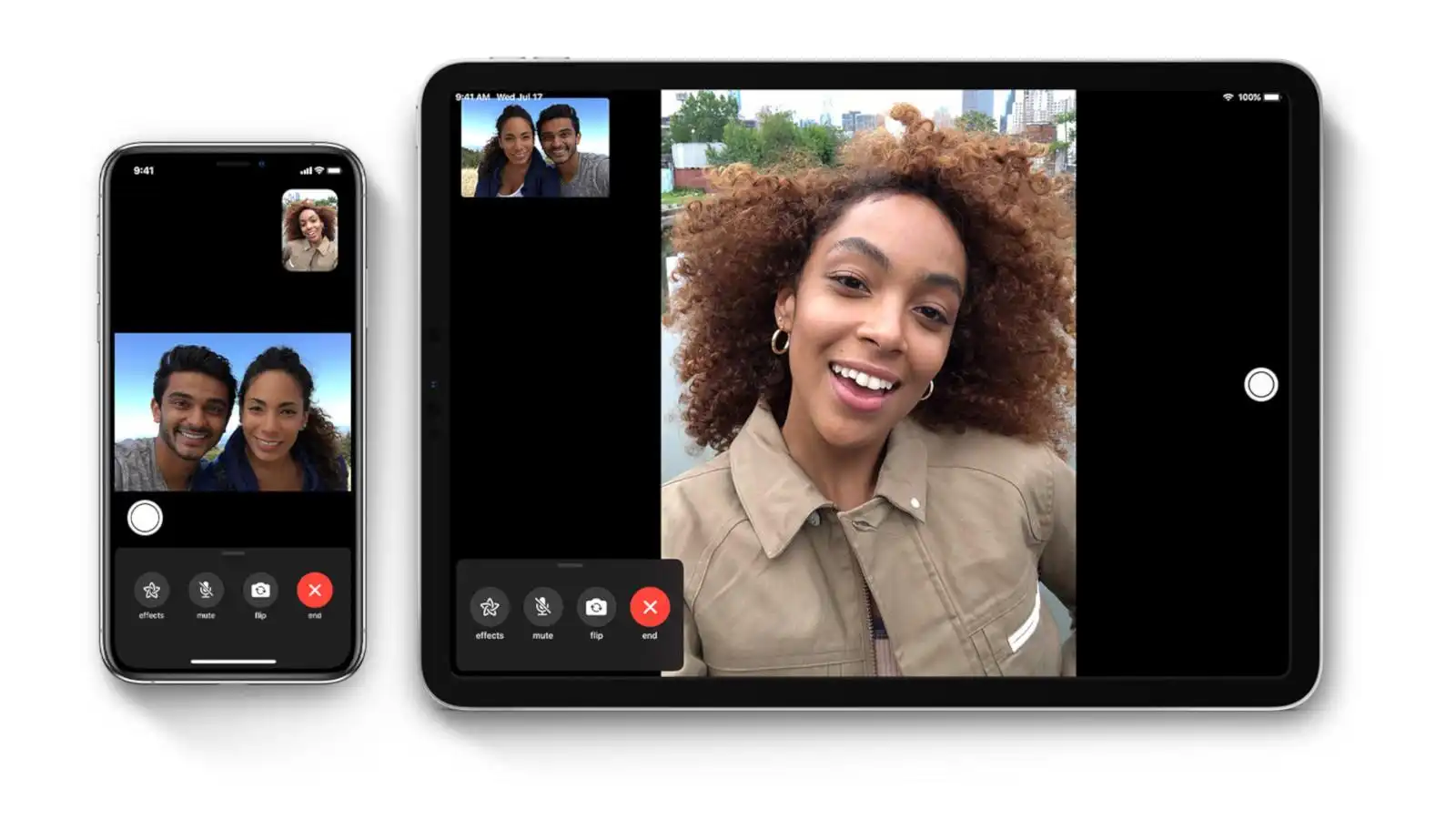
Are you tired of being unable to video call with your friends, family, or colleagues who don’t have an iPhone? Well, we’ve got some good news for you! With the advent of various apps and services, it’s now possible to video call with anyone, regardless of their device. In this article, we’ll explore the different ways to video call with an iPhone, including using FaceTime, WhatsApp, Messenger, Skype, Telegram, and other alternatives.
Understanding Video Calling
Before we dive into the specifics, let’s quickly understand what video calling is all about. Video calling allows you to make voice calls and video conferencing over the internet, using your smartphone or computer. This feature has become increasingly popular in recent years, especially with the rise of remote work and online socializing.
Video Calling With Facetime
FaceTime is a built-in app on iPhones that allows users to make video calls to other iPhone users who have a FaceTime account set up. To use FaceTime, follow these steps:
- Enable Facetime: Go to Settings > FaceTime and toggle the switch to ON.
- Initiate a Call: Tap on the FaceTime app icon, select the contact you want to call, and tap on the video camera icon to start the call.
Alternative Solutions For Video Calling
If you don’t have an iPhone or prefer not to use FaceTime, there are other apps and services that offer video calling capabilities. Here are a few alternatives:
WhatsApp is a popular messaging app that also offers voice and video calling features. To make a video call on WhatsApp, follow these steps:
- Download Whatsapp: Get the WhatsApp app from the App Store if you haven’t already.
- Initiate a Call: Tap on the WhatsApp icon, select the contact you want to call, and tap on the video camera icon to start the call.
Messenger
Messenger is another popular messaging app that offers video calling features. To make a video call on Messenger, follow these steps:
- Download Messenger: Get the Messenger app from the App Store if you haven’t already.
- Initiate a Call: Tap on the Messenger icon, select the contact you want to call, and tap on the video camera icon to start the call.
Skype
Skype is a popular communication service that offers video calling features. To make a video call on Skype, follow these steps:
- Download Skype: Get the Skype app from the App Store if you haven’t already.
- Initiate a Call: Tap on the Skype icon, select the contact you want to call, and tap on the video camera icon to start the call.
Telegram
Telegram is a messaging app that also offers video calling features. To make a video call on Telegram, follow these steps:
- Download Telegram: Get the Telegram app from the App Store if you haven’t already.
- Initiate a Call: Tap on the Telegram icon, select the contact you want to call, and tap on the video camera icon to start the call.
Other Solutions For Video Calling
In addition to the apps mentioned above, there are other solutions that offer video calling features, such as Viber, Instagram, Google Duo, Discord, and more. Be sure to check out our guide on video calling with iPhone for more information on these alternatives.
Conclusion
Video calling has become an essential feature in today’s digital age. With the various apps and services available, you can now video call with anyone, regardless of their device. Whether you use FaceTime, WhatsApp, Messenger, Skype, Telegram, or other alternatives, we hope this guide has helped you understand the different ways to video call with your iPhone.
Frequently Asked Questions (FAQs)
- Q: What is Video Calling?
A: Video calling is a feature that allows users to make voice calls and video conferencing over the internet using their smartphone or computer. - Q: How do I Enable Facetime on my Iphone?
A: To enable FaceTime, go to Settings > FaceTime and toggle the switch to ON. - Q: Can I Use Facetime With Non-iphone Users?
A: No, FaceTime only allows video calls between iPhone users who have a FaceTime account set up. - Q: Are There Any Other Apps That Offer Video Calling Features?
A: Yes, there are many other apps that offer video calling features, such as WhatsApp, Messenger, Skype, and Telegram.


