
The Ultimate Guide to Checking if a Sim Card is Active
Are you wondering if your SIM card is still active after being stored away? Have you recovered an old SIM card from the drawer, but are unsure if it’s still usable? Look no further! In this comprehensive guide, we’ll walk you through the steps to check if a SIM card is active and provide tips on how to reactivate it if necessary.
Why is My Sim Card Disabled?
A SIM card can become disabled due to various reasons. The most common cause of SIM card deactivation is inactivity for an extended period. When a SIM card remains unused for too long, the network operator may automatically disable it to prevent unauthorized use. Other reasons for SIM card deactivation include:
- Absence of activity associated with the SIM card
- Exceeding the maximum allowed time without usage
- Change of ownership or replacement
How to Check if a Sim Card is Active
Before we dive into the steps, make sure you have your SIM card ready and inserted into a phone. If you’re not sure how to insert a SIM card, refer to our guides on inserting SIM cards in Huawei, Samsung, iPhone, and other devices.
Step 1: Check The Phone’s Display
Insert the SIM card into your phone and turn it on. Check the display for any signs of activity, such as a network operator logo or a signal strength indicator. If you see these signs, it’s likely that your SIM card is active.
Step 2: Access The Network Settings
Go to your phone’s settings menu and navigate to “Network” or “Internet” > “Mobile Network”. Look for the option to select the network automatically, and toggle it off. This will allow you to manually check if a network is available.
On Android devices:
- Go to Settings > Network and Internet > Mobile Network > Advanced
- Tap on the button corresponding to “Select automatically”
- Wait for the phone to scan the available networks
On iPhone devices:
- Go to Settings > Mobile > Select Network
- Toggle off the option for “Automatic” selection
- Wait for the phone to search for available networks
Step 3: Check The Sim Card’s Status
Once you’ve accessed the network settings, look for a list of available networks. Tap on the one associated with your SIM card. If it’s active, you should be able to access the internet or make calls.
If you encounter any errors or cannot connect to the network, it may indicate that your SIM card is disabled.
Step 4: Contact The Network Operator
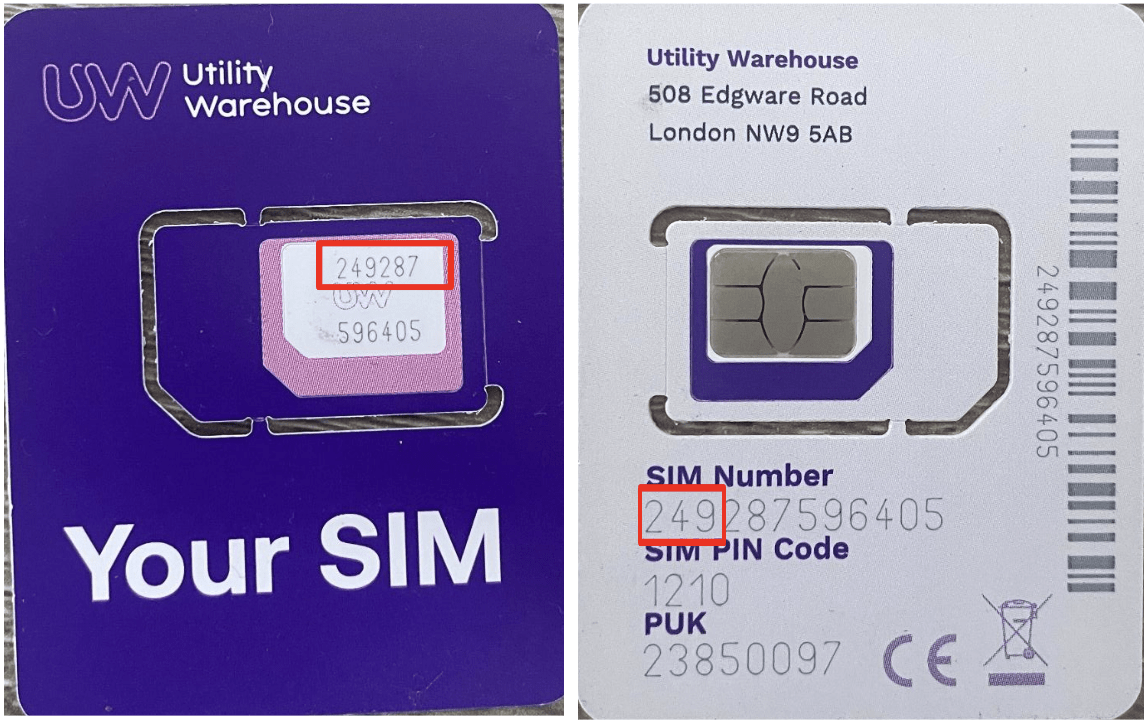
If none of the above steps work, it’s time to contact the network operator directly. Explain your situation and provide them with the necessary details, such as your SIM card number (ICCID) or the phone number associated with it.
How to Reactivate a Disabled Sim Card
Not all is lost if you’ve found out that your SIM card is disabled. Some network operators offer the option to reactivate a SIM card under certain conditions.
- Check with your network operator’s customer service for specific instructions on how to reapply or request reactivation.
- Make sure you understand any associated fees or requirements for reactivation.
Conclusion
Checking if a SIM card is active requires some effort, but it’s essential to ensure that you can continue using your phone without issues. By following these steps and consulting with the network operator, you should be able to determine whether your SIM card is still usable.
If you’re unable to reactivate your SIM card or prefer not to go through the process, consider replacing it with a new one.
Frequently Asked Questions
- What Happens if my Sim Card is Disabled?
- A disabled SIM card may not be able to connect to networks, make calls, or send messages.
- How Long Does it Take For a Sim Card to Become Disabled?
- The time frame varies depending on the network operator’s policies and your usage history.
- Can I Reactivate a Sim Card if It’s Been Disabled?
- Some network operators may offer reactivation services, but you’ll need to contact them directly for details.
- What Are The Reasons For Disabling a Sim Card?
- Inactivity for an extended period, exceeding maximum allowed time without usage, change of ownership or replacement, and other factors.
- How do I Know if my Sim Card is Active?
- Check your phone’s display, access network settings, and look for signs of activity on the screen or within the network menu.
Still Confused?
Feel free to reach out to us with any further questions or concerns!


