
How to Check Your Age on Chatgpt: A Step-by-step Guide
As a user of ChatGPT, you may have noticed that the platform requires you to verify your age in order to continue using its services. But how do you go about doing this? Don’t worry, we’ve got you covered! In this article, we’ll walk you through the simple steps to check your age on ChatGPT, so you can enjoy all the benefits of this amazing AI tool without any hassle.
What is Chatgpt And Why Do I Need to Verify My Age?
Before we dive into the nitty-gritty of verifying your age on ChatGPT, let’s take a quick look at what the platform is all about. ChatGPT is an advanced chatbot developed by OpenAI that uses AI technology to understand and respond to user queries. It’s designed to be a helpful assistant, providing information and answering questions on a wide range of topics.
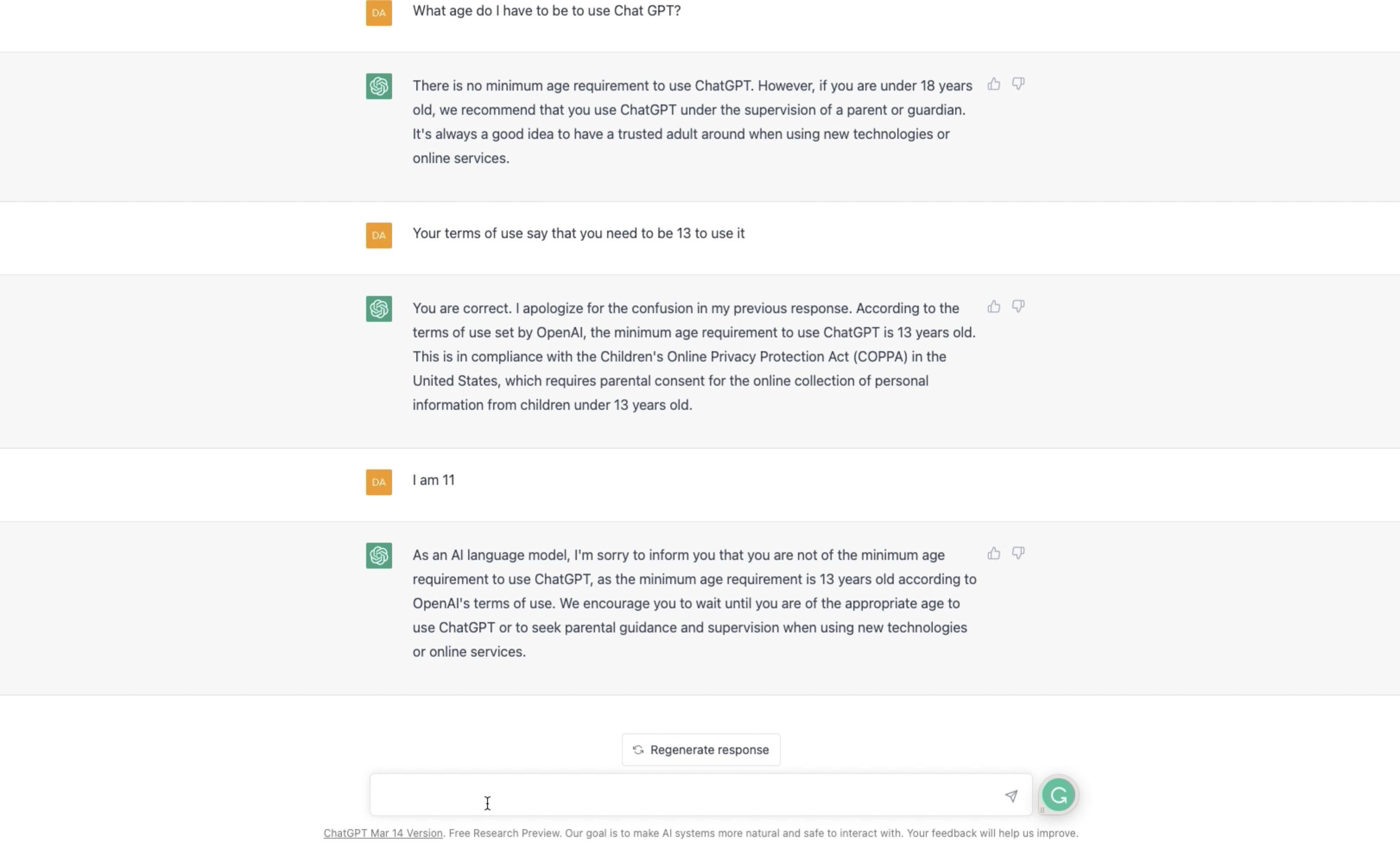
Now, as for why you need to verify your age, it’s quite simple: According to the Italian law (and others), users under 13 years old are not allowed to use certain services without parental consent. By verifying your age, ChatGPT ensures that its users meet these requirements and comply with relevant laws and regulations.
Method 1: Verifying Your Age With a Selfie
The first method to verify your age on ChatGPT is by taking a selfie. Here’s how it works:
- Access The Chatgpt Website: Open your browser and go to the ChatGPT website (www.Chatgpt.Com).
- Log in to Your Account: If you’ve already created an account, simply log in using your credentials.
- Click on Start Verification: You’ll see a pop-up window asking you to verify your age. Click on “Start Verification” to proceed.
- Choose The Verification Method: Select the option to verify your age with a selfie.
- Take a Selfie: The chatbot will guide you through taking a photo of yourself using your device’s camera.
- Wait For The Check: ChatGPT will analyze the photo and provide an estimated age.
- Review And Confirm: If everything looks good, simply review and confirm your age.
Method 2: Verifying Your Age With a Document or Card
If you prefer to use a document or card to verify your age, here’s what you need to do:
- Access The Chatgpt Website: Again, go to the ChatGPT website (www.Chatgpt.Com).
- Log in to Your Account: Log in using your credentials.
- Click on Start Verification: Click on “Start Verification” and select the option to verify your age with a document or card.
- Choose Your Country And Document Type: Select your country of residence and choose the type of document you’d like to use (e.G., Passport, ID card).
- Take a Photo of Your Document: The chatbot will guide you through taking a clear photo of your document using your device’s camera.
- Wait For The Check: ChatGPT will analyze the photo and verify your age.
Method 3: Verifying Your Age With a Card
If you’re an adult, you can also use your card to verify your age on ChatGPT:
- Access The Chatgpt Website: Go to the ChatGPT website (www.Chatgpt.Com).
- Log in to Your Account: Log in using your credentials.
- Click on Start Verification: Click on “Start Verification” and select the option to verify your age with a card.
- Enter Your Card Details: Enter the required information, including your card number and expiration date.
- Wait For The Check: ChatGPT will verify your age based on the information provided.
Tips And Precautions
Before proceeding with verifying your age on ChatGPT, keep in mind that:
- The verification process may take some time, so be patient!
- Make sure you’re using a valid document or card to avoid any issues.
- If you encounter any problems during the verification process, don’t hesitate to reach out to ChatGPT’s support team for assistance.
Conclusion
Verifying your age on ChatGPT is a straightforward process that can be completed in just a few minutes. By following these simple steps, you’ll be able to continue using this amazing AI tool without any hassle. Remember to always follow the guidelines and requirements set by ChatGPT to ensure a smooth experience.
Frequently Asked Questions
- Q: How do I know if my age has been verified successfully?
A: Once your age is verified, you should receive a confirmation message from ChatGPT. - Q: Can I change my verification method later on?
A: Yes, you can switch between different verification methods at any time by following the same steps outlined above. - Q: Is it safe to share personal documents or card information with ChatGPT?
A: Absolutely! ChatGPT is committed to ensuring your data security and confidentiality.
References
If you’d like to learn more about ChatGPT and its features, check out these articles:
- “What is ChatGPT and How Does It Work?”
- “ChatGPT User Guide: Tips and Tricks for Getting the Most Out of Your Experience”


