
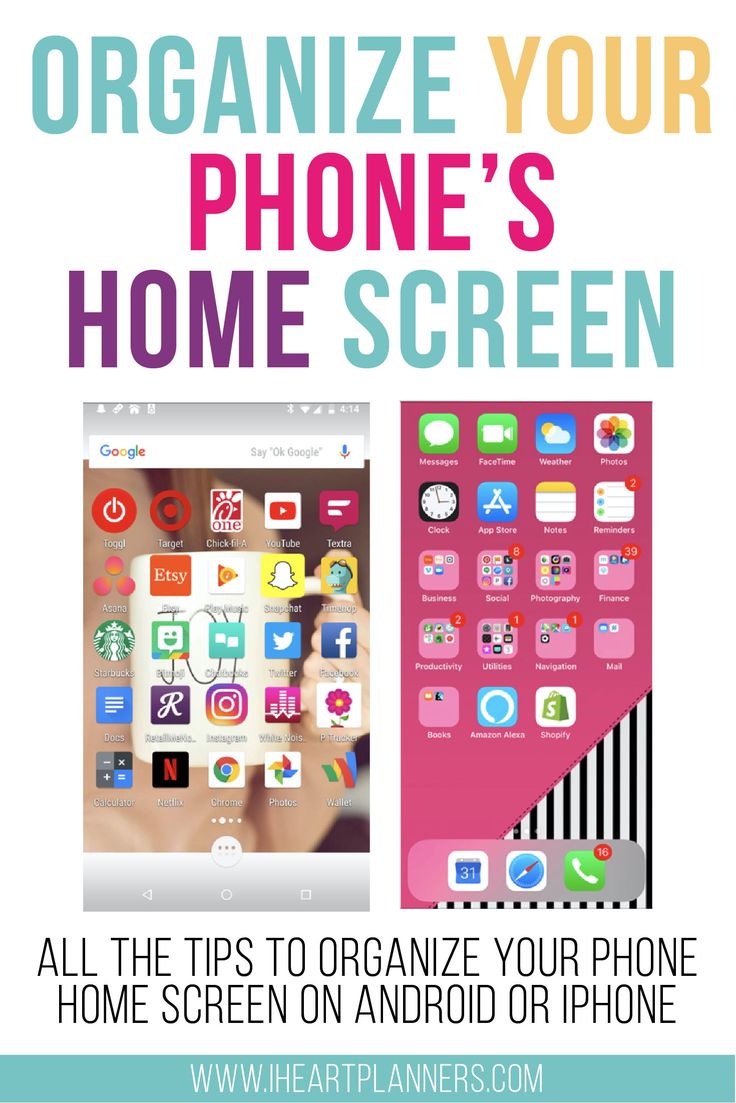
Unlocking The Power of Customization: Top Apps to Organize Your Smartphone Home Screen
Are you tired of a cluttered and uninviting smartphone home screen? Do you wish there was a way to personalize your device without sacrificing functionality? Look no further! In this article, we’ll explore the top apps to organize your smartphone home screen, providing you with the perfect blend of style and substance.
Why Personalize Your Smartphone Home Screen?
A personalized smartphone home screen is not just about aesthetics; it’s also about efficiency. By organizing your apps, widgets, and other elements in a way that suits your needs, you can reduce clutter, improve productivity, and enhance your overall user experience.
Top Apps to Organize Your Android Home Screen:
- Nova Launcher
Nova Launcher is one of the most popular and highly-rated launchers available for Android devices. With its advanced customization options, intuitive interface, and sleek design, Nova Launcher is perfect for those who want to take their smartphone home screen to the next level.- Features:
- Advanced grid layout system
- Customizable icon packs and themes
- Support for widgets and live wallpapers
- Integration with Google Assistant and other services
- Features:
- Niagara Launcher
Niagara Launcher is another top contender in the world of launchers. This app offers a simple yet powerful way to customize your smartphone home screen, with features such as:- A clean and minimalistic design
- Customizable icon packs and themes
- Support for widgets and live wallpapers
- Integration with Google Assistant and other services
- Kwgt Kustom Widget Maker
KWGT Kustom Widget Maker is a powerful app that allows you to create custom widgets for your smartphone home screen. With its intuitive interface and advanced features, this app is perfect for those who want to add a personal touch to their device.- Features:
- Create custom widgets with various layouts and designs
- Support for multiple widget sizes and styles
- Integration with other apps and services
- Features:
Top Apps to Organize Your Ios Home Screen:
- Widgetsmith
Widgetsmith is a popular app that allows you to create custom widgets for your iPhone or iPad home screen. With its intuitive interface and advanced features, this app is perfect for those who want to add a personal touch to their device.- Features:
- Create custom widgets with various layouts and designs
- Support for multiple widget sizes and styles
- Integration with other apps and services
- Features:
- Comandi
Comandi is an innovative app that allows you to create custom commands and shortcuts for your iPhone or iPad home screen. With its intuitive interface and advanced features, this app is perfect for those who want to streamline their workflow and improve productivity.- Features:
- Create custom commands and shortcuts with various layouts and designs
- Support for multiple command sizes and styles
- Integration with other apps and services
- Features:
Conclusion
In conclusion, personalizing your smartphone home screen is a great way to enhance your overall user experience. By using top apps like Nova Launcher, Niagara Launcher, KWGT Kustom Widget Maker, Widgetsmith, and Comandi, you can create a customized layout that suits your needs and preferences.
Whether you’re an Android or iOS user, there’s an app out there for you. So why wait? Dive into the world of customization and discover the power of a personalized smartphone home screen!
Frequently Asked Questions (FAQs)
Q: What is the best launcher app for Android?
A: Nova Launcher is widely considered one of the top launchers available for Android devices.
Q: How do I create custom widgets on my iPhone or iPad?
A: You can use apps like Widgetsmith to create custom widgets with various layouts and designs.
Q: Can I customize the icon packs and themes on my smartphone home screen?
A: Yes, many launcher apps allow you to customize the icon packs and themes to suit your preferences.
Q: How do I add a personal touch to my smartphone home screen?
A: You can use apps like KWGT Kustom Widget Maker to create custom widgets or Comandi to create custom commands and shortcuts.
Q: Are there any free alternatives to paid launcher apps?
A: Yes, many launchers offer free versions with limited features. However, you may need to upgrade to a premium version for advanced customization options.
Q: Can I use multiple launcher apps on my smartphone at the same time?
A: Some launchers allow you to use them alongside other launchers. However, this may affect performance and stability.
Q: How do I restore my original launcher settings if I’ve customized my home screen too much?
A: You can usually find a “Reset” or “Restore Defaults” option within the launcher app itself.


