
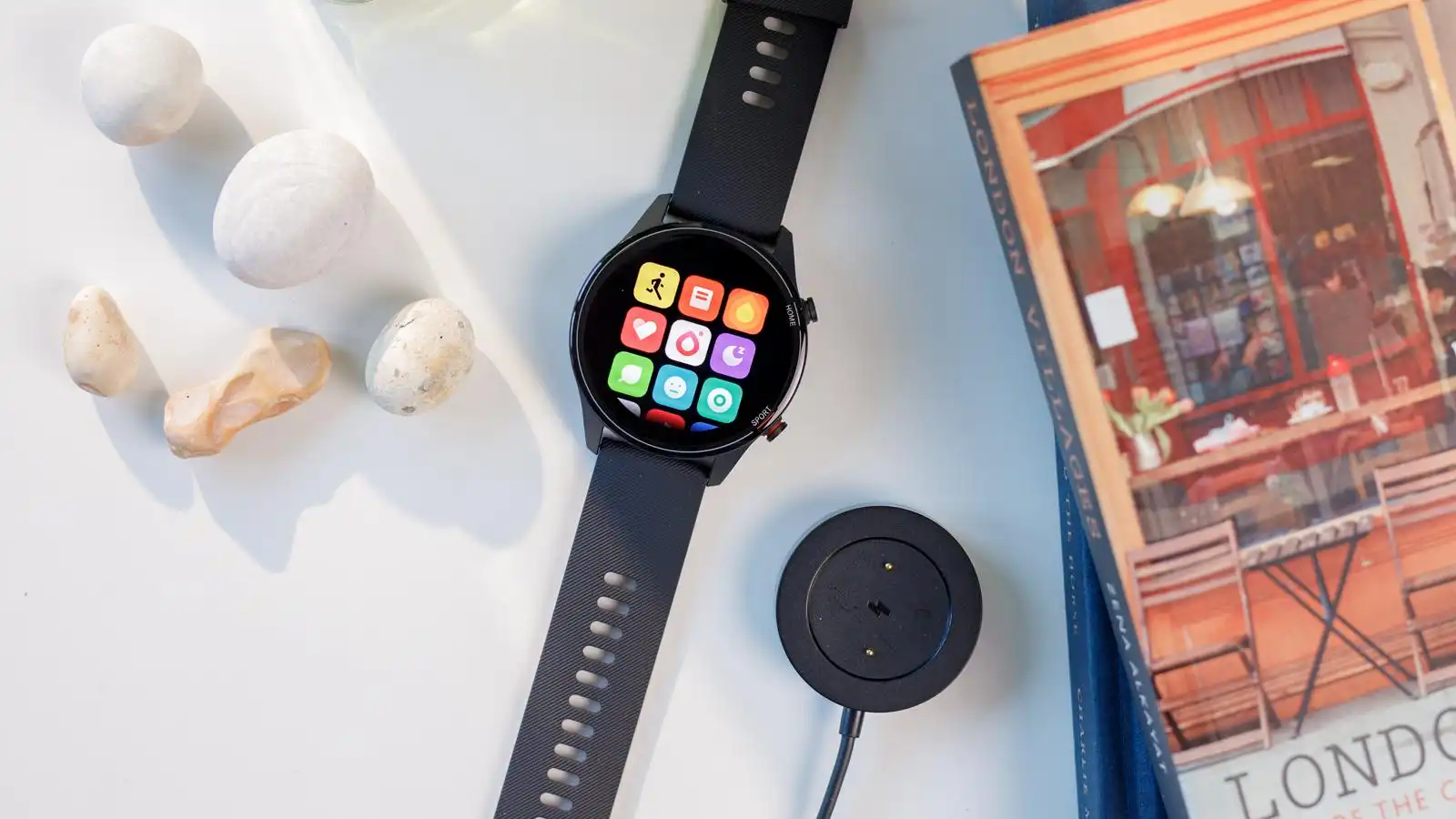
Unlocking The Full Potential of Your Mi Watch Lite: A Comprehensive Guide
As a proud owner of the Mi Watch Lite, you’re probably eager to get the most out of your smartwatch experience. But have you ever struggled with synchronizing it with your smartphone or setting up notifications? Worry no more! In this article, we’ll take you through a step-by-step guide on how to set up and use the Mi Watch Lite with the official app, as well as explore some alternative options.
What is The Mi Watch Lite?
The Mi Watch Lite is a budget-friendly smartwatch designed by Xiaomi. It’s a stylish and feature-rich device that offers a wide range of functionalities, from tracking your fitness goals to receiving notifications on your wrist.
Why Do I Need an App For My Mi Watch Lite?
Just like any other smart device, the Mi Watch Lite requires an app to function properly. The official app, called Mi Fitness, allows you to synchronize your watch with your smartphone, receive notifications, and access various features such as fitness tracking, training history, and device settings.
How Do I Set Up The Mi Fitness App?
Setting up the Mi Fitness app is a breeze! Follow these simple steps:
- Download The App: Head over to the Play Store (for Android) or the App Store (for iOS) and download the Mi Fitness app.
- Install And Launch: Install the app on your smartphone, launch it, and tap on the “Start” button.
- Agree to Terms: Accept the user agreement and privacy policy by tapping on the checkbox.
- Choose Your Options: Choose whether you want to sign up or log in to an existing account.
- Select Your Country: Select your country from the list provided.
- Create a Mi Account: If you don’t have a Mi account, create one by filling out the required information.
- Authorize Bluetooth And Notifications: On iOS devices, authorize the app to use Bluetooth and notifications.
- Sync Your Watch: Tap on the “Synchronize” button to connect your watch with your smartphone.
What Happens If My Mi Watch Lite Was Already Configured For Another Device?
If you’ve already configured your Mi Watch Lite for another device, don’t worry! Simply reset it by following these steps:
- Access The Settings Menu: Go to the Settings menu on your watch.
- Select System: Choose “System” from the menu options.
- Choose Restore Default Settings: Select “Restore Default Settings” to erase all data and configurations.
What If I Encounter Problems With The App?
Don’t panic! If you encounter any issues with the app, try restarting your watch or checking for updates on the Play Store or App Store.
Alternative Apps For Mi Watch Lite
While the official Mi Fitness app is a great choice, there are other alternatives available. Some popular options include:
- Notify For Smartwatches: A feature-rich app that allows you to manage your clock and trainings with ease.
- Mi Band Notify: An app specifically designed for Mi Band users.
Conclusion
Setting up your Mi Watch Lite is a straightforward process, but it’s essential to choose the right app to get the most out of your smartwatch experience. Whether you opt for the official Mi Fitness app or explore alternative options, this guide has got you covered. Happy synchronizing!
Frequently Asked Questions (FAQs)
- Q: What is The Mi Watch Lite?
A: The Mi Watch Lite is a budget-friendly smartwatch designed by Xiaomi. - Q: Why do I Need an App For my Mi Watch Lite?
A: The official app, Mi Fitness, allows you to synchronize your watch with your smartphone and access various features. - Q: How do I Set up The Mi Fitness App?
A: Follow the step-by-step guide provided in this article. - Q: What Happens if my Mi Watch Lite Was Already Configured For Another Device?
A: Reset it by following the steps outlined in this article. - Q: Can I Use Alternative Apps For my Mi Watch Lite?
A: Yes, there are other alternatives available, such as Notify for Smartwatches and Mi Band Notify. - Q: What if I Encounter Problems With The App?
A: Try restarting your watch or checking for updates on the Play Store or App Store.
Resources
- Mi Fitness app: [Insert link]
- Notify for Smartwatches: [Insert link]
- Mi Band Notify: [Insert link]
I hope this comprehensive guide has been helpful in unlocking the full potential of your Mi Watch Lite. Happy smartwatching!


