
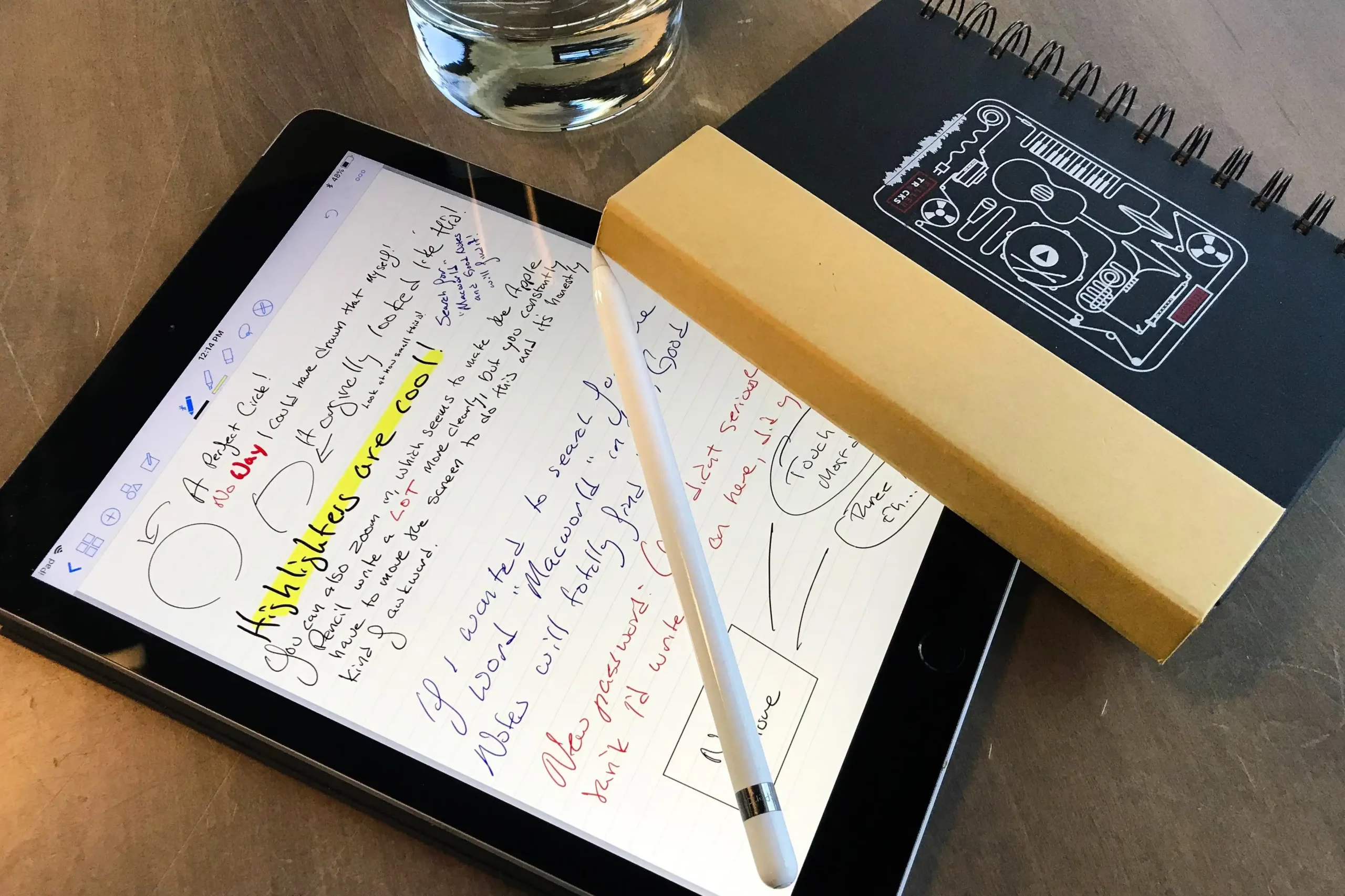
The Ultimate Guide to Typing on Ipad: Top Apps And Features
In today’s digital age, the iPad has become an indispensable tool for students, professionals, and creatives alike. Its versatility and convenience have made it a go-to device for note-taking, writing, and composing music. But what about typing on the iPad? Is there an app that can rival the likes of Microsoft Word or Adobe PDF Expert?
In this article, we’ll explore some of the top apps for typing on iPad, including the Apple Pencil-enabled Note app, Notability, Goodnotes, and more. We’ll also delve into the features and functionalities of each app, so you can make an informed decision about which one suits your needs.
The Best Apps For Typing on Ipad
- Note App: This is the default note-taking app on iPad, and it’s incredibly versatile. With Note, you can create digital notes, add lists, images, links, and even audio recordings. It also supports Apple Pencil, making it a great choice for writing.
- Notability: Notability is another popular app that allows you to take notes with your Apple Pencil or Logitech Crayon. You can also record audio, add images, and create digital notebooks with customizable templates.
- Goodnotes: Goodnotes is a highly-regarded app that offers a range of features, including note-taking, image annotation, and even handwriting recognition. It’s available on both iPad and iPhone.
Pdf Apps For Ipad
- Adobe Pdf Expert: This app is designed specifically for working with PDFs, allowing you to annotate, edit, and convert files easily.
- Ilovepdf: ILovePDF offers a range of features, including PDF editing, conversion, and management.
- Foxit Pdf Editor: Foxit is another powerful PDF editor that allows you to visualize, annotate, and protect your files.
Word Processing Apps For Ipad
- Pages: This app is Apple’s alternative to Microsoft Word, offering a range of features, including document creation, editing, and sharing.
- Microsoft Word: Yes, you can use Microsoft Word on your iPad! It offers a range of features, including document creation, editing, and sharing.
- Google Document: Google Documents allows you to create, edit, and share documents directly from your iPad.
Music Composition Apps For Ipad
- Flat: Flat is an innovative music composition app that allows you to create, modify, reproduce, print, and export musical scores with ease.
- Score Creator: Score Creator offers a range of features, including music composition, text typing, and symbol inputting.
- Master: Master allows you to type musical compositions using various symbols and grades.
Conclusion
Typing on iPad is easier than ever with the right apps. Whether you need to take notes, create documents, or compose music, there’s an app out there for you. In this article, we’ve explored some of the top apps for typing on iPad, including Note, Notability, Goodnotes, PDF Expert, Pages, Microsoft Word, Google Document, Flat, Score Creator, and Master.
Faqs
- Q: Which App is Best For Typing on Ipad?
A: The answer depends on your specific needs. If you’re looking for a note-taking app, Note or Notability might be the way to go. For document creation and editing, Pages or Microsoft Word are great options. - Q: Can I Use Apple Pencil With These Apps?
A: Yes! Most of the apps mentioned in this article support Apple Pencil. - Q: Are These Apps Free?
A: Some of them are free to download, but may offer in-app purchases or subscription-based models for full access to features. - Q: Can I Share my Work With Others Using These Apps?
A: Yes! Most of the apps allow you to export and share your work via email, AirDrop, or other methods. - Q: Are There Any Limitations to Typing on Ipad?
A: While the iPad has come a long way in terms of typing capabilities, some users may still experience difficulties with accuracy and precision.


