
How to Block Unwanted Contacts on Whatsapp: A Step-by-step Guide
Are you tired of receiving annoying messages or calls from unwanted contacts on WhatsApp? Do you want to know how to block them without giving any explanation? Look no further! In this article, we will guide you through the simple process of blocking unwanted contacts on WhatsApp.
Why Block Unwanted Contacts on Whatsapp?
Blocking unwanted contacts on WhatsApp can help you avoid unnecessary messages or calls from people you don’t want to interact with. It’s a great way to maintain your online privacy and reduce stress caused by unwanted interactions.
How to Block Unwanted Contacts on Android
To block an unwanted contact on Android, follow these steps:
- Open the WhatsApp app on your phone.
- Go to the chat screen and find the contact you want to block.
- Long press on the contact’s name and select “Block” from the menu.
- Confirm that you want to block the contact by tapping on “Block” again.
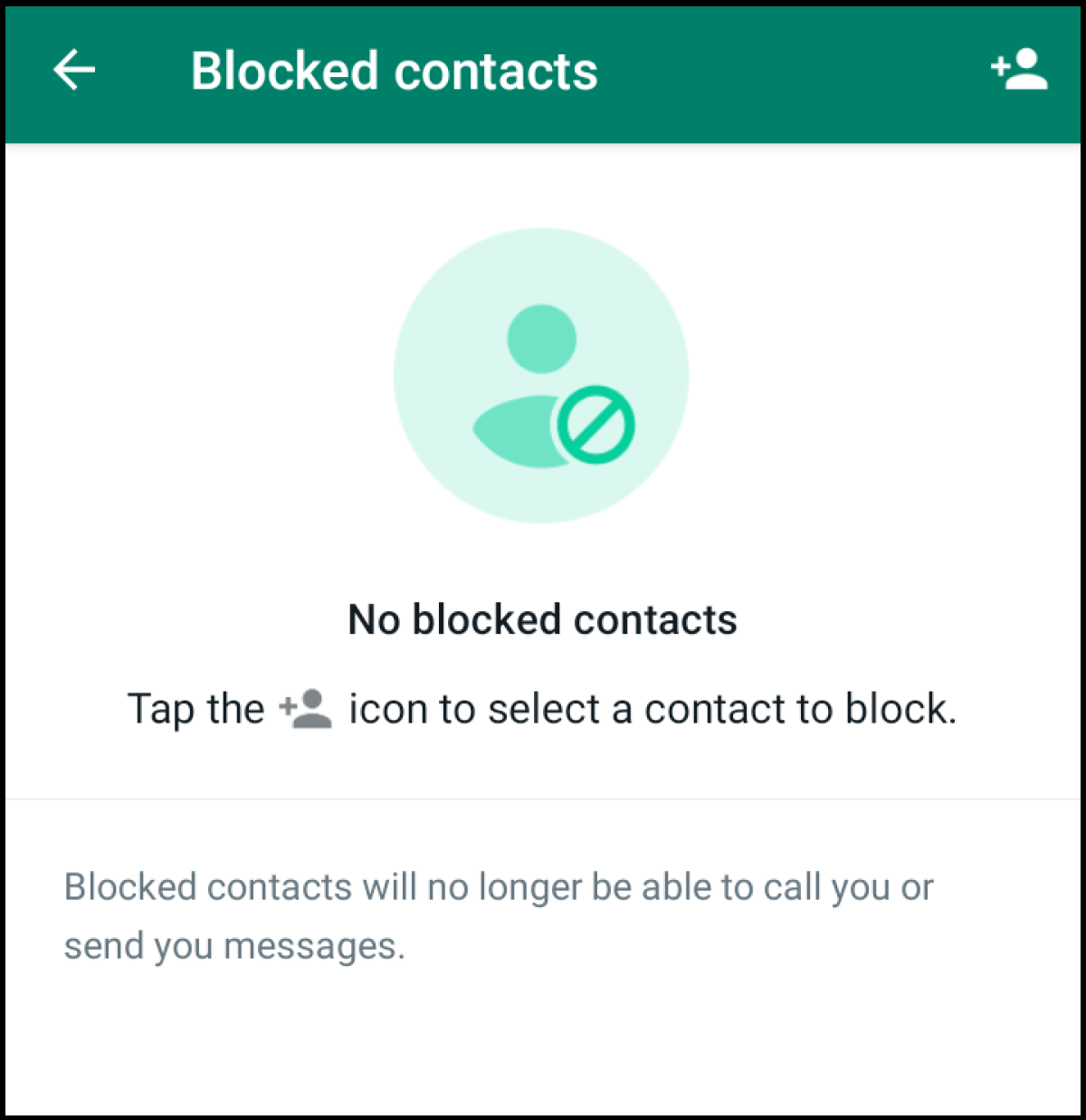
Alternatively, you can also go to Settings > Privacy > Blocked Contacts to add or remove contacts from your blocked list.
How to Block Unwanted Contacts on Iphone
To block an unwanted contact on iPhone, follow these steps:
- Open the WhatsApp app on your phone.
- Go to the chat screen and find the contact you want to block.
- Tap on the contact’s name and select “Block” from the menu.
- Confirm that you want to block the contact by tapping on “Block” again.
Alternatively, you can also go to Settings > Privacy > Blocked Contacts to add or remove contacts from your blocked list.
How to Block Unwanted Contacts on PC
To block an unwanted contact on PC, follow these steps:
- Open WhatsApp Web on your computer.
- Go to the chat screen and find the contact you want to block.
- Click on the contact’s name and select “Block” from the menu.
- Confirm that you want to block the contact by clicking on “Block” again.
Alternatively, you can also go to Settings > Privacy > Blocked Contacts to add or remove contacts from your blocked list.
How to Block Unknown Contacts on Whatsapp
If you receive a message from an unknown number on WhatsApp, you can block it immediately. To do this:
- Open the chat screen and find the message from the unknown contact.
- Tap on the contact’s name and select “Block” from the menu.
- Confirm that you want to block the contact by tapping on “Block” again.
How to Block All Contacts on Whatsapp
Unfortunately, there is no one-click solution to block all contacts on WhatsApp at once. However, you can repeat the process of blocking each contact individually or use the “Mute” feature to silence conversations for a specified period.
How to Mute Conversations on Whatsapp
If you want to avoid unwanted messages from specific contacts without blocking them, you can mute their conversations. To do this:
- Open the chat screen and find the conversation you want to mute.
- Tap on the contact’s name and select “Mute” from the menu.
- Choose how long you want to mute the conversation (8 hours, 1 week, or Always).
Conclusion
Blocking unwanted contacts on WhatsApp is a simple process that can help you maintain your online privacy and reduce stress caused by unnecessary messages or calls. By following these steps, you can block unwanted contacts on Android, iPhone, PC, and even unknown contacts.
Frequently Asked Questions (FAQs)
- Q: How do I Unblock a Contact on Whatsapp?
A: To unblock a contact on WhatsApp, go to Settings > Privacy > Blocked Contacts and tap on the (-) red button beside the contact’s name. - Q: Can I Block Multiple Contacts at Once?
A: Unfortunately, there is no one-click solution to block multiple contacts at once. However, you can repeat the process of blocking each contact individually or use the “Mute” feature to silence conversations for a specified period. - Q: How do I Know if Someone Has Blocked me on Whatsapp?
A: If someone has blocked you on WhatsApp, they will not be able to see your online status, last seen time, and profile picture. - Q: Can I Still Receive Messages From Someone Who Has Blocked me on Whatsapp?
A: Yes, you can still receive messages from someone who has blocked you on WhatsApp, but the message will appear as a single grey bubble, indicating that it was not delivered. - Q: How do I Report a Contact Who Has Been Harassing or Spamming me on Whatsapp?
A: To report a contact who has been harassing or spamming you on WhatsApp, go to Settings > Privacy > Blocked Contacts and tap on the “Report” button beside the contact’s name.
Recommended Reading


