
The Ultimate Guide to Choosing The Best Tablet For Work
Are you tired of using a laptop that’s too bulky or a smartphone that’s not powerful enough? Do you need a device that can help you stay productive on-the-go? Look no further than a tablet! With so many options available, choosing the right one can be overwhelming. In this guide, we’ll break down the key factors to consider when selecting the perfect tablet for work.
Display: The Window to Your Work
The display is the most critical aspect of any tablet. A good display should provide clear and vivid visuals, with a resolution that’s high enough to read texts and watch videos comfortably. Most tablets come with displays ranging from 7 to 13 inches in size. When choosing a tablet, consider your needs:
- If you need a light and portable device for mobility, opt for a smaller screen (7-8 inches).
- For everyday use, a mid-range display (10 inches) is ideal.
- If you want the best of both worlds, choose a larger screen (12-13 inches).
Resolution: The Key to Clarity
Resolution plays a significant role in determining the display’s quality. Look for tablets with high-resolution displays (at least 1080p) for sharp and clear visuals.
Wi-fi And Cellular Connectivity: Stay Connected On-the-go
Consider your internet needs:
- If you have access to Wi-Fi most of the time, opt for a tablet with Wi-Fi capabilities only.
- For those who need cellular connectivity, choose a tablet with 4G or 5G support.
- Consider tablets with dual-SIM slots for added flexibility.
Inner Memory, Expansion, And Ports: Store Your Files And Accessories
Assess your storage needs:
- If you have many apps, files, and multimedia content to store, opt for a tablet with expandable storage (at least 64GB).
- Choose a tablet with USB-C ports for convenient charging and accessory connectivity.
Cpu, Ram, And Battery Life: The Powerhouse of Your Tablet
Consider the processor’s performance:
- Opt for tablets with powerful processors (at least quad-core) for smooth performance.
- Choose tablets with sufficient RAM (at least 4GB) to handle multitasking.
- Assess battery life based on your usage patterns.
Tablet Convertibles: Work And Play With Ease
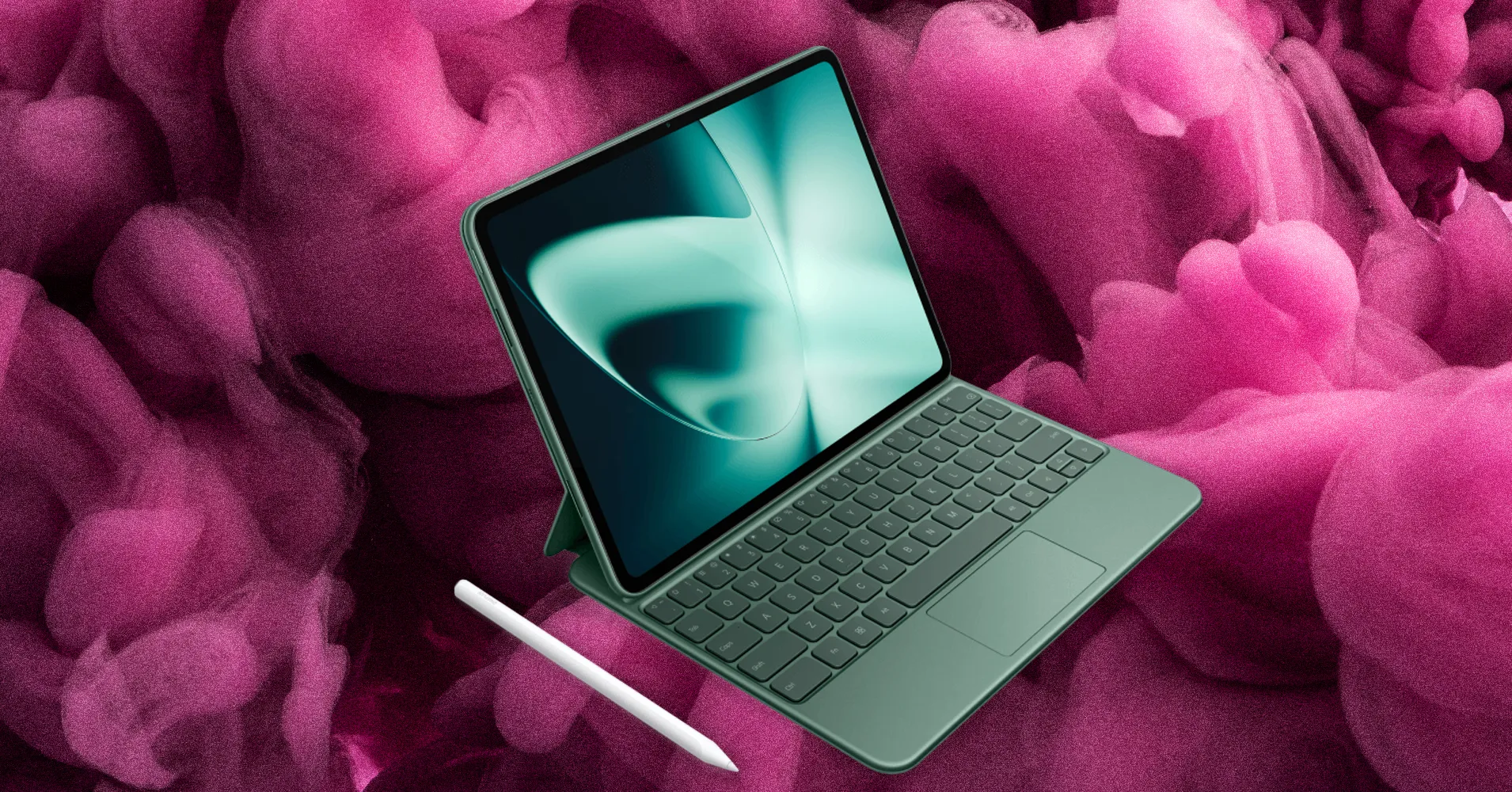
If you want the best of both worlds, consider tablet convertibles. These devices can transform into laptops with detachable keyboards, offering the flexibility to work or play as needed.
Digital Pens And Biometric Recognition: Enhance Your Productivity
Consider tablets with digital pen support for improved productivity:
- Active pens offer precision and control.
- Passive pens are ideal for highlighting texts.
Look for tablets with biometric recognition features (e.G., Fingerprint readers, facial recognition) for added security.
Camera: A Feature You Might Not Need, But is Nice to Have
While cameras on tablets are not as crucial as those on smartphones, consider tablets with decent front and rear cameras if you need them for work or personal use.
Operating System: Choose Your Flavor
Select an operating system that suits your needs:
- Android offers flexibility and customization.
- IPadOS provides a seamless experience, but limited freedom.
- Windows is ideal for those who want to run desktop applications.
Conclusion
Choosing the best tablet for work requires careful consideration of various factors. By weighing display quality, Wi-Fi and cellular connectivity, inner memory, expansion, and ports, CPU, RAM, battery life, tablet convertibles, digital pens, biometric recognition, cameras, and operating systems, you’ll find the perfect device to boost your productivity and stay connected on-the-go.
Frequently Asked Questions
- What is The Best Tablet For Work?
The best tablet for work depends on individual needs. Consider factors like display quality, connectivity, storage, processor performance, and battery life. - How do I Choose a Tablet With Good Camera Quality?
Look for tablets with decent front and rear cameras if you need them for work or personal use. - What is The Difference Between Android And Ipados?
Android offers flexibility and customization, while iPadOS provides a seamless experience but limited freedom. - Can I Use my Tablet as a Laptop?
Yes, consider tablet convertibles that can transform into laptops with detachable keyboards. - How Important is Biometric Recognition For Work?
Biometric recognition features like fingerprint readers or facial recognition can enhance security and convenience.
Conclusion
In conclusion, choosing the best tablet for work requires considering various factors. By weighing display quality, Wi-Fi and cellular connectivity, inner memory, expansion, and ports, CPU, RAM, battery life, tablet convertibles, digital pens, biometric recognition, cameras, and operating systems, you’ll find the perfect device to boost your productivity and stay connected on-the-go.
Recommended Tablets For Work
Based on our research, here are some top-rated tablets for work:
- Samsung Galaxy Tab S6 Lite
A powerful tablet with a large display, long battery life, and excellent camera quality. - Apple Ipad Air (2022)
A high-performance tablet with a large display, improved cameras, and seamless user experience. - Xiaomi Redmi Pad #IF Tablet
An affordable tablet with a large display, good performance, and decent camera quality.
Final Thoughts
When choosing the best tablet for work, prioritize your needs and consider factors like display quality, connectivity, storage, processor performance, battery life, and operating systems. Don’t forget to assess the importance of features like biometric recognition, digital pens, and cameras. By doing so, you’ll find the perfect device to boost your productivity and stay connected on-the-go.


