
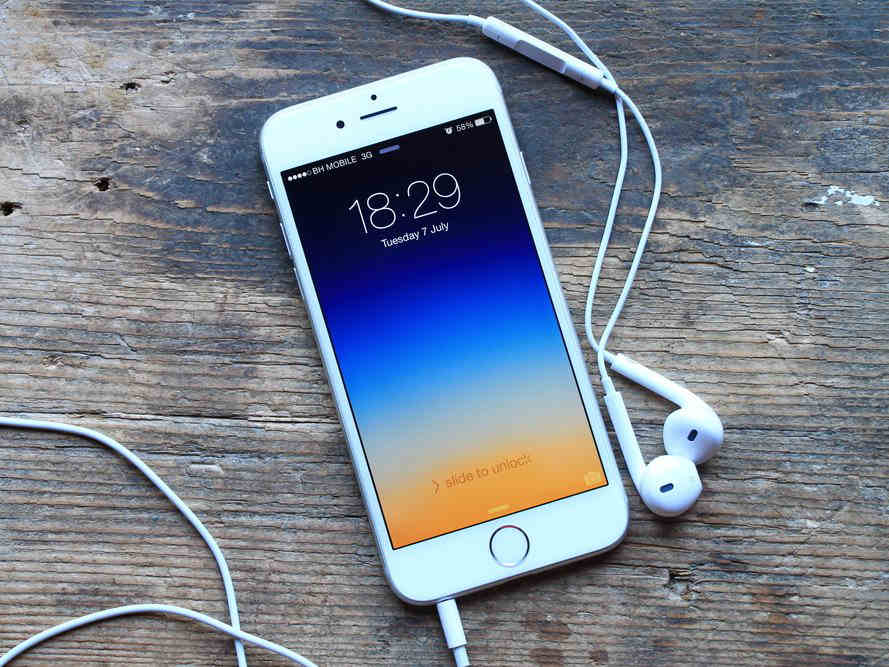
How to Transfer Music From Old Iphone to New Iphone: A Step-by-step Guide
Are you excited to get your new iPhone, but worried about transferring all your favorite music from the old one? Don’t worry, we’ve got you covered! In this article, we’ll show you how to transfer music from an old iPhone to a new one in just a few easy steps.
Why Transfer Music From Old Iphone to New Iphone?
Before we dive into the step-by-step guide, let’s talk about why it’s essential to transfer your music from the old iPhone to the new one. Here are some reasons:
- You Don’t Want to Lose Your Favorite Songs: Transferring music ensures that you can still enjoy your favorite tunes on your new iPhone.
- It Saves Time And Effort: Transferring music manually can be a tedious process, especially if you have a large collection of songs. By using the right methods, you can save time and effort.
- You Can Access Your Music Anywhere: With your music transferred to your new iPhone, you can listen to it wherever you go, without having to carry multiple devices.
Method 1: Transfer Music Using Icloud
One of the easiest ways to transfer music from an old iPhone to a new one is by using iCloud. Here’s how:
Step 1: Set Up Your Old Iphone For Backup
Make sure your old iPhone is updated to the latest version of iOS. Then, go to Settings > [your name] > iCloud > iCloud Backup and turn on iCloud Backup.
Step 2: Create a Backup
Go to Settings > General > Transfer or Reset iPhone and select “Back up your iPhone to iCloud.” Wait for the backup process to complete.
Step 3: Set Up Your New Iphone
Turn on your new iPhone and follow the setup process. When prompted, choose to restore from an iCloud backup.
Step 4: Restore Music From Backup
Choose the backup that contains your music and wait for the restoration process to complete. This may take a few minutes, depending on the size of your music library.
Method 2: Transfer Music Using Itunes or Finder
If you prefer not to use iCloud, you can transfer music using iTunes or Finder on your computer. Here’s how:
Step 1: Connect Your Old Iphone to Your Computer
Connect your old iPhone to your computer using a USB cable.
Step 2: Open Itunes or Finder
Open iTunes (on Windows) or Finder (on macOS).
Step 3: Select Your Old Iphone
Select your old iPhone from the list of devices connected to your computer.
Step 4: Transfer Music
Transfer music from your old iPhone to your computer by selecting the songs you want to transfer and clicking “Copy” in iTunes or “Export” in Finder.
Method 3: Use Airdrop
If you’re using iOS 17 or later, you can use AirDrop to share music between iPhones. Here’s how:
Step 1: Enable Airdrop on Your Old Iphone
Go to Settings > General > AirDrop and turn it on.
Open the app that contains the song you want to share (e.G., Music, Mail, WhatsApp, or Telegram). Tap the “Share” icon and select AirDrop. Choose your new iPhone from the list of devices near by.
Method 4: Use a Third-party App
There are several third-party apps available that can help you transfer music between iPhones. One popular option is iMazing. Here’s how to use it:
Step 1: Download And Install Imazing
Download and install iMazing on your computer.
Step 2: Connect Your Old Iphone
Connect your old iPhone to your computer using a USB cable.
Step 3: Select Music to Transfer
Select the songs you want to transfer from your old iPhone to your computer using iMazing.
Step 4: Transfer Music
Transfer music from your old iPhone to your new iPhone by selecting the songs you want to transfer and clicking “Export” in iMazing.
Conclusion
Transferring music from an old iPhone to a new one is easier than ever. Whether you use iCloud, iTunes or Finder on your computer, AirDrop, or a third-party app like iMazing, you can enjoy your favorite tunes on your new device.
Frequently Asked Questions (FAQs)
- Q: Can I Transfer Music From my Old Iphone to my New Iphone Using Bluetooth?
A: No, Bluetooth is not supported for transferring music between iPhones. - Q: How do I Transfer Music From my Old Iphone to my New Iphone if They’re Running Different Versions of Ios?
A: You can use a third-party app like iMazing or iTunes/Finder on your computer to transfer music regardless of the iOS version. - Q: Can I Share Music Between Iphones Using Airdrop?
A: Yes, you can use AirDrop to share music between iPhones running iOS 17 or later.
How to Transfer Music From Old Iphone to New Iphone (A Step-by-step Guide)
If you have any further questions or need more help, don’t hesitate to ask. We’re always here to assist you.


