
How to Erase Phone Number From Google Account
Are you tired of having multiple phone numbers associated with your Google account? Do you want to delete a phone number that’s no longer in use? Look no further! In this article, we’ll guide you through the simple process of erasing phone numbers from your Google account.
Why Erase Phone Number From Google Account
Before we dive into the steps, let’s talk about why you might want to erase a phone number from your Google account. Perhaps you’ve changed your phone number and don’t want it associated with your account anymore. Or maybe you’re trying to recover your account password and need to delete an old phone number. Whatever the reason, we’ll show you how to do it easily.
Erasing Phone Number From Android Device
If you use an Android device, follow these steps:
- Access Settings: Go to the settings of your Android device.
- Tap on Google Account: Tap on the “Google” option in the settings menu.
- Select Manage Your Google Account: Select “Manage your Google account.”
- Tap on Personal Info: Tap on the “Personal info” tab.
- Delete Phone Number: Tap on the phone number you want to delete and then tap on the “Remove” button.
Erasing Phone Number From Iphone or Ipad
If you use an iPhone or iPad, follow these steps:
- Open Safari Browser: Open the Safari browser on your device.
- Go to My Account Page: Go to the Google account management page.
- Log In: Log in with your Google account credentials.
- Tap on Personal Info: Tap on the “Personal info” tab.
- Delete Phone Number: Tap on the phone number you want to delete and then tap on the “Remove” button.
Erasing Phone Number From Computer
If you use your computer to access Google, follow these steps:
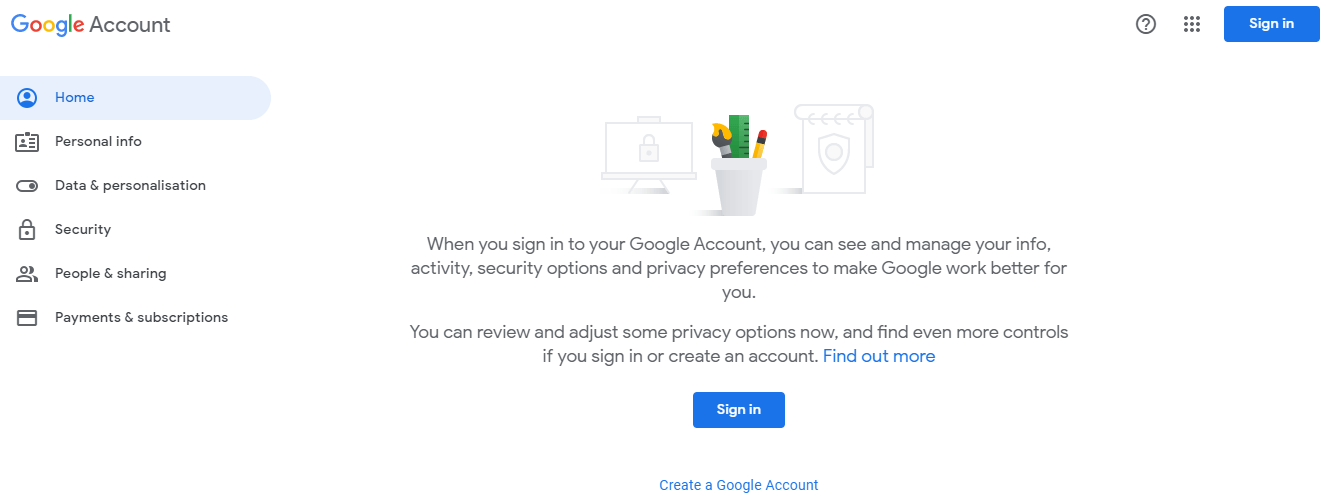
- Open Google Account Page: Open the Google account management page in a browser.
- Log In: Log in with your Google account credentials.
- Tap on Personal Info: Tap on the “Personal info” tab.
- Delete Phone Number: Tap on the phone number you want to delete and then tap on the “Remove” button.
Erasing Phone Number From Contacts App
If you have a contact saved in the Google contacts app, follow these steps:
- Open Contacts App: Open the Google contacts app on your device.
- Find Contact: Find the contact with the phone number you want to delete.
- Tap on Edit: Tap on the edit button next to the contact.
- Delete Phone Number: Delete the phone number from the contact.
How to Add a New Phone Number
If you want to add a new phone number to your Google account, follow these steps:
- Access Settings: Go to the settings of your device.
- Tap on Google Account: Tap on the “Google” option in the settings menu.
- Select Manage Your Google Account: Select “Manage your Google account.”
- Tap on Personal Info: Tap on the “Personal info” tab.
- Add Phone Number: Tap on the “Add phone number” button and follow the prompts to add a new phone number.
Conclusion
Erasing a phone number from your Google account is a simple process that can be completed in just a few steps. Whether you’re trying to delete an old phone number or add a new one, we’ve got you covered. Remember to always access the settings menu on your device to manage your Google account and make changes as needed.
Frequently Asked Questions (FAQs)
- Q: Why do I Need to Erase my Phone Number From Google?
A: You may need to erase a phone number from your Google account if it’s no longer in use or if you’re trying to recover your account password. - Q: How do I Erase a Phone Number From my Google Account?
A: To erase a phone number, go to the settings menu on your device and select “Manage your Google account” followed by “Personal info.” - Q: Can I Add a New Phone Number to my Google Account?
A: Yes, you can add a new phone number to your Google account by going to the “Personal info” tab and tapping on the “Add phone number” button. - Q: Why do I Need to Log in With my Google Account Credentials?
A: Logging in with your Google account credentials ensures that only you have access to your account information and can make changes as needed.
Final Thoughts
Erasing a phone number from your Google account is an easy process that requires just a few steps. Whether you’re trying to delete an old phone number or add a new one, we hope this article has been helpful in guiding you through the process.


