
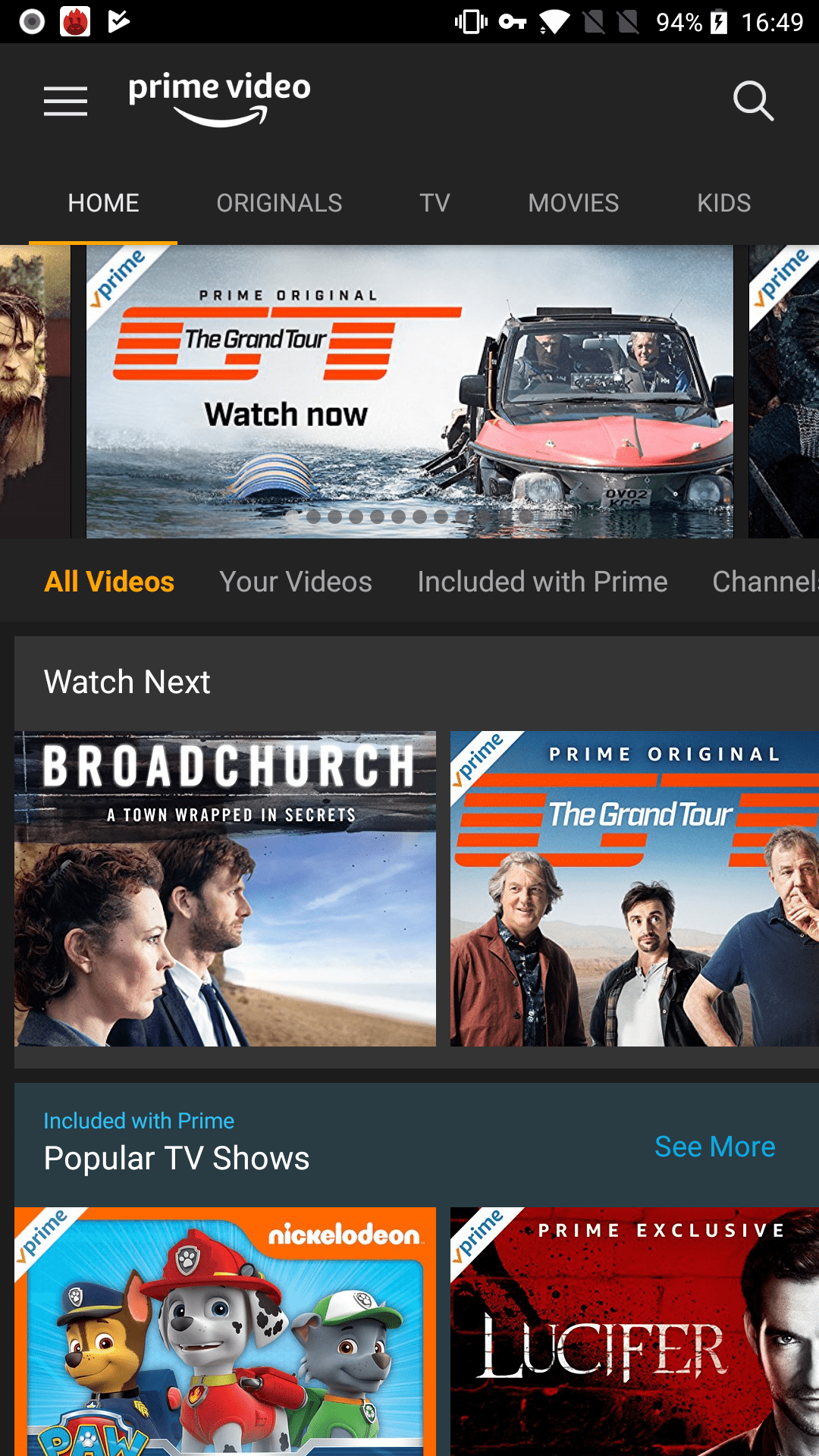
How to Watch Amazon Prime Video on Ps4: A Step-by-step Guide
Are you a happy owner of the PlayStation 4 and passionate about film and TV? Do you want to enjoy all the available contents on streaming platforms, including Amazon Prime Video? Look no further! In this tutorial, we will guide you through the process of downloading and installing Amazon Prime Video on your PS4, as well as explain how to access it.
What is Amazon Prime Video?
Amazon Prime Video is a streaming service offered by Amazon that provides users with access to a vast library of movies, TV shows, and original content. The service is available on various platforms, including computers, mobile devices, and gaming consoles like the PS4. With an Amazon Prime subscription, you can enjoy benefits such as free shipping, music streaming, and photo storage.
System Requirements
Before we dive into the installation process, it’s essential to ensure that your PS4 meets the system requirements for Amazon Prime Video. The service requires a connection speed of at least 900 Kbps for standard definition video and 3.5 Mbps for high-definition video. If you want to stream content in 4K/Ultra HD, you’ll need a minimum connection speed of 15 Mbps.
How to Download Amazon Prime Video on Ps4
To download the Amazon Prime Video app on your PS4, follow these steps:
- Ensure that your PS4 is connected to the internet and has a PSN account associated with it.
- Go to the PlayStation Store and search for “Amazon Prime Video”.
- Select the app from the search results and click on the “Download” button.
How to Access Amazon Prime Video on Ps4
Once you’ve downloaded the Amazon Prime Video app, follow these steps to access it:
- Navigate to the TV/Video section of your PS4 menu.
- Select the Amazon Prime Video icon from the list of available apps.
- Enter your Amazon account credentials or sign up for a new account.
Using Amazon Prime Video on Ps4
Once you’ve accessed the app, you can start browsing through the content library. You can search for specific titles using the “Search” function or browse through categories such as Movies, TV Shows, and Original Content. The interface is similar to that of other streaming platforms, making it easy to navigate.
Key Features of Amazon Prime Video on Ps4
Some notable features of the Amazon Prime Video app on PS4 include:
- A user-friendly interface for browsing content
- Support for 4K/Ultra HD streaming (with a minimum connection speed of 15 Mbps)
- A dedicated player that allows you to play back content with minimal lag
- X-Ray functionality, which provides additional information about the actors, director, and more
Troubleshooting Common Issues
If you encounter any issues while trying to access Amazon Prime Video on your PS4, refer to our troubleshooting guide for common problems and solutions.
Conclusion
Watching Amazon Prime Video on your PS4 is a straightforward process that requires minimal technical expertise. By following the steps outlined in this tutorial, you can enjoy a vast library of movies, TV shows, and original content from the comfort of your own home.
Frequently Asked Questions (FAQs)
- What Are The System Requirements For Amazon Prime Video on Ps4?
The service requires a connection speed of at least 900 Kbps for standard definition video and 3.5 Mbps for high-definition video. - How do I Download Amazon Prime Video on my Ps4?
Go to the PlayStation Store, search for “Amazon Prime Video”, select the app from the search results, and click on the “Download” button. - What is X-ray Functionality in Amazon Prime Video?
X-Ray provides additional information about the actors, director, and more for specific titles. - Can I Stream Content in 4K/Ultra HD With Amazon Prime Video on Ps4?
Yes, but you’ll need a minimum connection speed of 15 Mbps. - Do I Need an Amazon Prime Subscription to Access Amazon Prime Video on my Ps4?
Yes, an Amazon Prime subscription is required to access the service. - Can I Download Content For Offline Viewing With Amazon Prime Video on Ps4?
No, you cannot download content for offline viewing with the current version of the app. - How do I Troubleshoot Common Issues With Amazon Prime Video on my Ps4?
Refer to our troubleshooting guide for common problems and solutions. - What Are Some Notable Features of Amazon Prime Video on Ps4?
The service supports 4K/Ultra HD streaming, has a dedicated player, and provides X-Ray functionality among others.
I hope this helps! Let me know if you have any other questions.


