
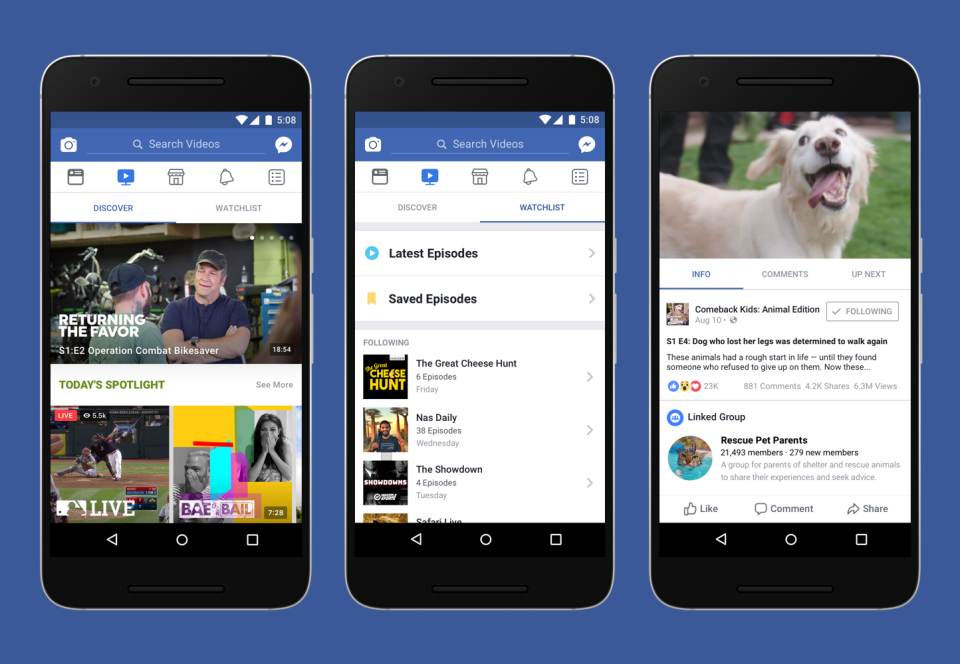
How to Download Videos From Facebook on Android
Are you tired of watching videos on Facebook only to have them disappear into thin air? Do you want to save your favorite videos for later or share them with friends and family? Look no further! In this article, we’ll show you how to download videos from Facebook on your Android device.
Why Can’t I Download Videos From Facebook Directly?
Unfortunately, the official Facebook app does not have a built-in feature to download videos directly. However, there are several alternative solutions that you can use to download videos from Facebook on your Android device.
Solution 1: Firefox Browser
One of the best ways to download videos from Facebook is by using the Firefox browser app for Android. This free and user-friendly browser comes with a built-in feature to download videos directly from web pages.
To use this method, follow these steps:
- Install Firefox: Download and install the Firefox browser app from the Google Play Store.
- Launch Firefox: Open the Firefox app on your device.
- Access Facebook: Go to the Facebook website by typing in the address bar or searching for it.
- Find Your Video: Navigate to the video you want to download and click on it to play.
- Download The Video: Tap and hold on the video until a menu appears, then select “Save” to download the video.
Solution 2: Total Browser
Total Browser is another popular browser app for Android that allows you to download videos from Facebook with ease.
To use this method, follow these steps:
- Install Total Browser: Download and install the Total Browser app from the Google Play Store.
- Launch Total Browser: Open the Total Browser app on your device.
- Access Facebook: Go to the Facebook website by typing in the address bar or searching for it.
- Find Your Video: Navigate to the video you want to download and click on it to play.
- Download The Video: Tap and hold on the video until a menu appears, then select “Save” to download the video.
Solution 3: Online Video Downloaders
If you don’t have access to a browser app or prefer not to use one, you can also use online video downloaders like 9xbuddy or SaveFrom.Net.
These services allow you to download videos from Facebook and other social media platforms without requiring any software installation. Here’s how to use them:
- Copy The Video Link: Copy the link of the video you want to download from Facebook.
- Access Online Video Downloader: Go to the website of 9xbuddy or SaveFrom.Net.
- Paste The Link: Paste the copied video link into the downloader’s address bar.
- Choose Your Format: Select your preferred format and quality for the downloaded video.
- Download The Video: Click on the “Download” button to start the download process.
Other Solutions
There are several other online video downloaders that you can use, including Fdown.Net, Getmyfb.Com, and Fdownloader. These services offer similar functionality to 9xbuddy and SaveFrom.Net but may have slightly different user interfaces or features.
Conclusion
Downloading videos from Facebook on Android is a simple process that requires minimal effort and no specialized software installation. By using the Firefox browser app, Total Browser, or online video downloaders like 9xbuddy or SaveFrom.Net, you can save your favorite videos for later or share them with friends and family.
We hope this article has been helpful in showing you how to download videos from Facebook on Android. If you have any questions or need further assistance, please don’t hesitate to ask!
Frequently Asked Questions
- Q: Can I Download All Types of Videos From Facebook?
A: Yes, you can download most types of videos from Facebook using the methods outlined in this article. - Q: Are Online Video Downloaders Safe to Use?
A: Most online video downloaders are safe to use and do not pose any security risks. However, it’s always a good idea to exercise caution when downloading files from unknown sources. - Q: Can I Download Videos From Facebook on Ios Devices?
A: Unfortunately, there is no official app for iOS devices that allows you to download videos directly from Facebook. However, you can use online video downloaders or the YouTube app to download videos in some cases. - Q: How do I Save a Downloaded Video For Later?
A: You can save a downloaded video by moving it to your device’s storage or cloud storage service like Google Drive or Dropbox.
I hope this helps! Let me know if you have any other questions.


