
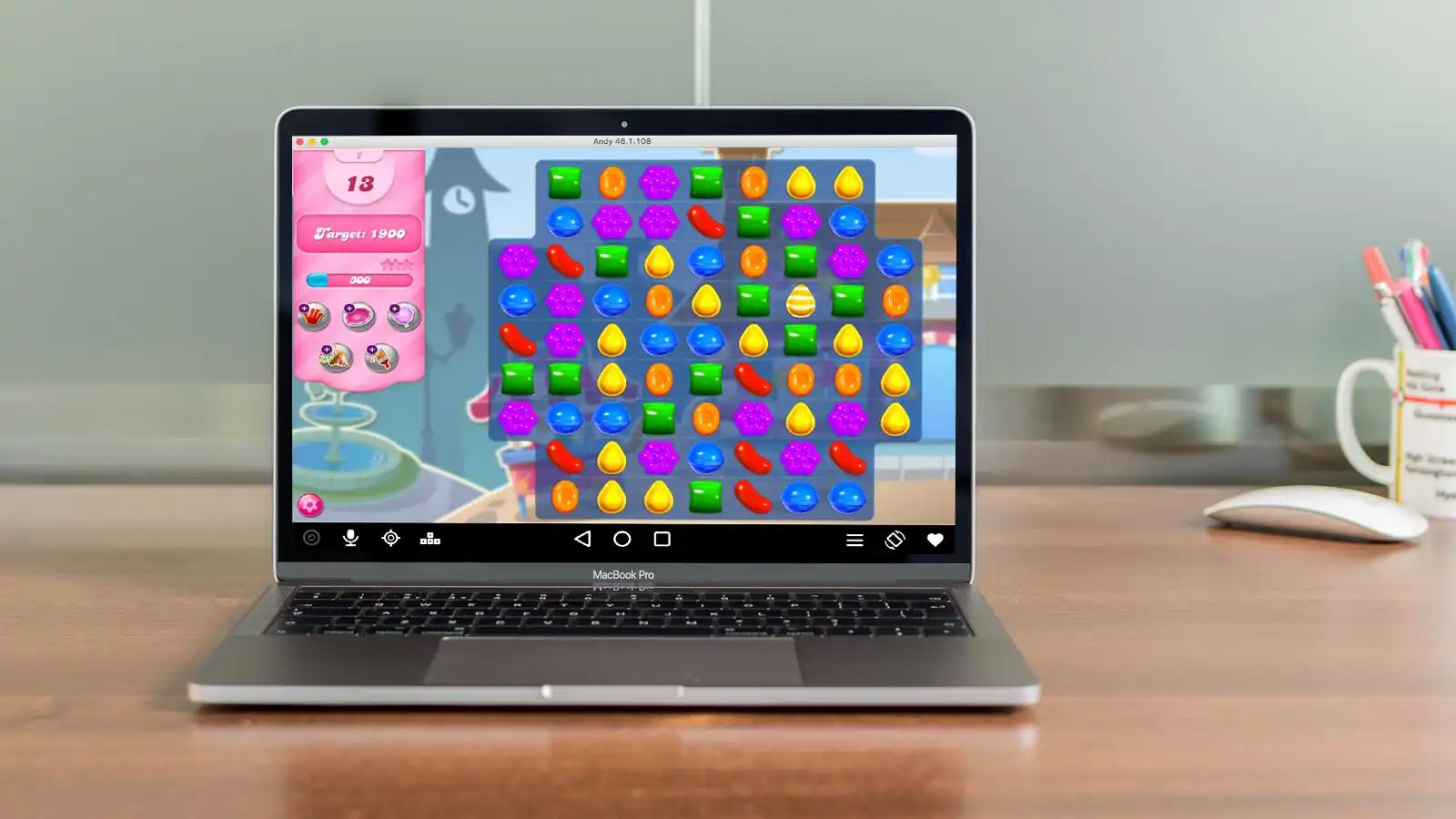
Emulating Android on Your Computer: A Comprehensive Guide
Are you tired of using a dated smartphone but still want to experience the world of Android applications? Look no further! In this article, we’ll explore the possibility of emulating Android on your computer, providing you with the best solutions for Windows and macOS.
Why Emulate Android on Your Computer?
Before diving into the technicalities, let’s discuss why you might want to emulate Android on your computer. Perhaps you’re not ready to upgrade your smartphone just yet but still want to experience the latest Android apps. Or maybe you’re a developer looking to test your applications on a variety of devices without the need for physical hardware.
Whatever your reason, we’ve got you covered!
Support For Android in Windows
One of the most straightforward ways to emulate Android on your computer is by utilizing the built-in support available in Windows 11. Microsoft has implemented a subsystem called Windows Subsystem for Android (WSA), which allows you to run Android apps natively on your Windows machine.
To access this feature, search for “Amazon Appstore” in the Microsoft Store and click on the install button. Once installed, log in with your Amazon account, find the app or game you want, and download it directly to your computer.
Bluestacks: A Popular Emulator
If the built-in support isn’t what you’re looking for, BlueStacks is an excellent alternative. This emulator offers impressive performance, making it ideal for playing complex games on your computer.
To get started with BlueStacks:
- Visit their official website and click the download button.
- Follow the installation prompts to install the software.
- Associate your existing Google account with BlueStacks to access the Play Store.
- Search for the app or game you want, click install, and start playing!
Memu: Another Popular Emulator
MEmu is another popular emulator that offers good performance and a user-friendly interface. To try it out:
- Visit their official website and click the download button.
- Follow the installation prompts to install the software.
- Initiate the Play Store, log in with your Google account, and start searching for apps or games.
Emulating Android on Mac
If you’re a macOS user looking to emulate Android on your computer, BlueStacks is still an excellent choice. Follow the same steps as above to get started!
However, if you’re looking for alternative solutions, we recommend checking out our guide on emulating Android on Mac, which covers other options and provides detailed explanations.
Emulator For Android Online
If you’re looking for a lightweight emulator that can be run directly from your browser without installation, Now.Gg is an excellent option. This online service allows you to play games or access apps directly in your browser, making it perfect for quick sessions or testing purposes.
To get started with Now.Gg:
- Visit their official website.
- Click on the game or app you want to initiate.
- Press the “Play” button and start playing!
Conclusion
Emulating Android on your computer has never been easier! With built-in support in Windows, popular emulators like BlueStacks and MEmu, and online services like Now.Gg, there’s an option for everyone.
Whether you’re a developer looking to test apps or a gamer seeking to experience the latest titles without upgrading your smartphone, we’ve provided you with the tools and information needed to get started.
Frequently Asked Questions
- What is Emulating Android on my Computer?
Emulating Android on your computer allows you to run Android applications directly on your Windows or macOS machine. - Why Would I Want to Emulate Android on my Computer?
You might want to emulate Android on your computer if you’re not ready to upgrade your smartphone but still want to experience the latest apps, or as a developer looking to test apps on various devices. - What Are Some Popular Emulators For Android?
BlueStacks and MEmu are two popular emulators that offer impressive performance and user-friendly interfaces. - Can I Emulate Android on my Mac?
Yes, you can emulate Android on your Mac using BlueStacks or by following our guide on emulating Android on Mac. - Is There an Online Emulator For Android?
Yes, Now.Gg is a lightweight online service that allows you to play games or access apps directly in your browser without installation.
We hope this comprehensive guide has provided you with the information and tools needed to successfully emulate Android on your computer!


