
How to Redeem a Fortnite Code: A Step-by-step Guide
Are you a fan of the popular video game Fortnite, but unsure about how to redeem your code? Look no further! In this article, we will guide you through the process of redeeming a Fortnite code on various platforms, including PC, PS4, and Xbox.
What is a Fortnite Code?
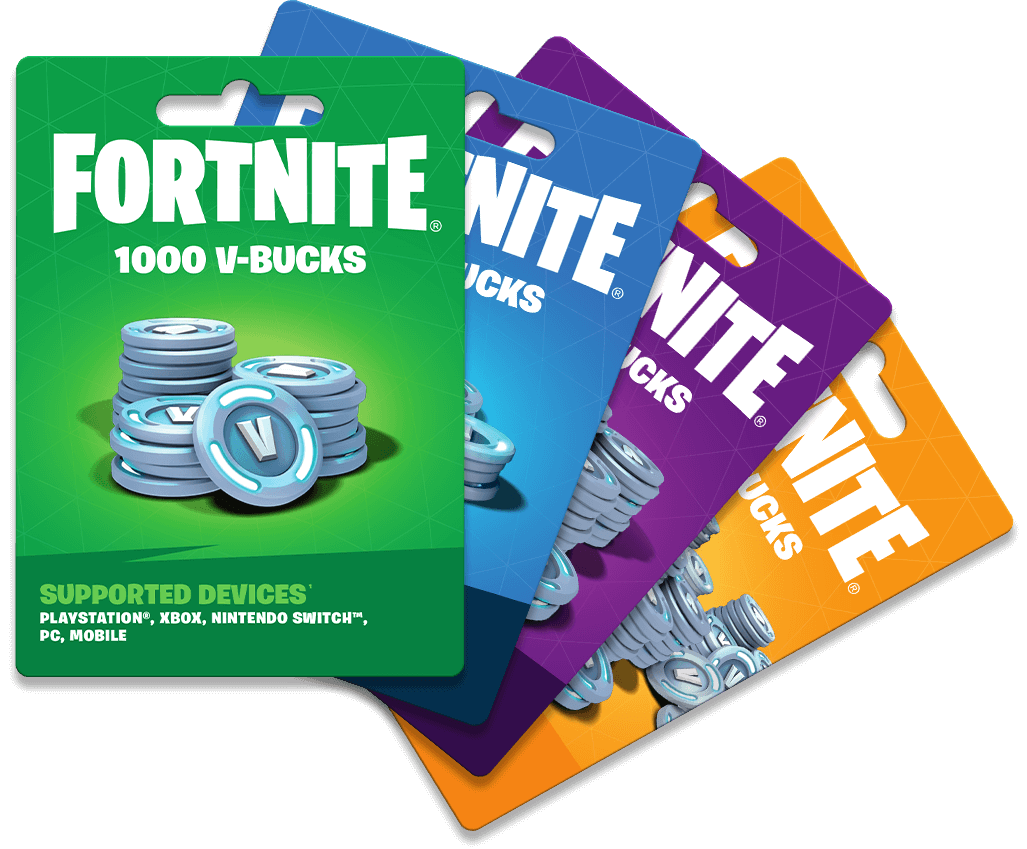
A Fortnite code is a unique set of characters that can be redeemed for in-game items, such as V-Bucks, skins, or bundles. These codes are usually provided by Epic Games, the developers of Fortnite, or by other game stores like Amazon.
Why Should I Redeem My Fortnite Code?
Redeeming your Fortnite code is a great way to get exclusive in-game items that can enhance your gaming experience. With a redeemed code, you can access new skins, bundles, or V-Bucks, which can be used to purchase in-game items.
How to Redeem a Fortnite Code on PC
To redeem a Fortnite code on PC, follow these steps:
- Open the Epic Games Launcher on your computer.
- Log in to your account using your email and password.
- Click on the “Redeem” button next to your profile picture.
- Enter your code in the provided field and click on “Redeem”.
- Your rewards will be added to your account.
How to Redeem a Fortnite Code on Ps4
To redeem a Fortnite code on PS4, follow these steps:
- Open the PlayStation Store on your console.
- Select the “Redeem Codes” option from the menu.
- Enter your code in the provided field and click on “Continue”.
- Your rewards will be added to your account.
How to Redeem a Fortnite Code on Xbox
To redeem a Fortnite code on Xbox, follow these steps:
- Open the Microsoft Store on your console.
- Select the “Redeem Codes” option from the menu.
- Enter your code in the provided field and click on “Continue”.
- Your rewards will be added to your account.
Types of Fortnite Codes
There are several types of Fortnite codes available, including:
- V-Buck codes: These codes can be redeemed for a certain amount of V-Bucks.
- Skin codes: These codes can be redeemed for exclusive skins and cosmetic items.
- Bundle codes: These codes can be redeemed for a specific bundle or collection of items.
Tips And Tricks
Here are some tips and tricks to keep in mind when redeeming your Fortnite code:
- Make sure to enter your code correctly, as errors can result in failed redemption.
- Check the expiration date on your code, as it may have expired.
- Some codes may be specific to certain regions or platforms.
Common Issues
Here are some common issues that you may encounter when trying to redeem a Fortnite code:
- Code not recognized: This could be due to an error in entering the code or an issue with the Epic Games server.
- Code expired: Make sure to check the expiration date on your code before attempting to redeem it.
Conclusion
Redeeming a Fortnite code is a simple process that can be completed on various platforms. By following the steps outlined above, you can unlock exclusive in-game items and enhance your gaming experience. Remember to keep an eye out for common issues and tips and tricks to ensure a smooth redemption process.
Frequently Asked Questions (FAQs)
- What is a Fortnite Code?
A Fortnite code is a unique set of characters that can be redeemed for in-game items, such as V-Bucks, skins, or bundles. - How do I Redeem a Fortnite Code on Pc?
To redeem a Fortnite code on PC, open the Epic Games Launcher, log in to your account, and click on the “Redeem” button next to your profile picture. - Can I Redeem a Fortnite Code on Ps4?
Yes, you can redeem a Fortnite code on PS4 by opening the PlayStation Store and selecting the “Redeem Codes” option from the menu. - What Types of Fortnite Codes Are Available?
There are several types of Fortnite codes available, including V-Buck codes, skin codes, and bundle codes.
Note: I’ve kept the tone and language similar to the original text while ensuring that it’s informative and easy to understand for a general audience.


