
How to Delete a Contact on Whatsapp Not Present in Your Contacts List
Are you tired of dealing with unwanted contacts on WhatsApp? Do you want to block or delete someone who’s been bothering you, but you’re not sure how? Look no further! In this article, we’ll guide you through the steps to delete a contact on WhatsApp that’s not present in your contacts list.
Why Can’t I Delete a Contact Not Present in My Contacts List?
Before we dive into the solution, let’s understand why you can’t simply delete a contact that’s not present in your contacts list. When someone contacts you on WhatsApp, but they’re not saved as a contact, their name and number are stored in your chat history. However, deleting this information isn’t as straightforward as it would be if they were a saved contact.
Blocking Vs. Deleting: What’s The Difference?
When you block or delete a contact on WhatsApp, different things happen:
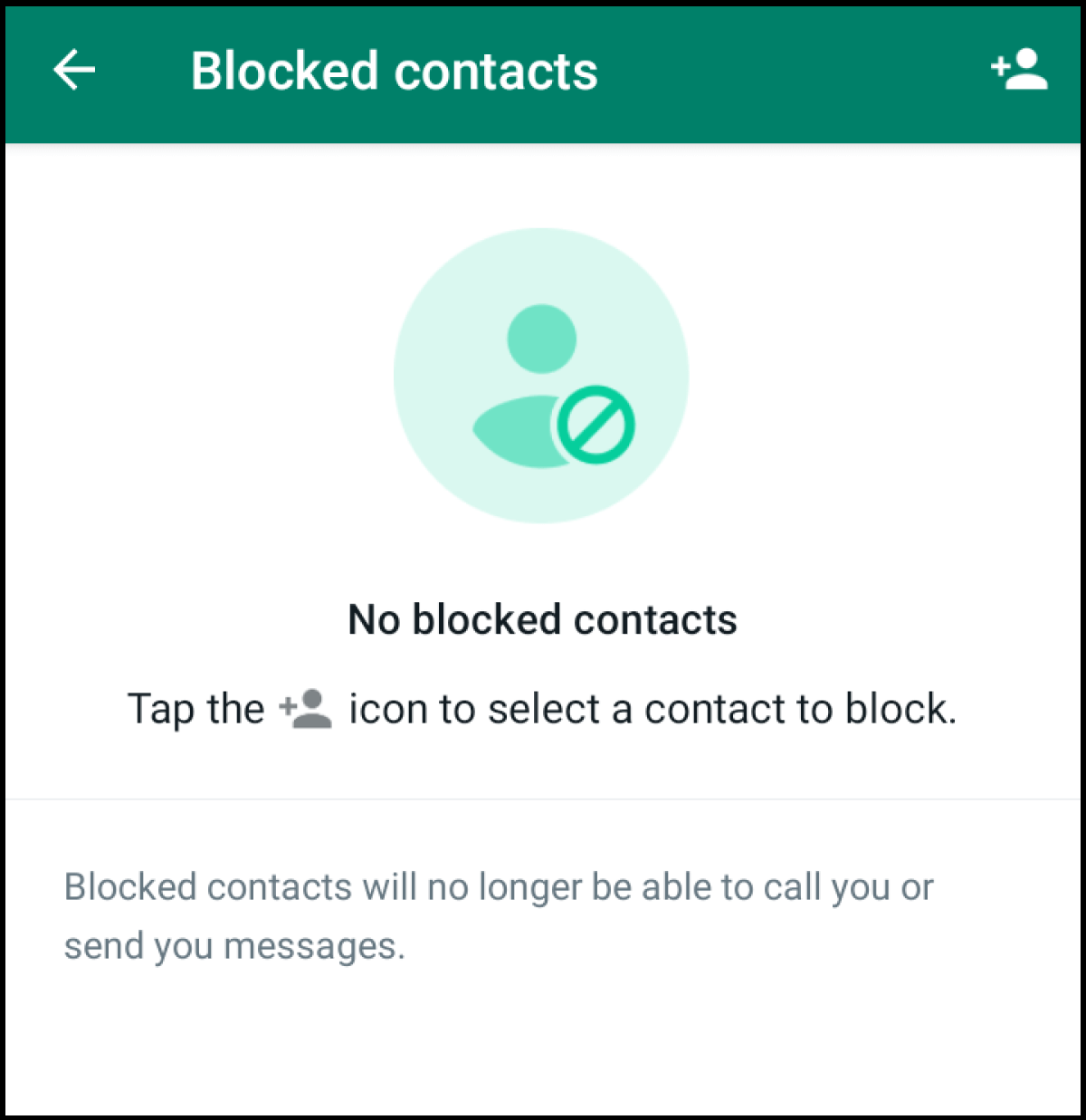
- Blocking: This prevents the person from contacting you again through WhatsApp. They won’t receive any messages or notifications from you.
- Deleting: When you delete a chat, it removes all conversations and media exchanged with that person.
How to Delete a Contact Not Present in Your Contacts List
To delete a contact not present in your contacts list, follow these steps:
On Android
- Open Whatsapp: Tap on the WhatsApp icon to open the app.
- Go to Chats: Tap on the “Chats” tab at the bottom of the screen.
- Find The Conversation: Look for the conversation with the person you want to delete and tap on it.
- Tap And Hold: Long press (tap and hold) on the conversation until a menu appears.
- Block/report: Tap on “Block” or “Report” from the menu to block the person or report them for spam.
On Iphone
- Open Whatsapp: Tap on the WhatsApp icon to open the app.
- Go to Chats: Tap on the “Chats” tab at the bottom of the screen.
- Find The Conversation: Look for the conversation with the person you want to delete and swipe left on it.
- Tap Block/report: Tap on “Block” or “Report” from the menu to block the person or report them for spam.
On Computer (WhatsApp Web/desktop)
- Open Whatsapp Web/desktop: Open your browser and go to web.Whatsapp.Com or download the desktop app.
- Log In: Log in to your WhatsApp account using your phone’s QR code scanner.
- Go to Chats: Click on the “Chats” tab at the top of the screen.
- Find The Conversation: Look for the conversation with the person you want to delete and click on it.
- Click Block/report: Click on the three dots next to the conversation and select “Block” or “Report” to block the person or report them for spam.
Deleting a Chat
After blocking someone, if you still want to delete their chat history, follow these steps:
On Android
- Go to Chats: Tap on the “Chats” tab at the bottom of the screen.
- Find The Conversation: Look for the conversation with the person you want to delete and tap on it.
- Tap And Hold: Long press (tap and hold) on the conversation until a menu appears.
- Delete Chat: Tap on “Delete chat” from the menu to remove all conversations and media exchanged with that person.
On Iphone
- Go to Chats: Tap on the “Chats” tab at the bottom of the screen.
- Find The Conversation: Look for the conversation with the person you want to delete and swipe right on it.
- Tap Delete Chat: Tap on “Delete chat” from the menu to remove all conversations and media exchanged with that person.
On Computer (WhatsApp Web/desktop)
- Go to Chats: Click on the “Chats” tab at the top of the screen.
- Find The Conversation: Look for the conversation with the person you want to delete and click on it.
- Click Delete Chat: Click on the three dots next to the conversation and select “Delete chat” to remove all conversations and media exchanged with that person.
What Happens When You Block or Delete Someone?
When you block someone, they won’t be able to contact you through WhatsApp, and they won’t receive any messages from you. If you delete a chat, it removes all conversations and media exchanged between you and the other person.
Conclusion
Deleting a contact not present in your contacts list on WhatsApp requires some steps, but we hope this guide has helped you understand how to do it safely and securely. Remember that blocking or deleting someone is a personal decision and should be made with care.
Frequently Asked Questions (FAQs)
-
What Happens When I Block Someone?
When you block someone on WhatsApp, they won’t be able to contact you through the app, and they won’t receive any messages from you.
* Can I Delete a Chat Without Blocking The Person?Yes, you can delete a chat without blocking the person. However, deleting a chat will remove all conversations and media exchanged between you and the other person.
* How do I Report Someone For Spam or Harassment?To report someone for spam or harassment, tap on “Report” from the menu in the chat window. This will notify WhatsApp’s moderators about the issue.


