
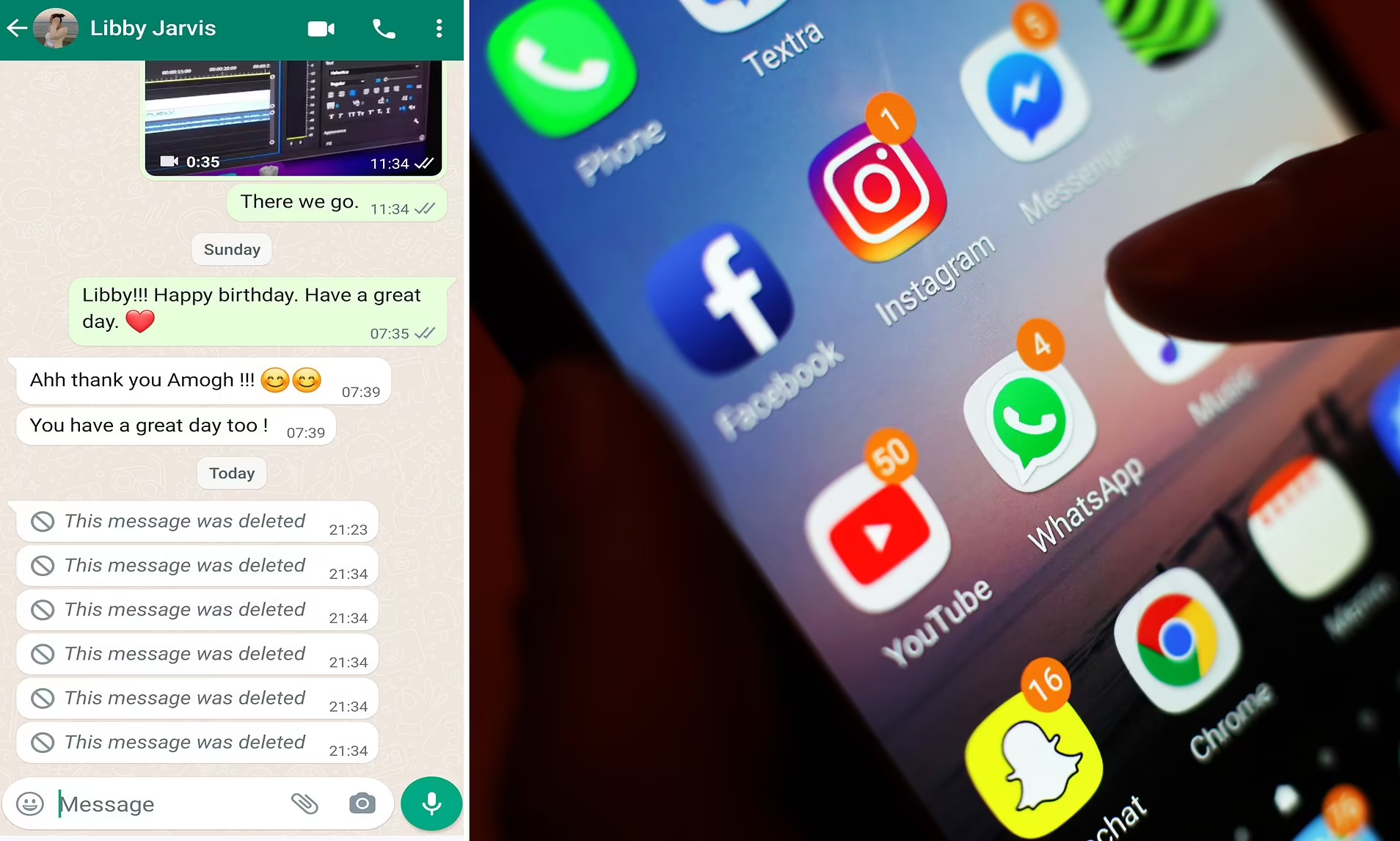
How to Read Deleted Messages on Whatsapp: A Step-by-step Guide
Are you desperate to read a message that was deleted by your friend or acquaintance on WhatsApp? You’re not alone! Many people face this frustrating situation, especially when they want to recall a conversation or recover important information. In this article, we’ll guide you through the process of reading deleted messages on WhatsApp using various methods.
Understanding Whatsapp’s Deletion Policy
Before diving into the solution, it’s essential to understand how WhatsApp handles deleted messages. When a message is deleted, it’s removed from the sender’s and recipient’s chat history. However, this deletion doesn’t erase the message entirely; it only removes it from view. This means that if you have access to the backup of your WhatsApp data, you might be able to recover deleted messages.
Method 1: Using an App For Android
For Android users, there’s a simple and effective way to read deleted messages on WhatsApp using an app called “WhatisRemoved+.” This app allows you to record notifications from WhatsApp, including those with deleted messages. Here’s how to use it:
- Download And Install Whatisremoved+: Get the app from the Play Store or your device’s alternative store.
- Grant Permissions: Allow the app to access your data and system notifications.
- Record Notifications: Open the app, and it will start recording notifications from WhatsApp, including deleted messages.
- View Deleted Messages: Tap on the WhatsApp tab in WhatisRemoved+, and you’ll see a list of recorded messages, including those that have been deleted.
Method 2: Using an App For Iphone
Unfortunately, there’s no straightforward way to read deleted messages on WhatsApp using an app for iPhone, due to iOS restrictions. However, if you have a backup of your WhatsApp data stored in iCloud, you can attempt to recover deleted messages by restoring your iPhone from a previous backup.
Method 3: Recovering Old Chats Without an App
If the above methods don’t work for you or you prefer not to use apps, there’s another way to read deleted messages on WhatsApp. This method involves recovering old chats without using an external app. Here’s how:
- Check Your Backup History: Open WhatsApp and go to Settings > Chat > Backup of chat. Check the date of your last backup; if it’s before the message was deleted, you might be able to recover it.
- Restore From a Previous Backup: If the backup is old enough, delete and reinstall WhatsApp on your device. Then, restore from the previous backup, which should include the deleted message.
Method 4: Using Local Backups (Android Only)
On Android devices, you can also try recovering deleted messages using local backups stored in Google Drive. Here’s how:
- Check Your Backup History: Open WhatsApp and go to Settings > Chat > Backup of chat. Check the date of your last backup; if it’s before the message was deleted, you might be able to recover it.
- Restore From Local Backup: If the backup is old enough, delete and reinstall WhatsApp on your device. Then, restore from the local backup stored in Google Drive.
Common Faqs
- What Happens When I Recover a Deleted Message?
Recovering a deleted message will restore it to your chat history, but any messages sent after that deletion won’t be affected. - Will Recovering a Deleted Message Alert The Sender?
No, recovering a deleted message won’t notify the sender or anyone else involved in the conversation. - Can I Recover Multiple Deleted Messages at Once?
Yes, if you have access to an old backup containing multiple deleted messages, you can restore them all by following the same process outlined above.
Conclusion
Reading deleted messages on WhatsApp can be a daunting task, but with these methods, you should be able to recover your desired information. Remember that each method has its limitations and potential consequences. Before attempting to recover deleted messages, consider whether it’s necessary or if there are other ways to address the situation.
I hope this article has helped you in your quest to read deleted messages on WhatsApp. If you have any further questions or concerns, please don’t hesitate to ask.
Frequently Asked Questions
- How do I Know if a Backup is Old Enough to Recover Deleted Messages?
Check the date of your last backup; if it’s before the message was deleted, you might be able to recover it. - Will Recovering a Deleted Message Affect my Current Whatsapp Data?
No, restoring from an old backup will only restore the deleted message and won’t affect any other data or conversations. - Can I Use This Method on Both Android And Iphone Devices?
Method 1 (using WhatisRemoved+) is exclusive to Android devices. For iPhone users, you can attempt to recover deleted messages by restoring your device from a previous backup in iCloud. - Is There a Risk of Getting Caught or Notified When Recovering Deleted Messages?
No, recovering deleted messages won’t alert the sender or anyone else involved in the conversation.


