
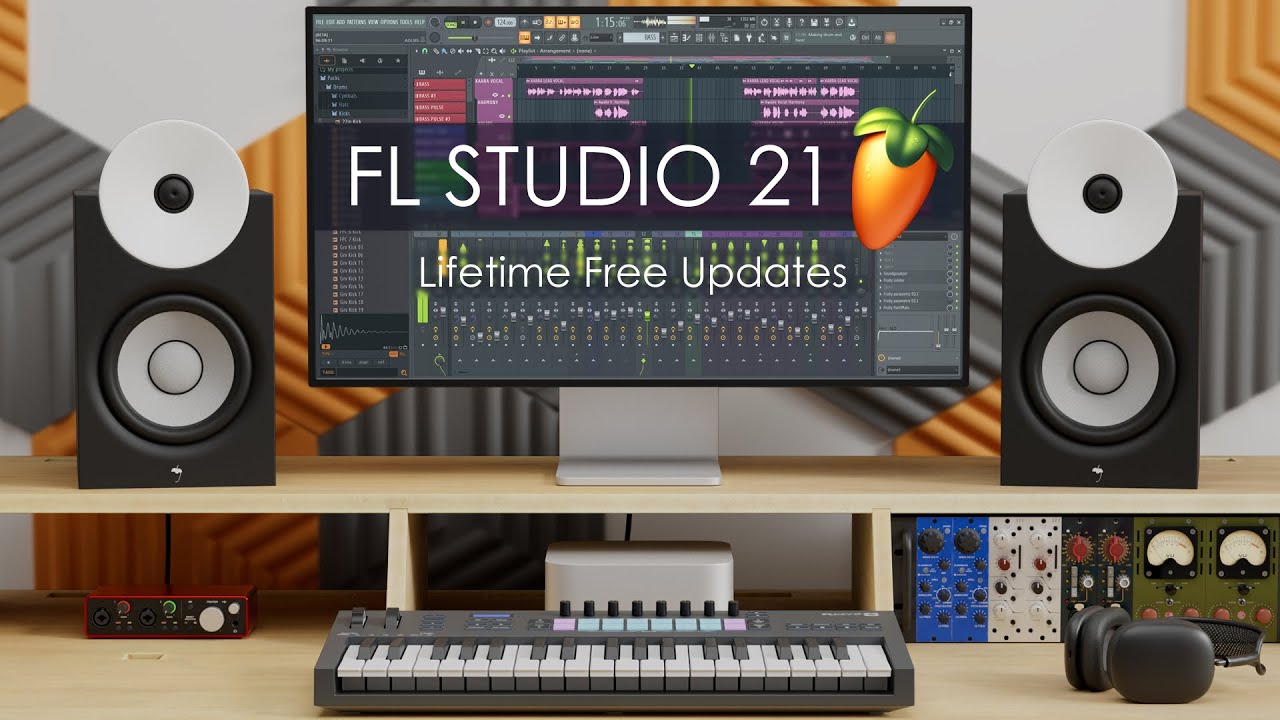
How to Download FL Studio Free: A Step-by-step Guide
Are you a music producer looking to try out the popular digital audio workstation (DAW) FL Studio? Look no further! In this article, we’ll guide you through the process of downloading and installing FL Studio free on both Windows and macOS.
What is FL Studio?
FL Studio is a powerful DAW that allows users to create, record, and edit music. It’s popular among music producers, hip-hop artists, and electronic musicians. The software offers a wide range of features, including beat-making tools, effects processors, and MIDI editing capabilities.
System Requirements For FL Studio
Before you start the download process, make sure your computer meets the minimum system requirements:
- Windows 7 or later (64-bit)
- MacOS El Capitan 10.11 Or later
- At least 4 GB of RAM and 4 GB of free space on disc
Downloading FL Studio Free on Windows
To download FL Studio for free on Windows, follow these steps:
- Visit the official FL Studio website and click on the “Download Trial” button.
- Select the version of FL Studio you want to download (FL Studio Producer Edition).
- Wait for the download to complete, then double-click on the file to run the installer.
- Follow the prompts to install FL Studio, accepting the terms and conditions along the way.
Downloading FL Studio Free on Macos
To download FL Studio for free on macOS, follow these steps:
- Visit the official FL Studio website and click on the “Download Trial” button.
- Select the version of FL Studio you want to download (FL Studio Producer Edition).
- Open the downloaded file and double-click on it to run the installer.
- Follow the prompts to install FL Studio, accepting the terms and conditions along the way.
What’s Next?
Once you’ve installed FL Studio, you can start exploring its features and tools. You’ll have access to a wide range of plugins, effects processors, and MIDI editing capabilities.
Limitations of The Free Version
Keep in mind that the free version of FL Studio has some limitations:
- You’ll only have access to 16 tracks instead of the full 99.
- Some plugins won’t be available.
- There’s no support for VST or AU plugin compatibility.
Upgrading to a Paid Version
If you want to unlock all the features and capabilities of FL Studio, consider upgrading to a paid version. You can purchase a license on the official website.
FL Mobile Studio: A Free Alternative?
Unfortunately, there’s no free version of FL Mobile Studio for Android or iOS devices. However, you can test out the functionality of FL Mobile Studio on your computer using the plugin available in the free version of FL Studio.
Conclusion
In conclusion, downloading FL Studio free is a great way to try out this powerful digital audio workstation. With its user-friendly interface and feature-rich capabilities, FL Studio is an excellent choice for music producers and artists alike.
Frequently Asked Questions (FAQs)
Here are some additional questions and answers:
- Q: Can I Download FL Studio Free on Other Platforms?
A: No, the free version of FL Studio is only available on Windows and macOS. - Q: What’s The Difference Between The Free And Paid Versions of FL Studio?
A: The free version has limitations, such as 16 tracks instead of 99, while the paid version unlocks all features and capabilities. - Q: Can I Upgrade From The Free to a Paid Version?
A: Yes, you can purchase a license on the official website. - Q: Is FL Mobile Studio Available For Free on Android or Ios Devices?
A: No, but you can test out its functionality on your computer using the plugin available in the free version of FL Studio. - Q: What Are The Minimum System Requirements For FL Studio?
A: Windows 7 or later (64-bit) and macOS El Capitan 10.11 Or later, with at least 4 GB of RAM and 4 GB of free space on disc.
I hope this article has helped you understand how to download FL Studio free and take the first step towards creating amazing music with this powerful digital audio workstation!


