
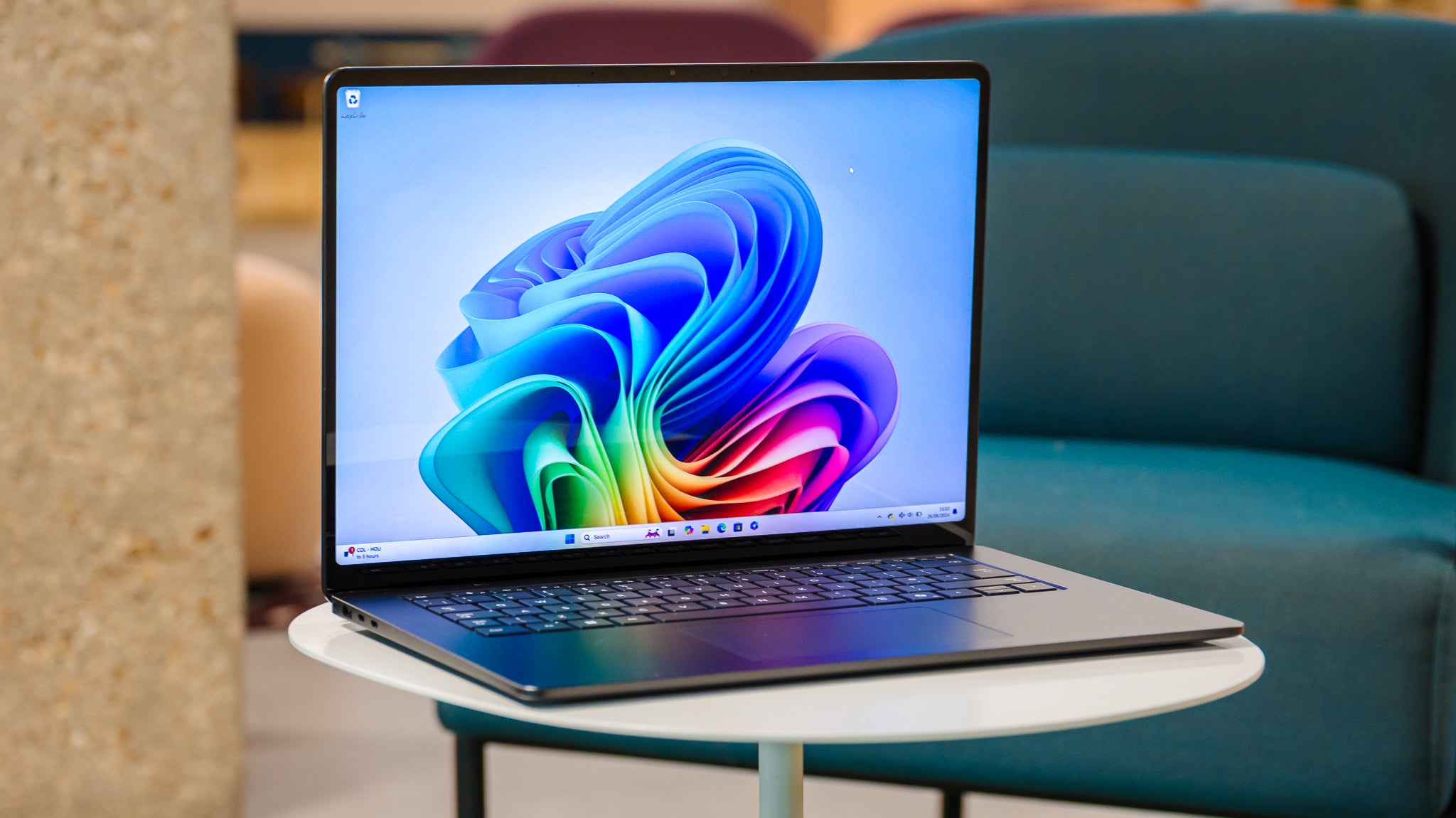
A Comprehensive Guide to Choosing a Notebook of 700 Euros
Are you in the market for a new notebook, but don’t want to break the bank? Look no further! In this guide, we’ll walk you through the process of choosing a notebook that meets your needs and budget.
Understanding Your Needs
Before we dive into the specifics, it’s essential to understand how you plan to use your notebook. Will it be for basic tasks like browsing the internet and checking email? Or will you use it for more demanding activities like gaming or video editing?
Choosing a Notebook Based on Use Case
- Basic Tasks: If you only need a notebook for basic tasks, any device in this price range will suffice.
- Gaming: If you’re an avid gamer, look for notebooks with dedicated graphics cards and high refresh rates (144Hz or higher).
- Graphic Design: For graphic designers, consider notebooks with good display quality, ample storage, and a decent processor.
- Business: If you need a notebook for work-related tasks, focus on devices with excellent keyboards, long battery life, and robust security features.
Key Components to Consider
- Processor (CPU): Choose between Intel Core i5 or i7, or AMD Ryzen 5 or 7. Ensure it meets your performance needs.
- Ram: Opt for at least 16GB of RAM to ensure smooth multitasking.
- Storage: Select a solid-state drive (SSD) with ample storage capacity (1TB or more).
- Display: Consider the display type, resolution, and refresh rate based on your intended use.
Display Specifications
- Resolution: Look for Full HD (1080p) or higher resolutions.
- Refresh Rate: Opt for at least 60Hz, but consider 120Hz or higher if you’re a gamer.
- Color Accuracy: Choose displays with high color accuracy (sRGB or higher).
Connectivity And Ports
- Usb Ports: Ensure the notebook has multiple USB ports (at least one Type-C).
- Other Ports: Consider notebooks with HDMI, Ethernet, and an SD card reader.
Battery Life
- Look For Notebooks With Long Battery Life: Choose devices that can last at least 8 hours on a single charge.
- Power Management: Consider notebooks with advanced power management features to optimize battery life.
Additional Features
- Webcam: Opt for notebooks with high-quality webcams (720p or higher).
- Keyboard And Trackpad: Ensure the keyboard is comfortable and accurate, and the trackpad is responsive.
- Software: Choose between Windows 10, macOS, or Chrome OS based on your preferences.
Conclusion
Choosing a notebook of 700 euros requires careful consideration of your needs and budget. By understanding how you plan to use your device, selecting the right components, and considering additional features, you’ll find the perfect notebook for your requirements.
Frequently Asked Questions (FAQs)
- Q: Can I Find a Good Notebook With a Dedicated Graphics Card Under 700 Euros?
A: Yes, but be prepared to make some compromises on other features. - Q: Which Processor Should I Choose For Gaming or Graphic Design?
A: Opt for Intel Core i7 or AMD Ryzen 7 for demanding activities. - Q: How Important is Display Quality For Everyday Use?
A: Consider a Full HD (1080p) display with good color accuracy and refresh rate. - Q: Can I Upgrade The Ram on Most Notebooks?
A: Yes, but ensure you check compatibility before purchasing. - Q: What’s The Best Operating System For Me?
A: Choose between Windows 10, macOS, or Chrome OS based on your preferences. - Q: How do I Know if a Notebook Has Good Battery Life?
A: Look for devices with long battery life (at least 8 hours) and advanced power management features. - Q: Can I Use my Notebook For Gaming if it Doesn’t Have a Dedicated Graphics Card?
A: Yes, but be prepared to make some compromises on performance. - Q: What’s The Best Way to Protect my Notebook From Overheating?
A: Choose devices with advanced cooling systems and monitor temperature levels.
I hope this comprehensive guide has helped you navigate the world of notebooks!


