
How to Give Robux on Roblox: A Comprehensive Guide
Are you looking for ways to give Robux, the official currency of Roblox, to your friends? Look no further! In this article, we will guide you through the process of giving Robux on Roblox, including using gift cards and buying products from other users.
Why Give Robux on Roblox?
Giving Robux on Roblox is a great way to show your appreciation and support for your fellow players. With Robux, users can acquire various objects and accessories to enhance their gaming experience. Whether you want to give a gift to a friend or simply want to show off your generosity, giving Robux on Roblox is a thoughtful gesture.
The Problem: Can’t Transfer Robux Directly
Unfortunately, it’s not possible to transfer Robux directly from one account to another. This means that if you want to give Robux to someone else, you’ll have to use alternative methods. Don’t worry; we’ve got you covered!
Method 1: Using Gift Cards
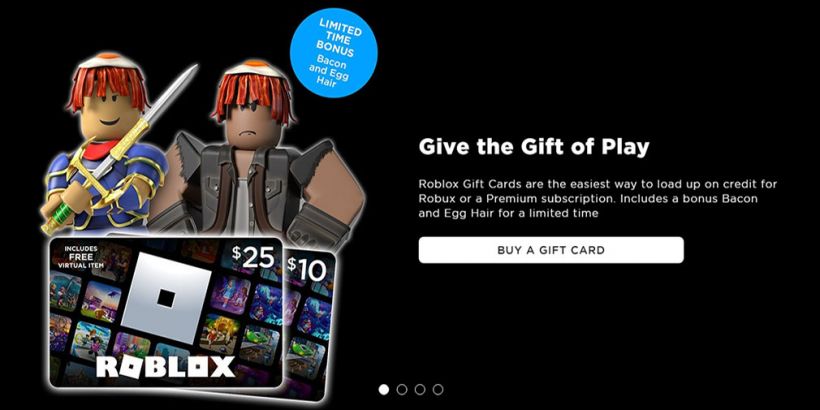
One way to give Robux is by using gift cards. You can purchase a gift card on the official Roblox website or through other authorized sellers. Here’s how to do it:
- Step 1: Go to the Roblox website and click on the “Gift Cards” tab.
- Step 2: Choose the desired amount of Robux you want to give, which ranges from $5 to $200.
- Step 3: Select a design for the gift card and add it to your cart.
- Step 4: Proceed to checkout and enter the recipient’s email address.
- Step 5: Choose the delivery date and time, if desired.
Method 2: Buying Products From Other Users
Another way to give Robux is by buying products from other users. Here’s how it works:
- Step 1: Open the official Roblox website and click on the “Shop” tab.
- Step 2: Search for the user you want to buy a product from or browse through their shop.
- Step 3: Choose the product you want to buy, and proceed to checkout.
- Step 4: Select your payment method and confirm the transaction.
Tips And Tricks
Here are some additional tips and tricks to keep in mind:
- Use The Roblox Mobile App: You can also give Robux on Roblox using the mobile app. Simply follow the same steps as above.
- Check For Available Products: Make sure the user you want to buy a product from has something available in their shop before proceeding.
- Be Mindful of Prices: Keep an eye on the prices of products, especially if you’re buying multiple items.
Conclusion
Giving Robux on Roblox is a thoughtful way to show your appreciation and support for your fellow players. By using gift cards or buying products from other users, you can give Robux without transferring them directly. Just remember to follow the steps above, and you’ll be well on your way to becoming a generous Roblox player.
Faqs
Here are some frequently asked questions to help you better understand giving Robux on Roblox:
- Q: Can I Transfer Robux Directly From One Account to Another?
A: Unfortunately, no. You’ll need to use alternative methods like gift cards or buying products from other users. - Q: What Are The Benefits of Using Gift Cards?
A: Gift cards allow you to give a specific amount of Robux to someone without them having to spend their own money. - Q: Can I Buy Multiple Products at Once?
A: Yes! You can buy multiple products from a single user, making it easier to show your appreciation for their creations.
Hope this article helped!


