
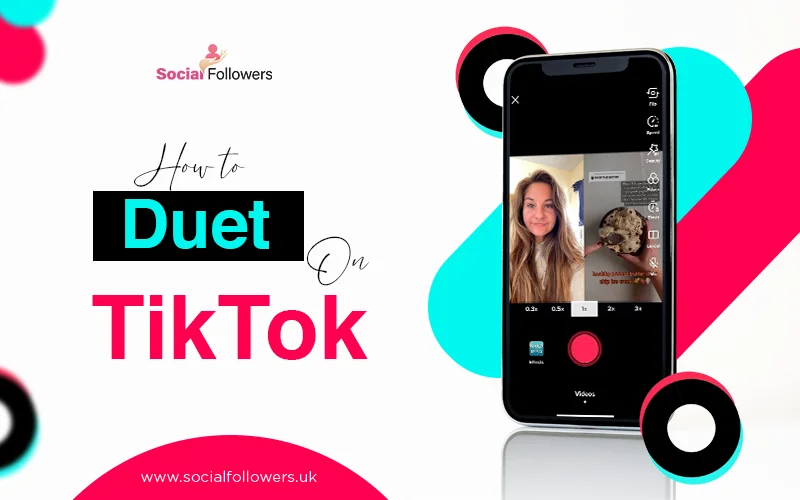
The Ultimate Guide to Dueting on Tiktok: A Step-by-step Tutorial
Are you ready to take your social media game to the next level? Do you want to know how to duet with your friends on TikTok? Look no further! In this article, we will guide you through the process of creating a duet video on TikTok, step by step.
What is Dueting on Tiktok?
Duetting on TikTok allows you to create a video with another user who has already posted a video. You can add your own voice or video to the existing video, making it a fun and creative way to collaborate with friends.
Why Should You Try Dueting on Tiktok?
Duets are a great way to get more out of TikTok. Not only do they allow you to interact with other users in a more engaging way, but they also provide an opportunity for creators to showcase their talents and personalities.
How to Duet on Tiktok: A Step-by-step Guide
Step 1: Choose The Video You Want to Duet With
The first step is to choose a video that you want to duet with. This can be a video from any user, but it’s best to start with a video that has a good quality and a clear audio.
Step 2: Access Your Account And Open The Tiktok App
To access your account and open the TikTok app, follow these steps:
- Initiate the TikTok app on your smartphone or tablet.
- Log in to your account if you haven’t already done so.
- Tap on the “For You” tab to see a list of videos that are tailored to your interests.
Step 3: Select The Video You Want to Duet With
Once you’ve accessed the app and opened your account, select the video that you want to duet with. This can be done by tapping on the video in the “For You” tab or searching for it using the search bar.
Step 4: Tap on The “Duet” Button
To start creating a duet, tap on the “Duet” button located at the bottom of the screen. This will open up a new interface where you can record your video and add audio to the existing video.
Step 5: Record Your Video And Add Audio
To record your video and add audio, follow these steps:
- Tap on the microphone icon to enable recording.
- Choose the layout of your recorded video by tapping on the “Layout” button.
- Adjust any other settings as desired using the available options.
- Tap on the record button to start recording your video.
Step 6: Add Your Voiceover And Save
To add a voiceover and save your duet, follow these steps:
- Tap on the microphone icon to enable recording.
- Choose the layout of your recorded video by tapping on the “Layout” button.
- Adjust any other settings as desired using the available options.
- Tap on the record button to start recording your voiceover.
Once you’ve completed recording your duet, tap on the “Save” button to save it. You can then share your duet by tapping on the “Share” button located at the bottom of the screen.
Tips For Creating a Successful Duet
- Make sure to choose a video that has good quality and clear audio.
- Be creative with your recorded video and voiceover.
- Use the available options to adjust settings as desired.
- Save and share your duet as soon as possible.
Conclusion
Dueting on TikTok is a fun and engaging way to interact with other users. With these steps, you can create a successful duet that showcases your talents and personalities. Don’t forget to follow the tips for creating a successful duet to ensure that your video reaches its full potential.
References
- “TikTok Duet” by TikTok
- “How to Create a Duet on TikTok” by TechRadar
- “Duets: A Guide for Creators” by TikTok Creator Portal


