
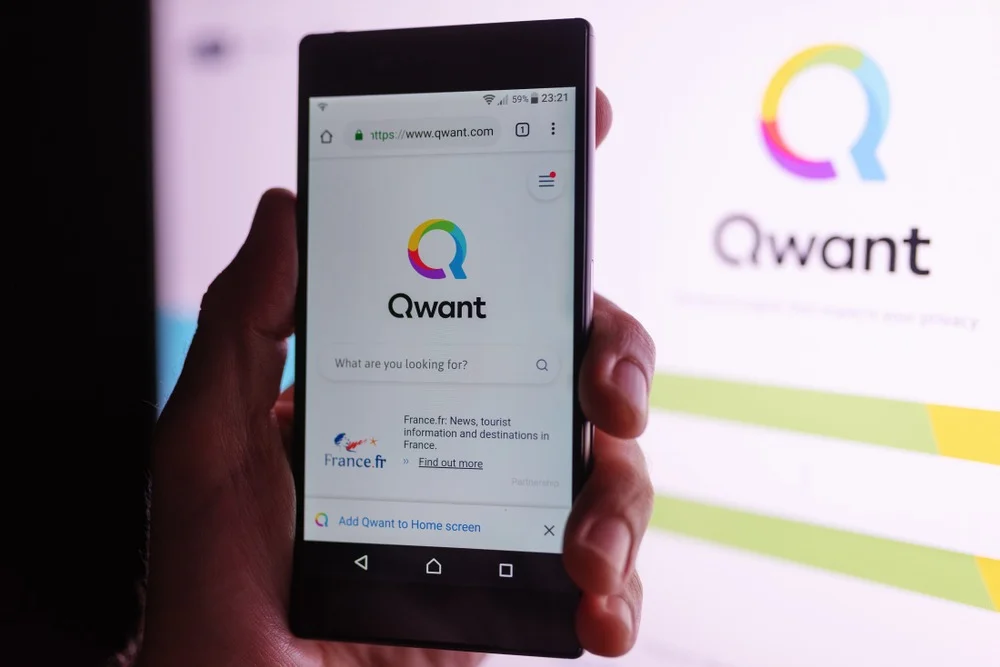
Download Qwant on Your Devices: A Step-by-step Guide
Are you curious about downloading Qwant, the innovative search engine that respects your privacy? Look no further! This article will guide you through the process of installing Qwant on your computer and mobile devices.
What is Qwant?
Qwant is a search engine that prioritizes user privacy. It doesn’t track your IP address or machine number, ensuring your online activities remain confidential. With Qwant, you can enjoy fast and efficient searches without compromising your data security.
Why Choose Qwant?
Here are some compelling reasons to choose Qwant:
- Respects Your Privacy: Qwant doesn’t collect your personal data, unlike other search engines.
- Fast Searches: Qwant’s engine is optimized for quick results, saving you time and effort.
- Customizable Interface: Personalize your search experience with customizable settings.
How to Download Qwant on Your Computer
To download Qwant on your computer, follow these steps:
Step 1: Visit The Qwant Website
Open a web browser (e.G., Google Chrome, Mozilla Firefox) and navigate to www.Qwant.Com.
Step 2: Click on The Download Button
Locate the download button on the Qwant website. It’s usually located in the top right corner of the page.
Step 3: Choose Your Browser
Select your preferred browser from the drop-down menu (e.G., Google Chrome, Mozilla Firefox).
Step 4: Click on The Download Button Again
Confirm your selection by clicking the download button again.
Step 5: Wait For The Installation Process to Complete
The installation process should take a few minutes. Once complete, Qwant will be installed as your default search engine.
How to Download Qwant on Your Mobile Device (Android/iOS)
To download Qwant on your mobile device, follow these steps:
Step 1: Visit The Google Play Store (Android) or App Store (iOS)
Open the Google Play Store (for Android devices) or App Store (for iOS devices).
Step 2: Search For Qwant
Type “Qwant” in the search bar and select the app from the results.
Step 3: Click on The Install Button
Click the install button to begin the installation process.
Step 4: Wait For The Installation Process to Complete
The installation process should take a few minutes. Once complete, Qwant will be installed on your mobile device.
How to Set Qwant as Your Default Search Engine
To set Qwant as your default search engine:
- Open your browser (e.G., Google Chrome, Mozilla Firefox).
- Click on the settings icon.
- Select “Search engines” from the menu.
- Choose Qwant as your default search engine.
Troubleshooting: Uninstalling Qwant
If you need to uninstall Qwant, follow these steps:
- Open your browser (e.G., Google Chrome, Mozilla Firefox).
- Click on the settings icon.
- Select “Extensions” from the menu (for browsers with extensions support).
- Locate the Qwant extension and click the “Uninstall” button.
Qwant on Your Browser: Tips And Tricks
Here are some tips and tricks for using Qwant on your browser:
- Customize Your Search Experience: Personalize your search experience by adjusting settings to suit your preferences.
- Use Qwant’s Built-in Features: Utilize Qwant’s built-in features, such as keyword filtering and URL blocking.
Conclusion
Qwant is a great alternative to traditional search engines. With its commitment to user privacy and customizable interface, it’s an excellent choice for those who value their online security. By following the steps outlined in this article, you can easily download Qwant on your computer and mobile devices.
Frequently Asked Questions (FAQs)
Here are some frequently asked questions about Qwant:
Q: What is Qwant?
A: Qwant is a search engine that prioritizes user privacy.
Q: Why choose Qwant over other search engines?
A: Qwant offers fast searches, customizable interfaces, and respects user privacy.
Q: How do I download Qwant on my computer?
A: Visit the Qwant website, select your browser, and click the download button to begin the installation process.
Q: Can I uninstall Qwant if needed?
A: Yes, you can uninstall Qwant by following the steps outlined in this article.


