
Unlocking The Power of Bluetooth in Your Car: A Step-by-step Guide
Are you excited about your new car, but feeling a bit lost when it comes to navigating its advanced technological features? You’re not alone! Many of us have experienced that sense of wonder and intimidation when faced with the latest innovations in our vehicles. One such feature is Bluetooth connectivity, which allows you to seamlessly connect your smartphone or tablet to your car’s infotainment system.
In this article, we’ll take a step-by-step approach to help you understand how to activate and utilize Bluetooth in your car. We’ll also explore some practical examples and tips to ensure that you get the most out of this convenient feature.
Why Activate Bluetooth in Your Car?
Activating Bluetooth in your car allows you to enjoy several benefits, including:
- Hands-free Phone Calls: Make and receive hands-free calls while driving, keeping your eyes on the road and your hands on the wheel.
- Wireless Audio Streaming: Stream music, podcasts, or audiobooks directly from your smartphone or tablet to your car’s speakers, creating a seamless listening experience.
- Convenience: Avoid cluttering your car with cables and adapters by using Bluetooth connectivity.
Preparing Your Car For Bluetooth Activation
Before you begin, ensure that your car is compatible with Bluetooth technology. Most modern cars come equipped with Bluetooth capabilities, but some older models may require additional accessories to enable this feature.
Here are the steps to follow:
- Locate The Bluetooth Settings: Typically found in the car’s infotainment system or dashboard menu.
- Activate Bluetooth: Enable Bluetooth on your device and search for available devices within range.
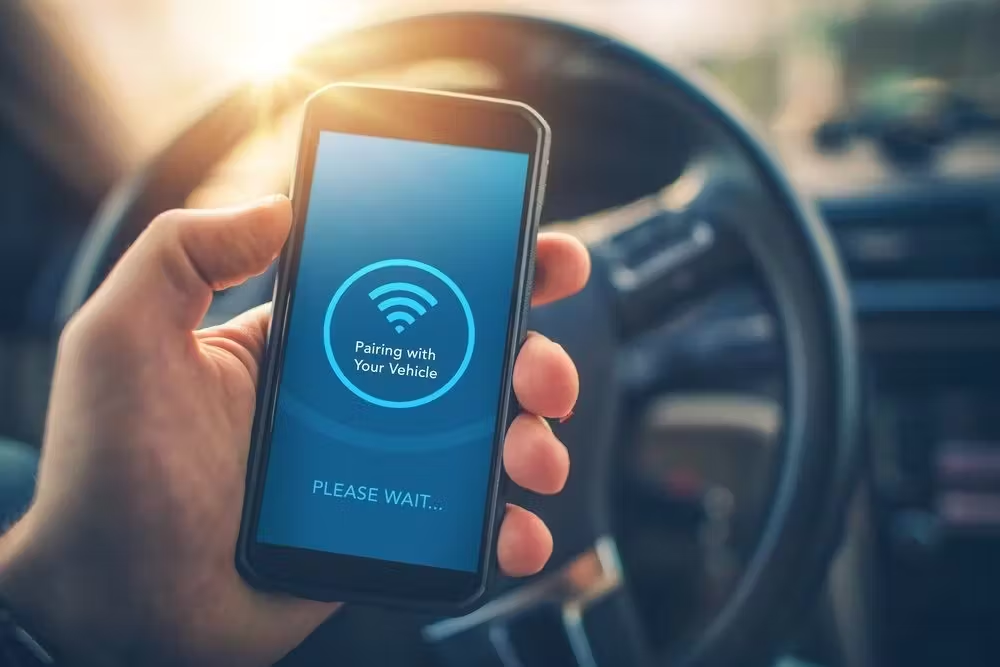
- Pair Your Device With The Car: Once paired, you’ll be able to connect your device wirelessly.
Connecting Your Device to The Car
Now that you’ve activated Bluetooth in your car, it’s time to connect your device. Here’s a step-by-step guide:
- Locate The Bluetooth Menu on Your Device: Access the Bluetooth settings on your smartphone or tablet.
- Search For Available Devices: Look for the name of your car’s infotainment system or dashboard display in the list of available devices.
- Select And Pair The Device: Choose your car from the list, and follow the prompts to complete the pairing process.
Troubleshooting Common Issues
As with any technological feature, you may encounter some issues when activating Bluetooth in your car. Here are some common problems and their solutions:
- Device Not Found: Check that Bluetooth is enabled on both your device and the car.
- Pairing Issues: Restart your device or try pairing again to resolve connectivity problems.
Tips For Using Bluetooth Effectively
To get the most out of Bluetooth in your car, keep these tips in mind:
- Use a Bluetooth Adapter: If your car doesn’t have built-in Bluetooth capabilities, consider investing in a Bluetooth adapter.
- Update Your Car’s Software: Regularly update your car’s infotainment system to ensure compatibility with the latest Bluetooth technology.
Conclusion
Activating and utilizing Bluetooth in your car is a straightforward process that requires some basic understanding of its features and functionality. By following these steps and tips, you’ll be able to enjoy hands-free phone calls, wireless audio streaming, and convenience like never before.
Frequently Asked Questions (FAQs)
Here are some frequently asked questions about Bluetooth in cars:
- What is Bluetooth?
Bluetooth is a wireless personal area network technology that allows devices to communicate with each other within short ranges.
2. Can I Use Bluetooth With my Car?
Yes, most modern cars come equipped with Bluetooth capabilities. Some older models may require additional accessories to enable this feature.
3. How do I Activate Bluetooth in my Car?
To activate Bluetooth in your car, locate the Bluetooth settings in the infotainment system or dashboard menu and follow the prompts to enable Bluetooth on both your device and the car.
4. What Are Some Common Issues With Bluetooth in Cars?
Some common issues include device not found, pairing issues, and connectivity problems.
If you’re unsure about any of these topics, consult your car’s manual or contact a professional for assistance.


