
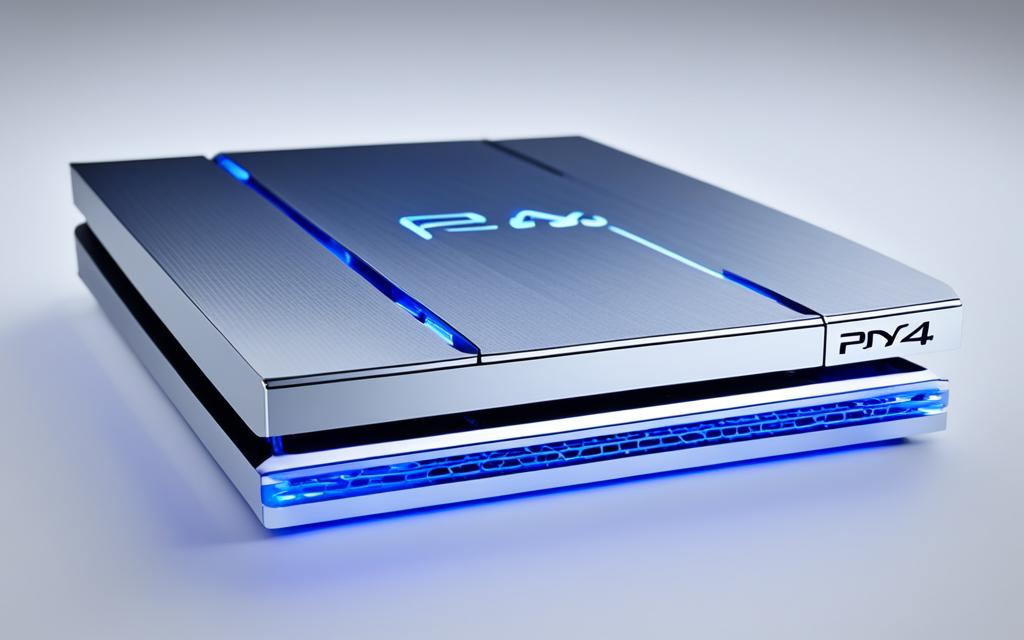
How to Cool Down Your Ps4: A Step-by-step Guide
Are you tired of your PS4 overheating and slowing down? Do you want to keep it running smoothly and prevent any potential damage? Look no further! In this article, we’ll show you how to cool down your PS4 using simple and effective methods.
Understanding The Problem
Before we dive into the solutions, let’s understand why your PS4 might be overheating. The console is designed to generate heat as it processes games and runs applications. However, if it gets too hot, it can slow down or even shut down completely. This can be frustrating, especially when you’re in the middle of a game.
Cleaning Your Ps4
The first step to cooling down your PS4 is to clean it regularly. Yes, you read that right – cleaning! Dust and dirt can accumulate inside the console, causing it to overheat. Use a soft cloth or brush to gently remove any debris from the vents and grills. This simple task can make a huge difference in keeping your PS4 running smoothly.
Choosing The Right Location
The location of your PS4 is also crucial when it comes to cooling. Try to place it in an area with good airflow, away from direct sunlight or heat sources. Avoid placing it in small, enclosed spaces where dust and debris can accumulate easily.
Using Cooling Accessories
If you’re experiencing persistent overheating issues despite cleaning and proper placement, consider investing in a cooling accessory specifically designed for the PS4. These devices can help dissipate heat more efficiently, keeping your console running smoothly.
Ps4 Slim Vs. Standard Ps4
While both the PS4 Slim and standard PS4 share similar design and functionality, there are some key differences when it comes to cooling. The Slim version is more compact and efficient in terms of heat dissipation. However, it’s still essential to clean and maintain it regularly to prevent overheating.
Ps4 Pro: A More Complex Console
The PS4 Pro is the most powerful console in the series, but it also requires more attention when it comes to cooling. Make sure to clean the vents and grills regularly, and consider investing in a high-quality cooling accessory specifically designed for this model.
Universal Cooling Solutions
For those who want a universal solution that works across different PS4 models, consider using a cooling base or vent that can be attached to the console. These devices are often compact, lightweight, and easy to install, making them an excellent option for those who need extra cooling power.
Troubleshooting And Support
If you’re experiencing issues with overheating despite following these steps, don’t hesitate to contact Sony’s official support team or visit their website for troubleshooting tips. They’ll be happy to assist you in resolving the problem.
Conclusion
Keeping your PS4 cool is essential for maintaining its performance and longevity. By cleaning it regularly, choosing the right location, using cooling accessories, and understanding the specific needs of each model, you can ensure that your console runs smoothly and efficiently.
Frequently Asked Questions (FAQs)
- Q: Why Does my Ps4 Overheat?
A: Overheating is usually caused by dust and dirt accumulation inside the console, which blocks airflow and prevents heat dissipation. - Q: How Often Should I Clean my Ps4?
A: Clean your PS4 every 1-3 months, depending on usage and environmental conditions. - Q: What Are The Benefits of Using a Cooling Accessory?
A: Cooling accessories can help dissipate heat more efficiently, preventing overheating and ensuring smooth console performance. - Q: Can I Use Any Cooling Solution With my Ps4?
A: Not all cooling solutions are compatible with your PS4 model. Be sure to check compatibility before investing in a specific product. - Q: What Should I do if my Ps4 Still Overheats Despite Following These Steps?
A: Contact Sony’s official support team or visit their website for troubleshooting tips and assistance. - Q: Are There Any Universal Cooling Solutions That Work Across Different Ps4 Models?
A: Yes, some cooling bases and vents are designed to be compatible with multiple PS4 models, offering a convenient solution for those who need extra cooling power. - Q: How do I Choose The Right Cooling Accessory For my Ps4 Model?
A: Research and compare different products, considering factors such as compatibility, effectiveness, and price before making a decision.
We hope this article has been helpful in providing you with practical tips on how to cool down your PS4. By following these steps, you can ensure that your console runs smoothly and efficiently, giving you an amazing gaming experience!


