
How to Cancel Your Vodafone Contract: A Step-by-step Guide
Are you thinking of canceling your Vodafone contract? Whether it’s due to financial constraints, dissatisfaction with the service, or simply wanting to switch to another provider, this article will guide you through the process.
Understanding The Costs of Deactivation
Before we dive into the step-by-step process, it’s essential to understand the costs associated with canceling your Vodafone contract. If you decide to cancel within 14 days of signing up, you won’t be charged anything. However, if you cancel after this period, you’ll be required to pay a deactivation fee of €28.
Restoring Equipment And Avoiding Penalties
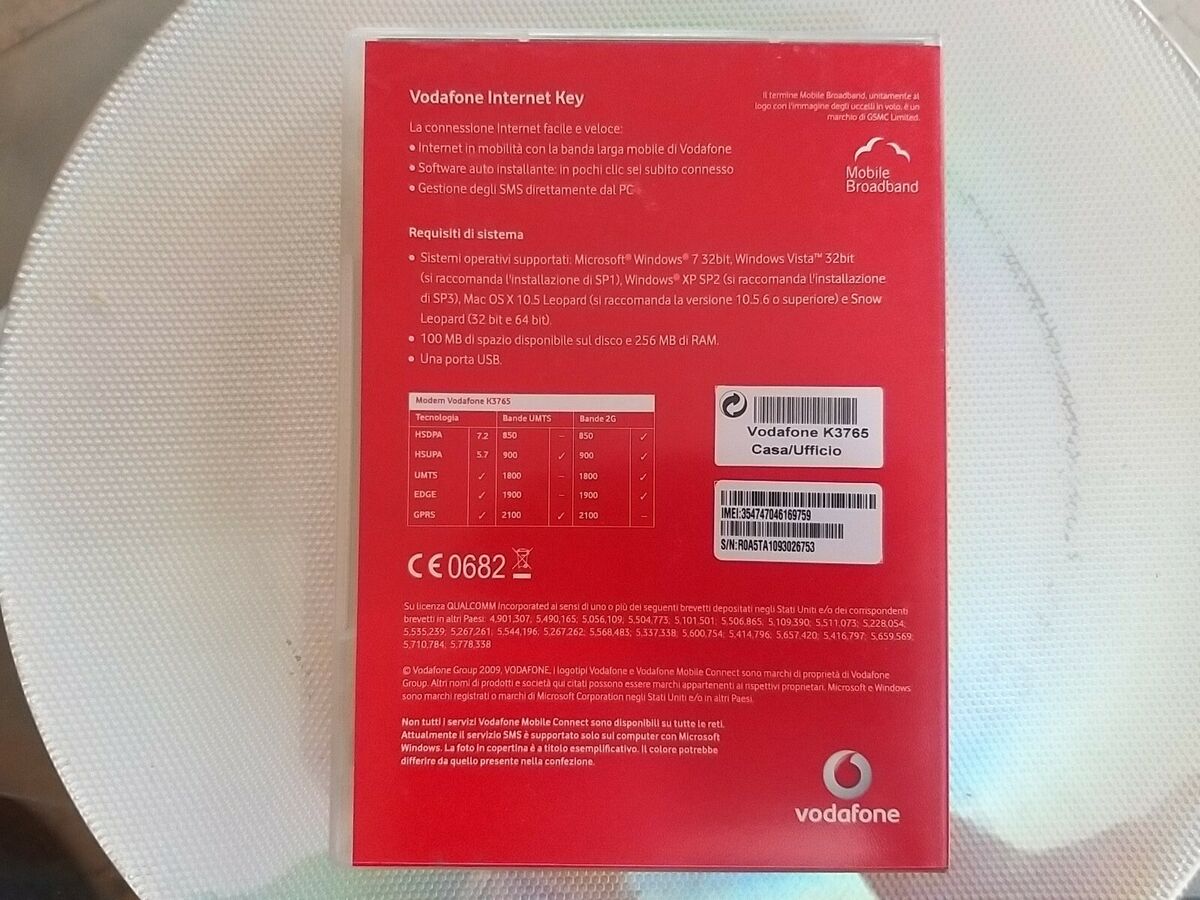
If you’re canceling your contract, it’s crucial to return any equipment provided by Vodafone, such as the modem or decoder. Failure to do so within 30 days may result in penalties, which can range from €50 to €70 depending on the duration of your subscription.
The Form Disdetta: How to Cancel Your Contract Online
To cancel your Vodafone contract online, follow these steps:
- Access The Myvodafone Portal: Go to the Vodafone website and log in to your account using your credentials.
- Navigate to The “Disdetta” Section: Click on the “Disdetta” tab and select the type of service you want to cancel (e.G., Fixed-line, ADSL, or fibre).
- Fill Out The Form: Complete the online form with your details, including your name, address, and phone number.
- Submit The Form: Once you’ve filled out the form, submit it for review.
Cancelling Your Contract: Options And Alternatives
There are two ways to cancel your Vodafone contract:
- Online Cancellation: Follow the steps outlined above to cancel your contract online.
- Phone or Postal Cancellation: If you prefer to cancel over the phone or by post, contact Vodafone’s customer service department.
Cancelling Your Contract: A Guide For Those Who Have Passed Away
If a loved one has passed away and you need to cancel their Vodafone contract, follow these steps:
- Prepare The Necessary Documents: You’ll need to provide certified copies of the deceased person’s identity document and death certificate.
- Fill Out The Request Form: Complete the online form with your details and those of the deceased person.
- Submit The Form: Once you’ve filled out the form, submit it for review.
Frequently Asked Questions
- What is The Cost of Deactivating my Vodafone Contract?
The cost of deactivating your Vodafone contract is €28 if canceled after 14 days of signing up. - Do I Need to Return Any Equipment When Canceling my Contract?
Yes, you’ll need to return any equipment provided by Vodafone, such as the modem or decoder, within 30 days of canceling your contract. - Can I Cancel my Vodafone Contract Online?
Yes, you can cancel your Vodafone contract online using the MyVodafone portal. - What if I’m Canceling my Contract Due to Financial Constraints?
If you’re canceling your contract due to financial constraints, it’s essential to discuss this with Vodafone’s customer service department to see if they can offer any assistance. - Can I Transfer my Phone Number to Another Provider?
Yes, you can transfer your phone number to another provider by following the steps outlined in the guide above. - What is The Process For Canceling a Contract Due to Demise?
To cancel a contract due to demise, follow the steps outlined in the guide above, including preparing the necessary documents and filling out the online form.
Conclusion
Canceling your Vodafone contract can be a straightforward process if you know what to expect. By following these step-by-step guides, you’ll be able to navigate the process with confidence. Remember to understand the costs associated with canceling your contract and take the necessary steps to restore any equipment provided by Vodafone.
Contact Information
For more information or assistance, contact Vodafone’s customer service department at [insert phone number] or [insert email address].


