
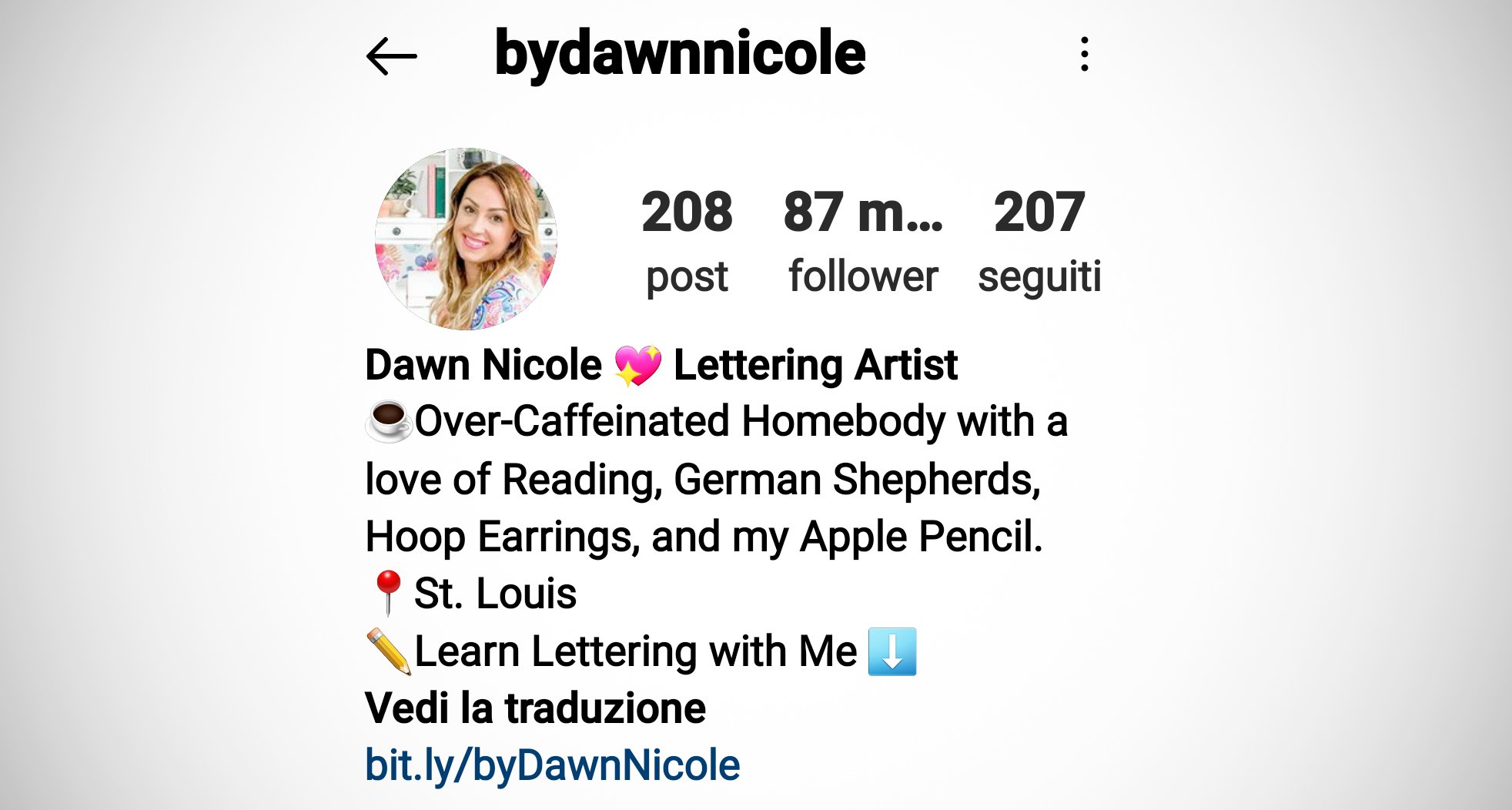
How to Convert Your Instagram Account Into a Professional Profile: A Step-by-step Guide
Are you a content creator, influencer, or blogger looking to take your Instagram game to the next level? Do you want to transform your personal account into a professional profile that showcases your blog and expertise? Look no further! In this article, we’ll guide you through the simple steps of converting your Instagram account into a professional profile.
Benefits of Converting Your Account
Before we dive into the tutorial, let’s quickly discuss the benefits of converting your Instagram account into a professional profile. By doing so, you’ll be able to:
- Access more features and tools designed for content creators and professionals
- Enhance your online presence and credibility
- Increase engagement and reach with your target audience
- Showcase your expertise and blog through a dedicated category
Step 1: Preparing Your Account
To convert your Instagram account into a professional profile, you’ll need to have a smartphone or computer handy. Make sure you’re logged in to your account and have the latest version of the app installed.
Android/ios
If you’re using an Android device, follow these steps:
- Launch the Instagram app and tap on your profile picture.
- Tap on the three horizontal lines (≡) at the top right corner.
- Select “Type of Account” from the menu.
- Choose the “Professional account” option.
PC
If you’re using a computer, follow these steps:
- Log in to your Instagram account using the web version or the Windows app.
- Click on the three horizontal lines (≡) at the top right corner.
- Select “Settings” from the menu.
- Choose the “Professional account” option.
Step 2: Setting Up Your Professional Profile
Once you’ve selected the professional account option, follow these steps:
- Tap or click on “Create a Professional Account.”
- Fill out your profile information, including your name and bio.
- Select the category that best describes your blog (e.G., Personal Blog).
- Choose whether you want to display your category on your profile.
- Review and confirm your changes.
Step 3: Customizing Your Profile
Congratulations! You’ve successfully converted your Instagram account into a professional profile. To further customize your profile, follow these steps:
- Add a profile picture that represents your blog or brand.
- Write an engaging bio that showcases your expertise and personality.
- Use relevant hashtags to increase your reach and engagement.
Tips And Tricks
Here are some additional tips and tricks to help you make the most out of your professional Instagram account:
- Post high-quality content that aligns with your blog or brand.
- Engage with your audience by responding to comments and messages.
- Use Instagram Stories and IGTV to share behind-the-scenes content and exclusive updates.
By following these simple steps, you’ll be able to create a professional profile on Instagram that showcases your expertise and blog. Remember to stay consistent, engage with your audience, and continuously improve your online presence.
The Future of Social Media
As social media continues to evolve, it’s essential to adapt and keep up with the latest trends and features. By converting your Instagram account into a professional profile, you’ll be well-prepared for the future of social media and can continue to grow your online presence.
If you have any questions or need further assistance, feel free to reach out. Happy posting!


