
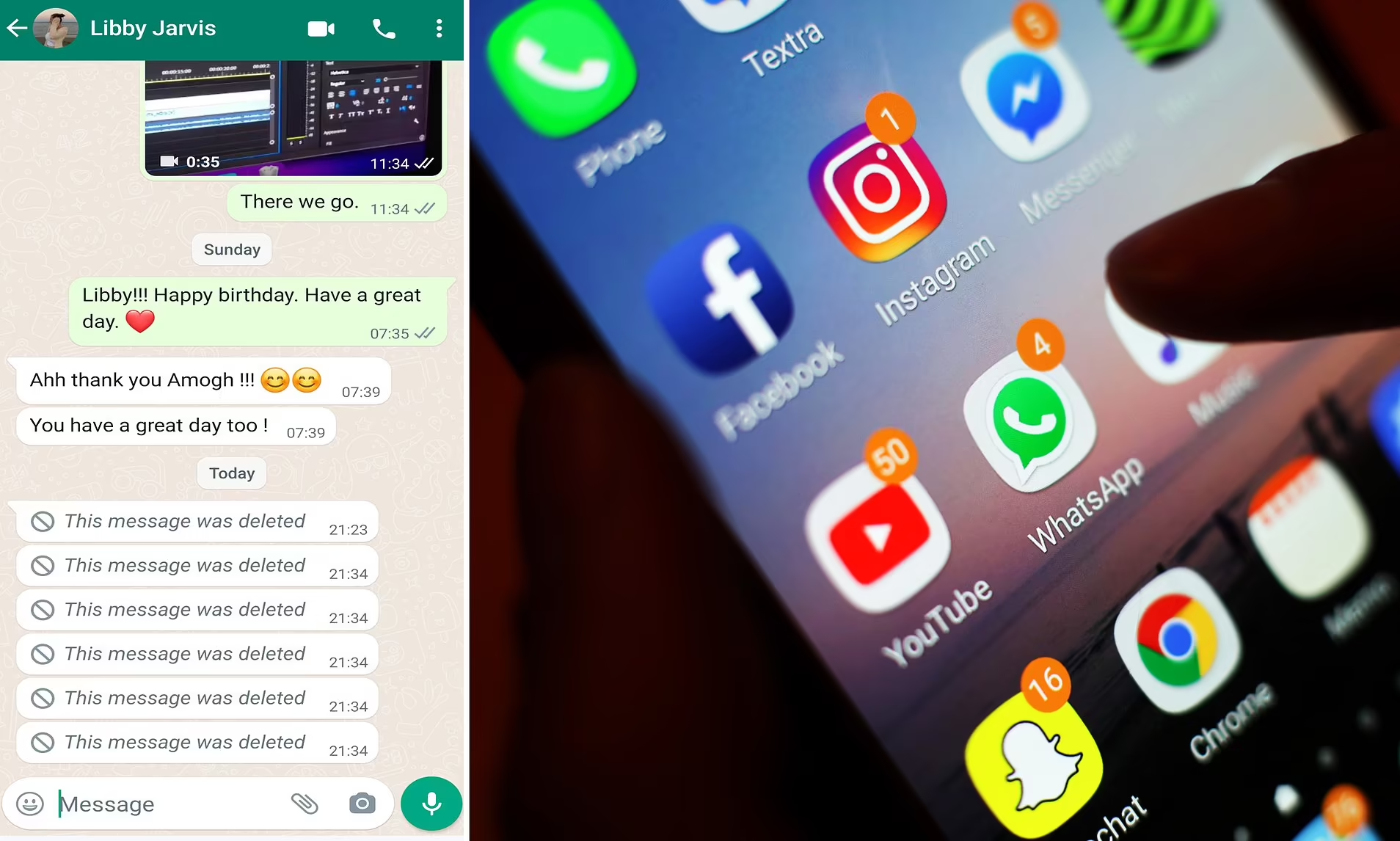
Recovering Whatsapp After Accidental Deletion: A Step-by-step Guide
Are you among the millions of users who have accidentally deleted WhatsApp from their smartphone or computer? Don’t worry, this article will guide you through a step-by-step process to recover WhatsApp without losing any conversations or data.
Why is it Important to Recover Whatsapp?
WhatsApp is one of the most popular messaging apps in the world, and its deletion can cause significant distress for users who have stored important conversations, photos, videos, and files. Losing access to these valuable resources can be frustrating, especially if you don’t have a backup.
Is it Possible to Recover Whatsapp Without a Backup?
Unfortunately, it’s not possible to recover WhatsApp conversations without a backup if the app was deleted permanently. However, there are some workarounds that may help recover deleted data from WhatsApp.
Recovering Whatsapp on Android Devices
If you own an Android device and have deleted WhatsApp by mistake, follow these steps:
- Download And Install Whatsapp: Go to the Google Play Store and search for “WhatsApp”. Click on the app icon and select “Install”.
- Open Whatsapp: Once installed, open WhatsApp and accept the terms of service.
- Verify Phone Number: Enter your phone number to verify your account.
- Restore Backup (Optional): If you had previously backed up your conversations, select the “Restore” option to recover them.
Recovering Whatsapp on Iphone Devices
If you own an iPhone device and have deleted WhatsApp by mistake, follow these steps:
- Download And Install Whatsapp: Go to the App Store and search for “WhatsApp”. Click on the app icon and select “Get”.
- Open Whatsapp: Once installed, open WhatsApp and accept the terms of service.
- Verify Phone Number: Enter your phone number to verify your account.
- Restore Backup (Optional): If you had previously backed up your conversations, select the “Restore” option to recover them.
Recovering Whatsapp on Windows Computers
If you have deleted WhatsApp from a Windows computer and want to reinstall it, follow these steps:
- Download Whatsapp: Visit the official WhatsApp website and download the desktop app.
- Install Whatsapp: Follow the installation process to install WhatsApp on your Windows computer.
- Open Whatsapp: Once installed, open WhatsApp and accept the terms of service.
- Verify Phone Number: Enter your phone number to verify your account.
Recovering Whatsapp on Macos Computers
If you have deleted WhatsApp from a macOS computer and want to reinstall it, follow these steps:
- Download Whatsapp: Visit the official WhatsApp website and download the desktop app.
- Install Whatsapp: Follow the installation process to install WhatsApp on your macOS computer.
- Open Whatsapp: Once installed, open WhatsApp and accept the terms of service.
- Verify Phone Number: Enter your phone number to verify your account.
Alternative Method: Using Software to Recover Deleted Data
If you don’t have a backup and want to recover deleted data from WhatsApp, consider using software like Dr.Fone or EaseUS MobiSaver Free. These programs can scan your device for deleted data and potentially recover some conversations or files.
Conclusion
Recovering WhatsApp after accidental deletion is possible with the right steps and tools. If you have a backup, follow the standard installation process to reinstall the app and restore your conversations. If you don’t have a backup, consider using alternative methods like software recovery programs. Remember to always backup your data regularly to avoid losing important information.
Frequently Asked Questions (FAQs)
- Q: Can I Recover Whatsapp Without a Backup?
A: Unfortunately, it’s not possible to recover WhatsApp conversations without a backup if the app was deleted permanently. - Q: How do I Restore my Whatsapp Backup?
A: If you had previously backed up your conversations, select the “Restore” option in the WhatsApp settings menu. - Q: Can I Use Software to Recover Deleted Data From Whatsapp?
A: Yes, consider using programs like Dr.Fone or EaseUS MobiSaver Free to scan your device for deleted data and potentially recover some conversations or files. - Q: Will I Lose my Phone Number if I Reinstall Whatsapp?
A: No, as long as you have a verified phone number associated with your WhatsApp account, it will remain connected even after reinstalling the app. - Q: Can I Transfer my Whatsapp Data From One Device to Another?
A: Yes, use the “Export” feature in WhatsApp settings to transfer your conversations and media files to a new device or computer.


