
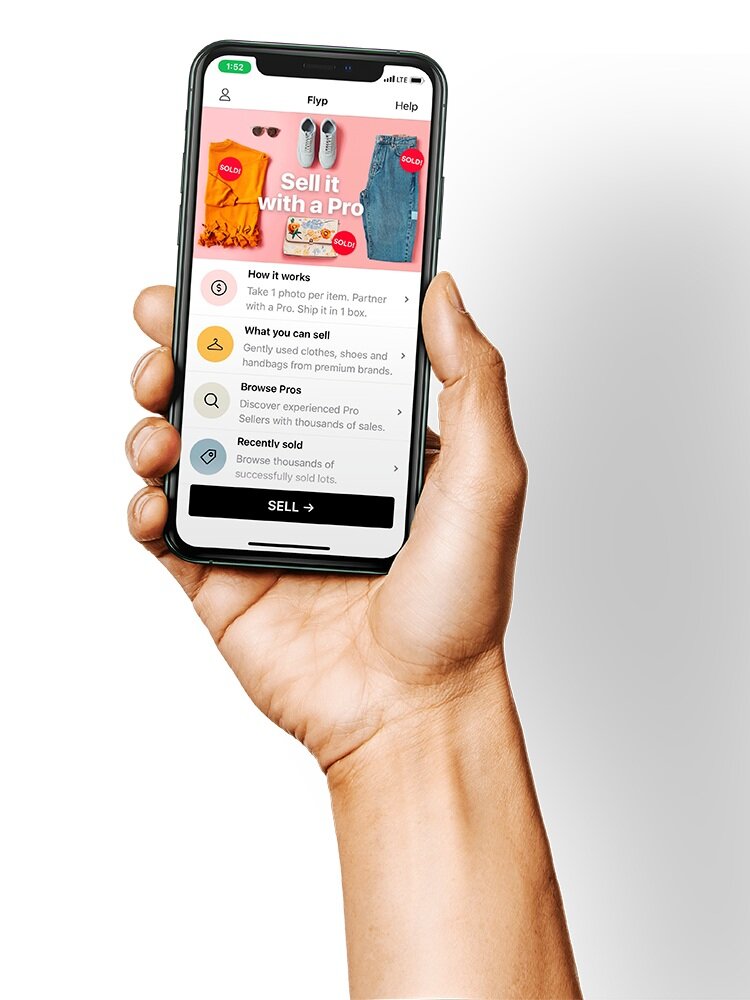
The Ultimate Guide to Selling Used Items: Top Apps And Tips
Are you tired of holding onto used items that no longer serve a purpose? Do you want to declutter your space and make some extra cash? Look no further! In this article, we’ll explore the top apps for selling used items, including clothing, furniture, and more. We’ll also provide valuable tips on how to use these apps effectively.
Introduction
Selling used items has become a popular way to declutter and earn some extra money. With the rise of online marketplaces and mobile apps, it’s never been easier to sell your unwanted goods. In this guide, we’ll take you through the top apps for selling used items, their features, and tips on how to use them.
Top Apps For Selling Used Items
- Ebay
EBay is one of the most popular online marketplaces where you can sell a wide range of used items. The app allows you to create listings, upload photos, and set prices for your items.
- Pros: Huge customer base, easy to use
-
Cons: Fees apply, competition can be fierce
How to Use Ebay:
- Download the eBay app and sign up for an account.
- Click on “Sell” and choose the category for your item.
- Fill in the listing details, including photos and price.
- Set a payment method and wait for buyers to contact you.
-
Vinted
Vinted is a popular app specifically designed for selling used clothing and accessories. The app allows you to upload high-quality photos, set prices, and communicate with potential buyers.
- Pros: Easy to use, great community features
-
Cons: Fees apply, limited categories
How to Use Vinted:
- Download the Vinted app and sign up for an account.
- Click on “Sell” and choose the category for your item.
- Fill in the listing details, including photos and price.
- Set a payment method and wait for buyers to contact you.
-
Wallapop
Wallapop is another popular app for selling used items, including clothing, furniture, and more. The app allows you to upload photos, set prices, and communicate with potential buyers.
- Pros: Easy to use, great community features
-
Cons: Fees apply, limited categories
How to Use Wallapop:
- Download the Wallapop app and sign up for an account.
- Click on “Sell” and choose the category for your item.
- Fill in the listing details, including photos and price.
- Set a payment method and wait for buyers to contact you.
Tips For Selling Used Items
-
Take High-quality Photos: This will help attract potential buyers and showcase your item in the best possible light.
-
Set Competitive Prices: Research similar items on the app or online marketplaces to determine a fair price for your item.
-
Write Detailed Descriptions: Include information about the item’s condition, any flaws, and its history.
-
Be Responsive: Communicate promptly with potential buyers and answer their questions in a timely manner.
-
Use Social Media: Share your listings on social media platforms to reach a wider audience.
-
Keep Track of Your Sales: Use the app’s built-in features or third-party tools to monitor your sales and earnings.
Conclusion
Selling used items can be a great way to declutter, earn some extra cash, and help others find what they need. By using these top apps and following our tips, you’ll be well on your way to becoming a successful seller.
Faqs
- What Are The Fees Associated With Selling on Ebay?
The fees for selling on eBay vary depending on the type of listing and the price of the item. You can find more information on eBay’s website.
- How do I Pay For my Purchases on Wallapop?
You can pay for your purchases using a credit or debit card, PayPal, or other accepted payment methods.
- Can I Sell Used Items That Are Not Clothing or Accessories on Vinted?
No, Vinted is specifically designed for selling used clothing and accessories. If you want to sell other types of items, you’ll need to use a different app.
- How do I Protect Myself From Scams When Selling on These Apps?
Use the built-in features and safety tips provided by each app to minimize your risk. Never send money or meet buyers in person without first verifying their identity.
- Can I Sell Items on Multiple Apps at The Same Time?
Yes, you can sell items on multiple apps simultaneously. However, be sure to follow each app’s rules and guidelines for listing duplicate items.
- How do I Track my Sales And Earnings on These Apps?
Most of these apps provide built-in features or third-party tools to help you monitor your sales and earnings. Be sure to keep track of your income and expenses to ensure accurate reporting.
- Can I Use These Apps For Business Purposes?
Yes, many of these apps allow businesses to sell items on their platforms. However, be sure to follow each app’s rules and guidelines for commercial use.
- How do I Report Issues or Concerns With my Purchases or Sales on These Apps?
Each app has its own process for reporting issues or concerns. Be sure to follow the app’s guidelines for resolving disputes and seeking assistance.
By following these tips, you’ll be well-equipped to sell your used items successfully and safely.


