
How to Connect Fitpro to Your Mobile: A Step-by-step Guide
Are you excited about your new FitPro fitness tracker, but not sure how to get started? Look no further! In this article, we’ll guide you through the process of connecting your FitPro to your mobile phone, and explore the various features and functions that make it an essential tool for any fitness enthusiast.
What is Fitpro?
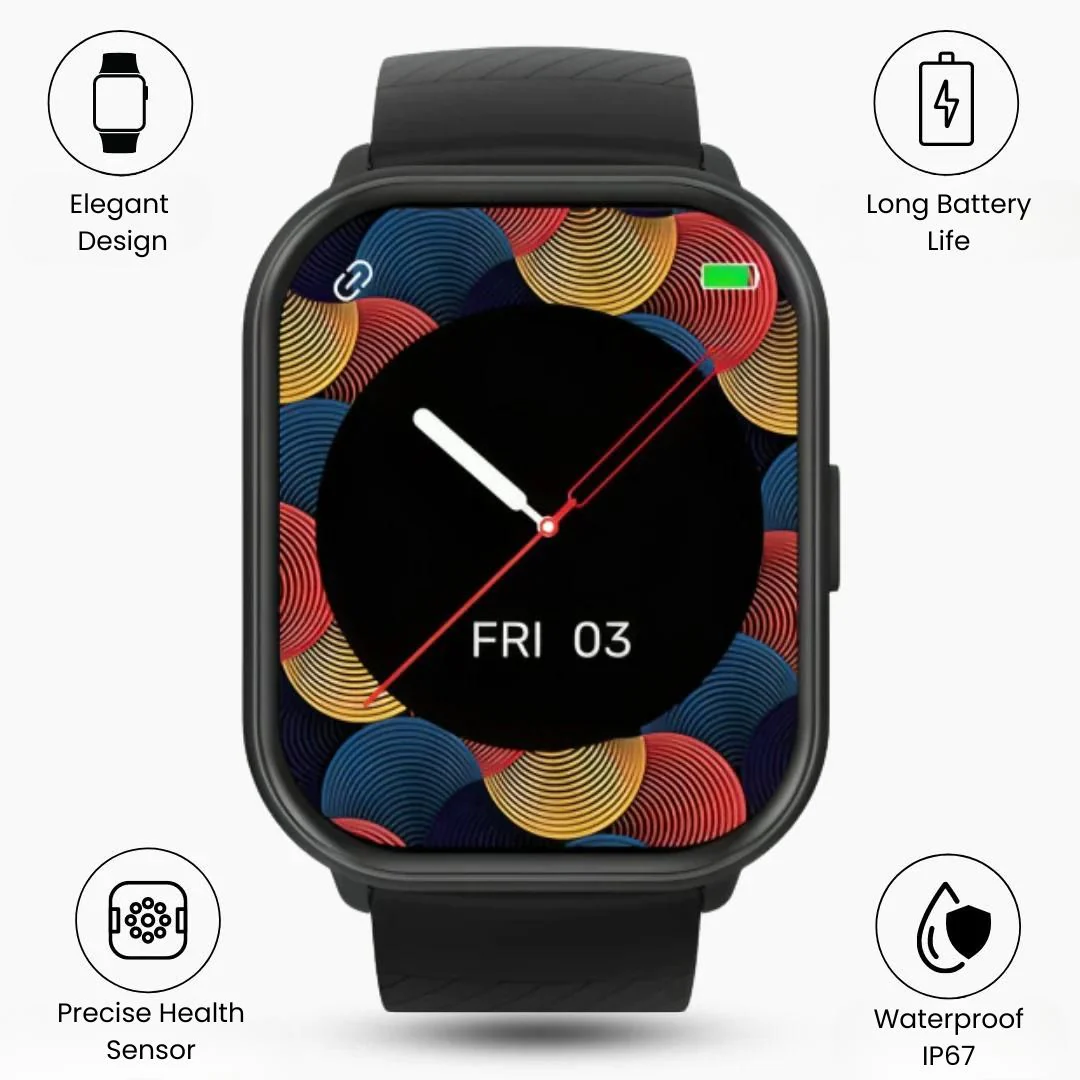
FitPro is a smart fitness tracker that not only tracks your daily physical activity but also monitors other important health metrics such as heart rate, blood pressure, and sleep quality. With its sleek design and user-friendly interface, FitPro makes it easy to stay on top of your fitness goals and track your progress.
Connecting Fitpro to Your Mobile Phone
Before we dive into the features and functions of FitPro, let’s get started with the most important step: Connecting it to your mobile phone. Here’s a step-by-step guide:
Downloading The Kounga Health App
The first thing you need to do is download the Kounga Health app on your mobile phone. This app allows you to connect your FitPro device and track your fitness metrics in real-time.
- For Android users, simply search for “Kounga Health” on Google Play Store.
- For iOS users, search for “Kounga Health” on App Store.
Connecting Fitpro to The Kounga Health App
Once you’ve downloaded the app, it’s time to connect your FitPro device. Here’s how:
- Open the Kounga Health app and grant the necessary permissions.
- Place your FitPro device in pairing mode by pressing the button on the bottom of the screen for a few seconds.
- On your mobile phone, navigate to Settings > Bluetooth and select “FitPro” from the list of available devices.
- Wait for the devices to pair and connect.
Exploring The Features And Functions of Fitpro
Now that you’ve connected your FitPro device to the Kounga Health app, let’s explore some of its exciting features and functions:
Fitness Tracking
With FitPro, you can track your daily physical activity, including steps taken, distance covered, and calories burned. You can also set fitness goals and receive notifications when you’ve reached them.
Heart Rate Monitoring
FitPro allows you to monitor your heart rate in real-time, providing valuable insights into your cardiovascular health.
Sleep Quality Tracking
Track your sleep quality and duration with FitPro’s built-in sleep tracking feature.
Notifications
Stay connected with friends and family through the Kounga Health app’s messaging feature. Receive notifications when someone sends you a message or calls you.
Tips And Tricks
Here are some additional tips to get the most out of your FitPro device:
- Always charge your FitPro device before using it for extended periods.
- Use the FitPro app to track your fitness progress and set goals.
- Experiment with different settings and features to find what works best for you.
Conclusion
In conclusion, connecting your FitPro device to your mobile phone is a straightforward process that requires some basic setup. With this guide, you’re now ready to explore the exciting features and functions of FitPro, including fitness tracking, heart rate monitoring, sleep quality tracking, and notifications. Remember to stay safe by not submerging your FitPro device in water or using it under harsh conditions.
Frequently Asked Questions
Q: What is FitPro?
A: FitPro is a smart fitness tracker that tracks daily physical activity, monitors other health metrics, and allows users to set fitness goals and receive notifications.
Q: How do I connect my FitPro device to the Kounga Health app?
A: Download the Kounga Health app on your mobile phone, place your FitPro device in pairing mode, and select “FitPro” from the list of available devices in Settings > Bluetooth.
Q: What features and functions does FitPro offer?
A: FitPro allows users to track fitness metrics such as steps taken, distance covered, and calories burned. It also monitors heart rate, sleep quality, and provides notifications for messages and calls.
Q: How do I get the most out of my FitPro device?
A: Always charge your FitPro device before using it for extended periods. Use the FitPro app to track fitness progress and set goals. Experiment with different settings and features to find what works best for you.
Q: Is FitPro waterproof?
A: No, FitPro is not waterproof. Avoid submerging it in water or using it under harsh conditions.
Q: How do I reset my FitPro device?
A: Press the button on the bottom of the screen for a few seconds to place your FitPro device in pairing mode.
Q: Can I use FitPro with multiple devices?
A: Yes, you can connect your FitPro device to multiple devices using the Kounga Health app.
Q: How do I update my FitPro software?
A: Check for updates within the Kounga Health app and follow the prompts to install the latest software version.


