
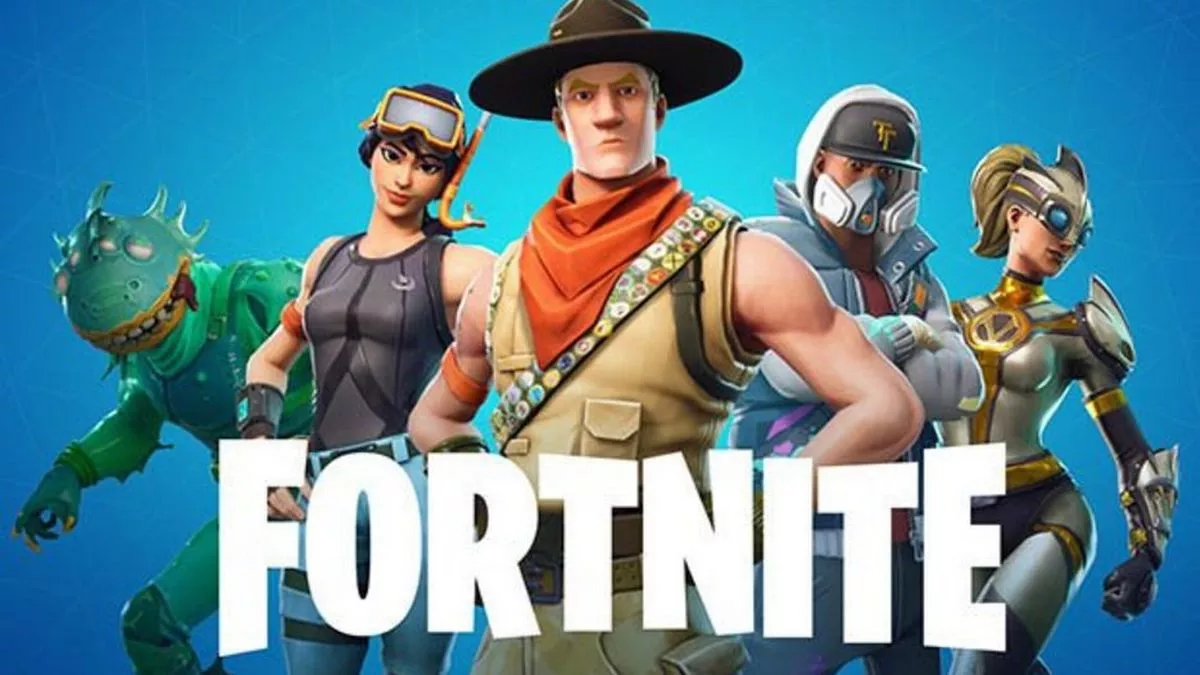
Accessing Fortnite: A Step-by-step Guide
Are you ready to dive into the world of Fortnite? This popular battle royale game has taken the gaming community by storm, and we’re here to guide you through the process of accessing it on various platforms.
Why Access Fortnite?
Fortnite is a highly engaging game that offers an immersive experience for players. With its unique blend of gameplay mechanics and visuals, it’s no wonder why millions of players worldwide have fallen in love with this title.
Understanding Fortnite’s Platforms
Before we dive into the access process, let’s take a look at the platforms where you can play Fortnite:
- PC: The most popular platform for playing Fortnite.
- Console: PlayStation 4, Xbox One, and Nintendo Switch are all compatible with Fortnite.
- Mobile Devices: Although not available on the App Store or Google Play Store, there are alternative methods to access Fortnite on mobile devices.
Accessing Fortnite on PC
To access Fortnite on your PC, follow these steps:
- Download the Epic Games Launcher from the official website.
- Launch the Epic Games Launcher and log in with your account credentials.
- Search for Fortnite in the store and click on it.
- Click on the “Get” button to download and install the game.
- Once installed, you can launch Fortnite and start playing.
Accessing Fortnite on Console
If you’re a console gamer, here’s how you can access Fortnite:
- Playstation 4: Log in with your PlayStation Network account to access Fortnite.
- Xbox One: Use your Xbox Live account to play Fortnite.
- Nintendo Switch: Access Fortnite using the Nintendo eShop.
Accessing Fortnite on Mobile Devices
For mobile device users, here’s how you can access Fortnite:
- Android: Download the Fortnite APK from the official website and install it manually.
- Iphone And Ipad: Use cloud gaming services like Xbox Cloud Gaming to play Fortnite without downloading the game.
Troubleshooting Common Issues
Are you experiencing issues accessing Fortnite? Here are some common problems and their solutions:
- Login Problems: Close the game and client, then restart them. If issues persist, try resetting your password or contacting Epic Games support.
- Account Issues: Check if your account is suspended or banned on the platform you’re using.
Converting Accounts
If you’ve played Fortnite on one platform but want to access it on another, here’s how you can convert your account:
- PC to Console: Link your PC account to your console account.
- Console to PC: Use the same credentials to log in with your console account on PC.
Why Choose Our Guide?
Our guide is specifically designed for beginners and experienced players alike. We’ve taken into consideration various platforms, troubleshooting common issues, and providing step-by-step instructions to ensure a smooth gaming experience.
Conclusion
Accessing Fortnite has never been easier! With this comprehensive guide, you’ll be well on your way to enjoying the thrilling gameplay and immersive world of Fortnite on your preferred platform.
Frequently Asked Questions (FAQs)
- Can I Play Fortnite For Free?
Yes, you can play Fortnite for free on some platforms, but in-game purchases are available. - What Are The System Requirements For Playing Fortnite on Pc?
The minimum system requirements include a 64-bit Windows operating system, a Core i5 processor, and an NVIDIA GeForce GTX 460 graphics card. - Can I Transfer my Fortnite Account to Another Platform?
Yes, but you’ll need to link your accounts using the same credentials. - What Are The Differences Between Fortnite’s Various Game Modes?
Fortnite offers several game modes, including Battle Royale, Creative, and Save the World. Each mode has its unique gameplay mechanics and features. - Can I Play Fortnite on my Tablet or Mobile Device?
Yes, but you’ll need to use cloud gaming services like Xbox Cloud Gaming or manually download and install the APK file for Android devices. - Why Can’t I Access Fortnite on my Console or Pc?
Check if your account is suspended or banned, or try resetting your password and restarting the game and client.
Additional Information
For more information on Fortnite, visit the official Epic Games website or check out our dedicated page for Fortnite tutorials and guides.


