
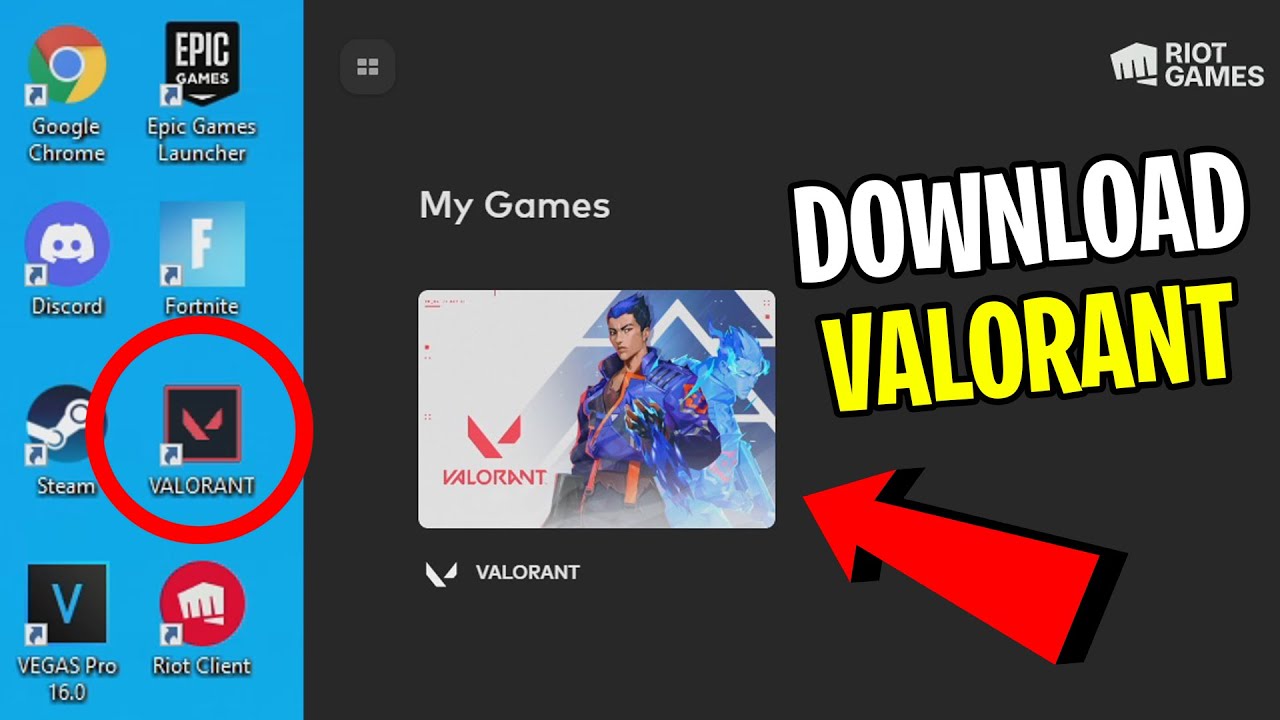
How to Download Valorant: A Step-by-step Guide
Are you ready to join the ranks of the brave agents in VALORANT? If so, this article is perfect for you! Here, we’ll guide you through the process of downloading and installing VALORANT on your PC or Mac.
System Requirements For Valorant
Before we dive into the download process, it’s essential to check if your device meets the minimum requirements to run VALORANT. The game requires:
- Operating System: Windows 7, 8, or 10
- Processor: Intel Core 2 Duo E8400
- Memory: 4 GB
- Graphics Card: Intel HD 400
- Free Disk Space: 8.5 GB
While a more powerful processor and graphics card can enhance your gaming experience, the above specifications should allow you to play VALORANT smoothly.
Downloading Valorant on PC
To download VALORANT on your PC, follow these steps:
- Visit The Official Valorant Website: Go to the VALORANT website and click on the “Play” button.
- Create a Riot Account: Fill out the registration form to create a new account or log in if you already have one.
- Download Riot Vanguard: Click on the download link for Riot Vanguard, which is the software required to install VALORANT on your PC.
- Install Valorant: Once the download is complete, double-click on the installer file and follow the prompts to install the game.
Downloading Valorant on Mac
Unfortunately, VALORANT is not available for Mac devices at this time. However, if you have a Mac and want to play VALORANT, you can consider installing Windows on your device using Boot Camp.
- Install Boot Camp: Go to System Preferences > Boot Camp Assistant to create a Windows installation disk.
- Download Valorant: Once you’ve installed Windows, visit the official VALORANT website and follow the same steps as for PC users.
Troubleshooting Common Issues
If you encounter any problems during the download or installation process, don’t worry! You can visit the VALORANT support page to find solutions to common issues.
- Installation Problems: Check if your device meets the minimum requirements.
- Crashes or Lag: Ensure that your graphics card and processor are up-to-date, and try closing other resource-intensive programs while playing VALORANT.
Conclusion
VALORANT is an exciting game that offers a unique blend of strategy and action. By following these steps, you should be able to download and install the game on your PC or Mac. If you encounter any issues during the process, don’t hesitate to reach out for support. Happy gaming!
Frequently Asked Questions (FAQs)
- What is Valorant?
VALORANT is a free-to-play first-person shooter game developed by Riot Games. - Can I Play Valorant on my Mac?
Unfortunately, no. However, you can consider installing Windows on your device using Boot Camp. - How do I Download Valorant?
Visit the official VALORANT website and follow the prompts to create a new account or log in if you already have one. - What Are The System Requirements For Valorant?
See above for minimum requirements. - Can I Play Valorant on my Console?
No, VALORANT is not available for consoles at this time. - How do I Troubleshoot Common Issues?
Visit the VALORANT support page to find solutions to common issues. - Is Valorant Free to Play?
Yes, VALORANT is a free-to-play game. - Can I Earn Rewards And Skins in Valorant?
Yes, you can earn rewards and skins by participating in matches, completing challenges, and more!


