
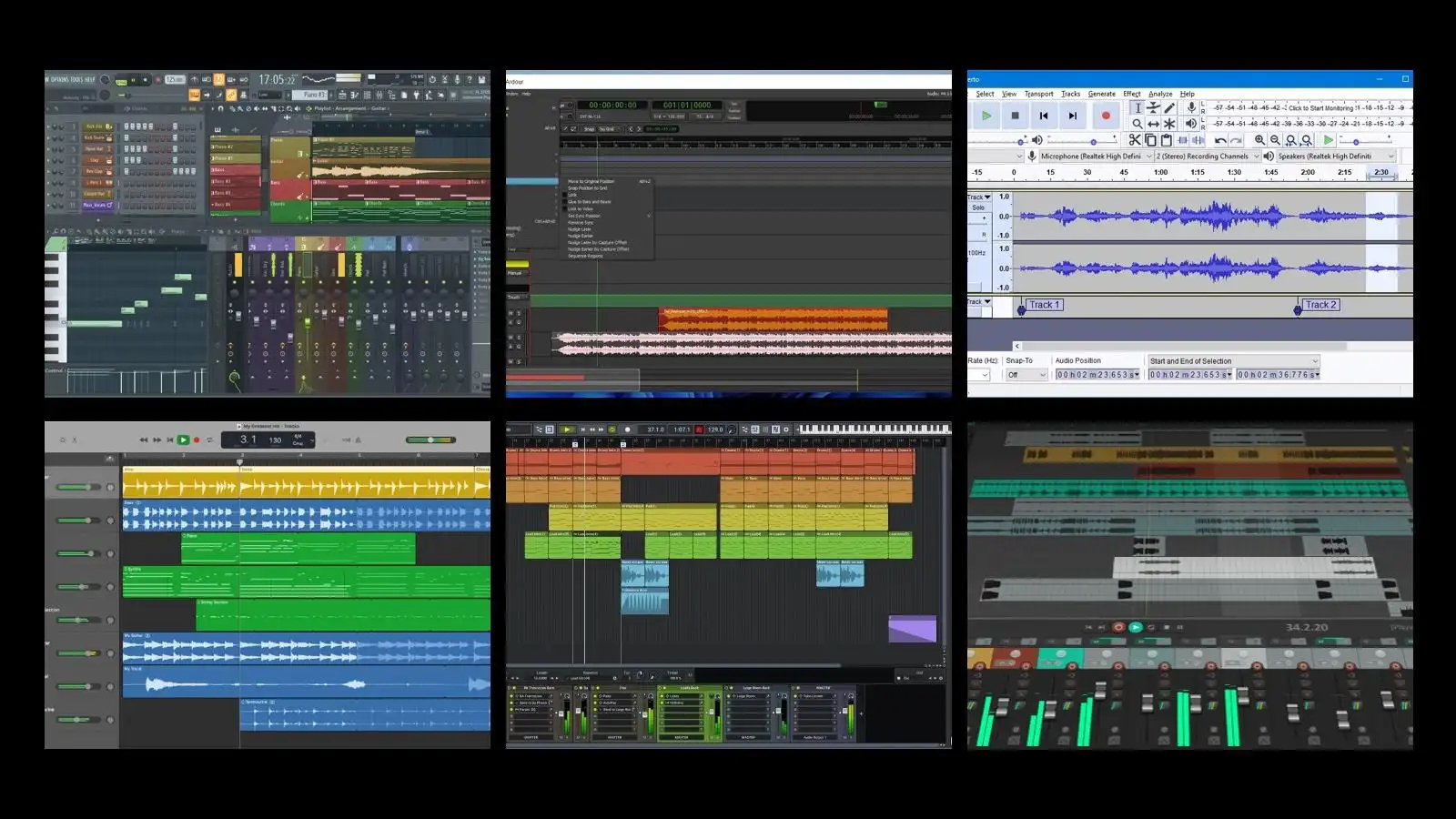
The Ultimate Guide to Music Creation: Top Programs And Tools
Are you eager to express your creativity through music? Look no further! In this comprehensive guide, we’ll explore the top programs and tools to help you create amazing music, whether you’re a beginner or an experienced musician.
Introduction
Music creation has never been more accessible. With the rise of digital technology, you can now compose, produce, and edit music on your computer or mobile device. In this article, we’ll delve into the best programs and tools for music creation, covering both free and paid options.
Top Music Creation Programs: A Closer Look
- Audacity (Windows/MacOS/Linux)
A popular, open-source program that’s perfect for beginners. Audacity offers a user-friendly interface, advanced editing features, and support for multiple formats.
* Free to download and use
* Supports multiple platforms (Windows, MacOS, Linux)
* Advanced editing features, including effects and plugins
- FL Studio (Windows/MacOS)
A professional-grade DAW (digital audio workstation) that’s widely used in the music industry. FL Studio offers a vast library of plugins, effects, and instruments.
* Available for Windows and MacOS
* Offers a free trial version
* Supports multiple formats, including WAV, MP3, and more
- Garageband (macOS)
A user-friendly DAW that’s perfect for beginners and professionals alike. GarageBand offers a wide range of instruments, effects, and loops.
* Free to download and use on MacOS
* Pre-installed on Macs
* Supports multiple formats, including WAV, MP3, and more
Other Notable Programs
- Logic Pro (macOS)
A professional-grade DAW that’s widely used in the music industry. Logic Pro offers a vast library of plugins, effects, and instruments.
* Available for MacOS
* Supports multiple formats, including WAV, MP3, and more
- Ableton Live (Windows/MacOS)
A popular DAW that’s perfect for live performances and electronic music production. Ableton Live offers a user-friendly interface, advanced editing features, and support for multiple formats.
* Available for Windows and MacOS
* Supports multiple formats, including WAV, MP3, and more
- Adobe Audition (Windows/MacOS)
A professional-grade DAW that’s perfect for audio editing and post-production. Adobe Audition offers a wide range of features, including noise reduction and spectral editing.
* Available for Windows and MacOS
* Supports multiple formats, including WAV, MP3, and more
Online Music Creation Tools
- Online Sequencer
A free online tool that allows you to create music using a virtual keyboard or MIDI controller. Online Sequencer offers a user-friendly interface, advanced editing features, and support for multiple formats.
* Free to use
* Supports multiple formats, including WAV, MP3, and more
Mobile Music Creation Apps
- Garageband (iOS/iPadOS)
A popular mobile app that’s perfect for music creation on-the-go. GarageBand offers a user-friendly interface, advanced editing features, and support for multiple formats.
* Free to download and use
* Supports multiple formats, including WAV, MP3, and more
- FL Mobile Studio (Android/iOS/iPadOS)
A professional-grade mobile app that’s perfect for music creation on-the-go. FL Mobile Studio offers a user-friendly interface, advanced editing features, and support for multiple formats.
* Available for Android, iOS, and iPadOS
* Supports multiple formats, including WAV, MP3, and more
Conclusion
Creating music has never been easier or more accessible. With these top programs and tools, you can compose, produce, and edit amazing music on your computer or mobile device. Whether you’re a beginner or an experienced musician, there’s something for everyone.
Frequently Asked Questions (FAQs)
- Q: What is The Best Program For Music Creation?
A: The best program for music creation depends on your skill level and personal preferences. For beginners, Audacity and GarageBand are excellent options. For professionals, FL Studio and Ableton Live are highly recommended.
- Q: Can I Create Music Online?
A: Yes! Online Sequencer is a free online tool that allows you to create music using a virtual keyboard or MIDI controller.
- Q: What Mobile App Should I Use For Music Creation?
A: GarageBand and FL Mobile Studio are excellent options for mobile music creation.
- Q: Do I Need to Purchase Any Software or Tools?
A: Some programs, like FL Studio and Ableton Live, require a one-time payment. Others, like Audacity and Online Sequencer, are free to use.
- Q: Can I Export my Music in Multiple Formats?
A: Yes! Most programs and tools allow you to export your music in various formats, including WAV, MP3, and more.
- Q: How do I Get Started With Music Creation?
A: Start by exploring the top programs and tools mentioned in this article. Watch tutorials, practice regularly, and have fun!
- Q: Can I Use These Programs on Multiple Platforms?
A: Yes! Most programs are available for Windows, MacOS, Android, iOS, and iPadOS.
- Q: Are There Any Additional Resources or Tutorials Available?
A: Yes! Check out the author’s website for additional resources, tutorials, and guides on music creation.


