
Creating Free Gamings: A Beginner’s Guide
Are you a passionate gamer looking to create your own games without breaking the bank? Do you dream of giving free rein to your fantasy and bringing your ideas to life? Look no further! In this article, we’ll explore the world of free gaming software, providing you with a comprehensive guide on how to get started.
What’s Involved in Creating Free Gamings
Before we dive into the specifics, it’s essential to understand that creating games is a complex process involving multiple disciplines. As a developer, you’ll need to collaborate with various professionals, including game designers, artists, and programmers. However, don’t worry; we’ll break down the basics, making it easy for beginners to grasp.
Understanding Programming Languages
While there are numerous no-code solutions available, having at least a basic understanding of programming languages is crucial in this domain. Familiarize yourself with languages like C#, Java, XML, Swift, and Objective-C, which are widely used in game development. If you’re new to programming, don’t worry! We’ve got guides on how to get started.
Free Gaming Software: A Beginner’s Paradise
Now that we’ve covered the basics, let’s dive into the world of free gaming software. Here are some top picks:
Unity (Windows/MacOS/Linux)
One of the most popular and user-friendly game engines out there, Unity is perfect for beginners. With an intuitive interface and vast resources available, you can create 2D or 3D games without extensive programming knowledge.
Key Features:
- Supports 2D and 3D game development
- User-friendly interface with built-in tutorials
- Compatible with Windows, MacOS, and Linux
Unreal Engine (Windows/MacOS/Linux)
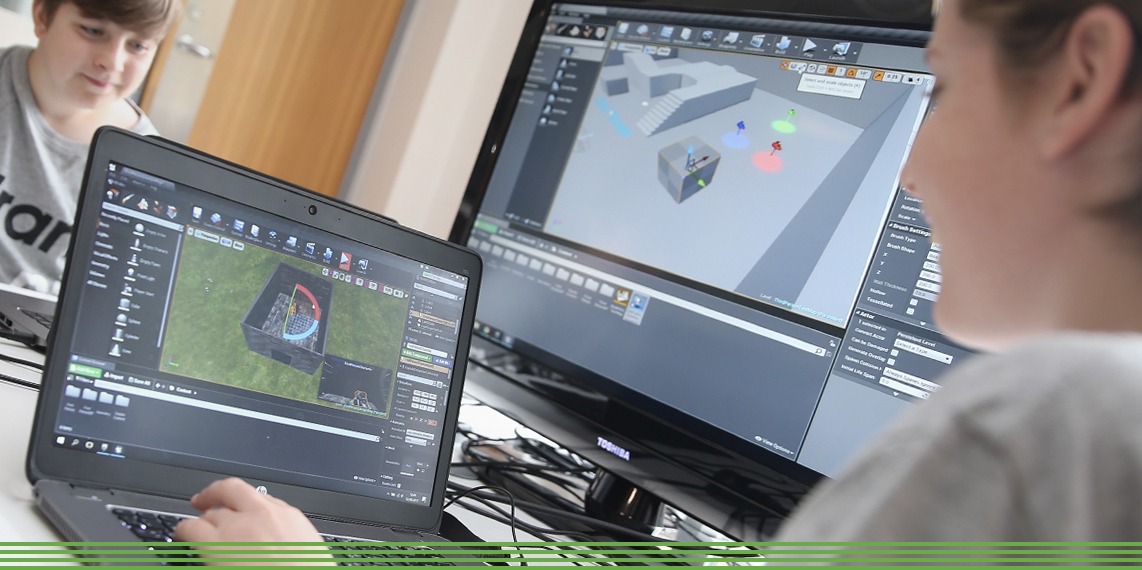
Another powerful engine from Epic Games, Unreal Engine is ideal for creating visually stunning games. While it may require more expertise than Unity, the results are well worth the effort.
Key Features:
- High-performance graphics capabilities
- Supports 2D and 3D game development
- Compatible with Windows, MacOS, and Linux
Gdevelop (Windows/MacOS/Linux/Online)
A free, open-source game engine that’s perfect for beginners, GDevelop allows you to create games without extensive programming knowledge. With a user-friendly interface and drag-and-drop functionality, you can focus on bringing your ideas to life.
Key Features:
- Free and open-source
- Supports 2D game development
- Compatible with Windows, MacOS, Linux, and online platforms
Other Options
If these options don’t quite fit what you’re looking for, there are other free gaming software available. Stencyl, RPG Maker, GameSalad, and GameMaker Studio are all worth exploring.
Conclusion
Creating free gamings is an exciting journey that requires patience, dedication, and a willingness to learn. By understanding the basics of programming languages and leveraging free gaming software like Unity, Unreal Engine, GDevelop, and others, you can bring your ideas to life without breaking the bank. Remember, it’s all about having fun and exploring your creativity!
Faqs
- What is the best free gaming software for beginners?
- Unity: A user-friendly game engine with a vast community and resources available.
- Can I create games without extensive programming knowledge?
- Yes: Many free gaming software, like GDevelop and GameMaker Studio, offer drag-and-drop functionality or no-code solutions.
- What are the key features of Unreal Engine?
- High-performance Graphics Capabilities and support for 2D and 3D game development.
- Is Stencyl a good option for creating games on mobile devices?
- Yes: Stencyl allows you to create games that can be exported to various platforms, including mobile devices.
Hope this helps!


