
The Ultimate Guide to Cleaning Your Portable Pc: A Step-by-step Guide
Are you tired of dealing with a dusty and dirty portable PC? Do you want to keep your device in top condition and ensure it runs smoothly and efficiently? Look no further! In this comprehensive guide, we’ll walk you through the process of cleaning your portable PC, from the exterior to the interior components.
Why Clean Your Portable Pc?
Before we dive into the nitty-gritty details, let’s talk about why cleaning your portable PC is so important. A dirty device can lead to:
- Reduced performance and speed
- Increased risk of overheating
- Malfunctioning components
- Spread of germs and bacteria
By regularly cleaning your portable PC, you’ll be able to maintain its optimal performance, prevent damage, and ensure a longer lifespan.
Cleaning The Display
The first step in cleaning your portable PC is to tackle the display. This is one of the most delicate parts of the device, so we’ll take it slow and easy.
Materials Needed:
- A soft, microfiber cloth
- Water
- White vinegar (optional)
Step-by-step Instructions:
- Turn off your portable PC and unplug it from the power source.
- Gently wipe the display with a soft, dry microfiber cloth to remove any loose dust particles.
- Dampen the cloth with water and gently rub the display in a circular motion to remove any stubborn stains or spots.
- If you’re dealing with tough stains, mix equal parts water and white vinegar on the cloth and gently scrub the area.
- Use a dry microfiber cloth to wipe away any excess moisture.
Cleaning The Exterior
Now that we’ve tackled the display, let’s move on to cleaning the exterior of your portable PC.
Materials Needed:
- A soft, microfiber cloth
- Water
- Magic rubbers or soft-bristled brushes
Step-by-step Instructions:
- Turn off your portable PC and unplug it from the power source.
- Use a soft, dry microfiber cloth to wipe down the exterior of the device, paying attention to any areas with visible dust buildup.
- Dampen the cloth with water and gently rub the exterior in a circular motion to remove any stubborn stains or spots.
- If you’re dealing with tough stains, mix equal parts water and white vinegar on the cloth and gently scrub the area.
- Use magic rubbers or soft-bristled brushes to gently clean any crevices or tight spaces.
Cleaning The Interior
Now that we’ve cleaned the exterior, let’s move on to cleaning the interior components of your portable PC.
Materials Needed:
- A screwdriver
- A can of compressed air
- A soft-bristled brush
Step-by-step Instructions:
- Shut down your portable PC and unplug it from the power source.
- Locate the screws that hold the device’s casing together and remove them using a screwdriver.
- Gently pull apart the casing to access the interior components.
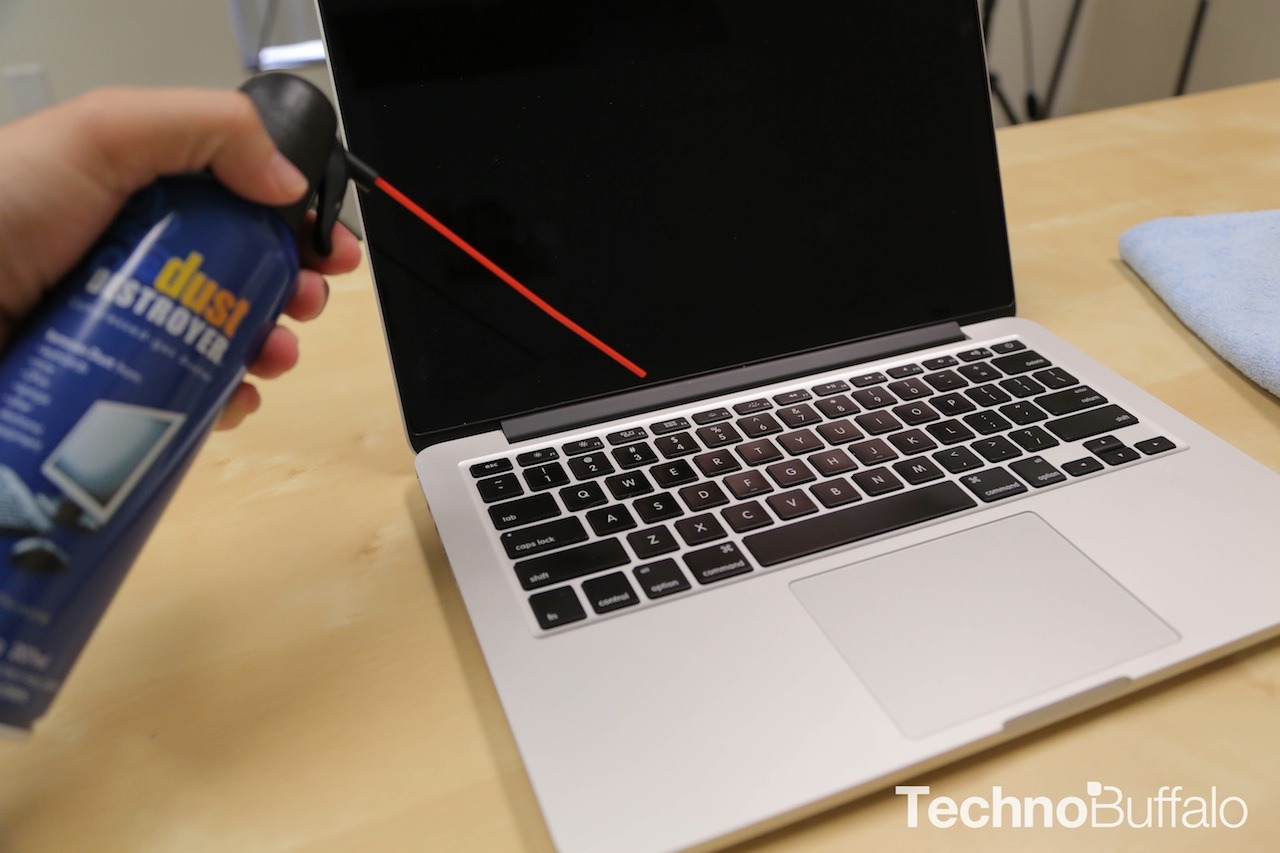
- Use compressed air to blow out any dust or debris that may have accumulated inside the device.
- Use a soft-bristled brush to gently clean any crevices or tight spaces.
Cleaning Unnecessary Files And Virus
Now that we’ve cleaned our portable PC from a physical perspective, let’s talk about cleaning unnecessary files and virus.
Materials Needed:
- A computer with internet access
- A reliable antivirus software
Step-by-step Instructions:
- Boot up your portable PC and navigate to the Start menu.
- Type in “Disk Cleanup” and select the option that appears.
- Choose the files you want to delete and confirm your selection.
- Install a reputable antivirus software and run a full scan on your device.
Conclusion
Cleaning your portable PC is an essential task that requires attention to detail and the right materials. By following the step-by-step guide outlined in this article, you’ll be able to maintain your device’s optimal performance, prevent damage, and ensure a longer lifespan. Remember to clean both the exterior and interior components, as well as any unnecessary files or virus.
Frequently Asked Questions:
- How Often Should I Clean my Portable Pc?
A: It’s recommended to clean your portable PC every 2-3 months, depending on usage. - What Materials do I Need to Clean The Display?
A: A soft, microfiber cloth, water, and white vinegar (optional). - How do I Remove Stubborn Stains From my Display?
A: Mix equal parts water and white vinegar on a damp cloth and gently scrub the area. - Can I Use Compressed Air to Clean The Interior Components?
A: Yes, compressed air is an effective way to blow out dust or debris from tight spaces. - What Antivirus Software Should I Install on my Portable Pc?
A: Choose a reputable antivirus software that’s compatible with your device and operating system. - Can I Use Magic Rubbers to Clean The Exterior Components?
A: Yes, magic rubbers are perfect for cleaning crevices or tight spaces on the exterior of your portable PC. - How do I Remove Dust From my Portable Pc’s Fans?
A: Use a can of compressed air to blow out dust and debris from the fans. - Can I Clean my Portable PC With Household Cleaners?
A: No, it’s not recommended to use household cleaners on your portable PC, as they can damage the components.
I hope this guide has been helpful in teaching you how to clean your portable PC!


