
The Dark Side of Facebook: How to Protect Yourself From Hackers
As we continue to live in a world where technology is increasingly intertwined with our daily lives, it’s essential to be aware of the potential dangers that come with it. One such danger is hacking, which can compromise our personal data and even steal our identities.
What Are Hackers?
Hackers are individuals or groups who use their technical expertise to gain unauthorized access to computer systems, networks, or individual devices. They may do this for various reasons, including financial gain, revenge, or simply because they can.
How Do Hackers Spy on Facebook?
There are several ways hackers can spy on your Facebook activity without you even realizing it. Here are some of the most common methods:
Social Engineering
This is a technique used by hackers to trick victims into divulging sensitive information, such as login credentials or financial details. Social engineering can take many forms, including phishing emails, fake social media profiles, or even in-person scams.
Keylogging
A keylogger is a type of malware that records every keystroke made on a device. This means that hackers can capture your login credentials, passwords, and other sensitive information without you even knowing it.
Phishing
Phishing is a form of social engineering where hackers send fake emails or messages that appear to be from legitimate sources, such as Facebook or your bank. These messages often ask for sensitive information, which the hacker can then use to gain unauthorized access to your accounts.
Protecting Yourself From Hackers
While it’s impossible to completely eliminate the risk of hacking, there are steps you can take to protect yourself and your data:
Use Strong Passwords
Using strong passwords is one of the most effective ways to prevent hackers from gaining unauthorized access to your accounts. Make sure your passwords are unique, complex, and not easily guessable.
Keep Your Device And Software Up-to-date
Regularly update your device’s operating system and software to ensure you have the latest security patches and fixes. This will help protect you from known vulnerabilities that hackers may exploit.
Use Two-factor Authentication (2FA)
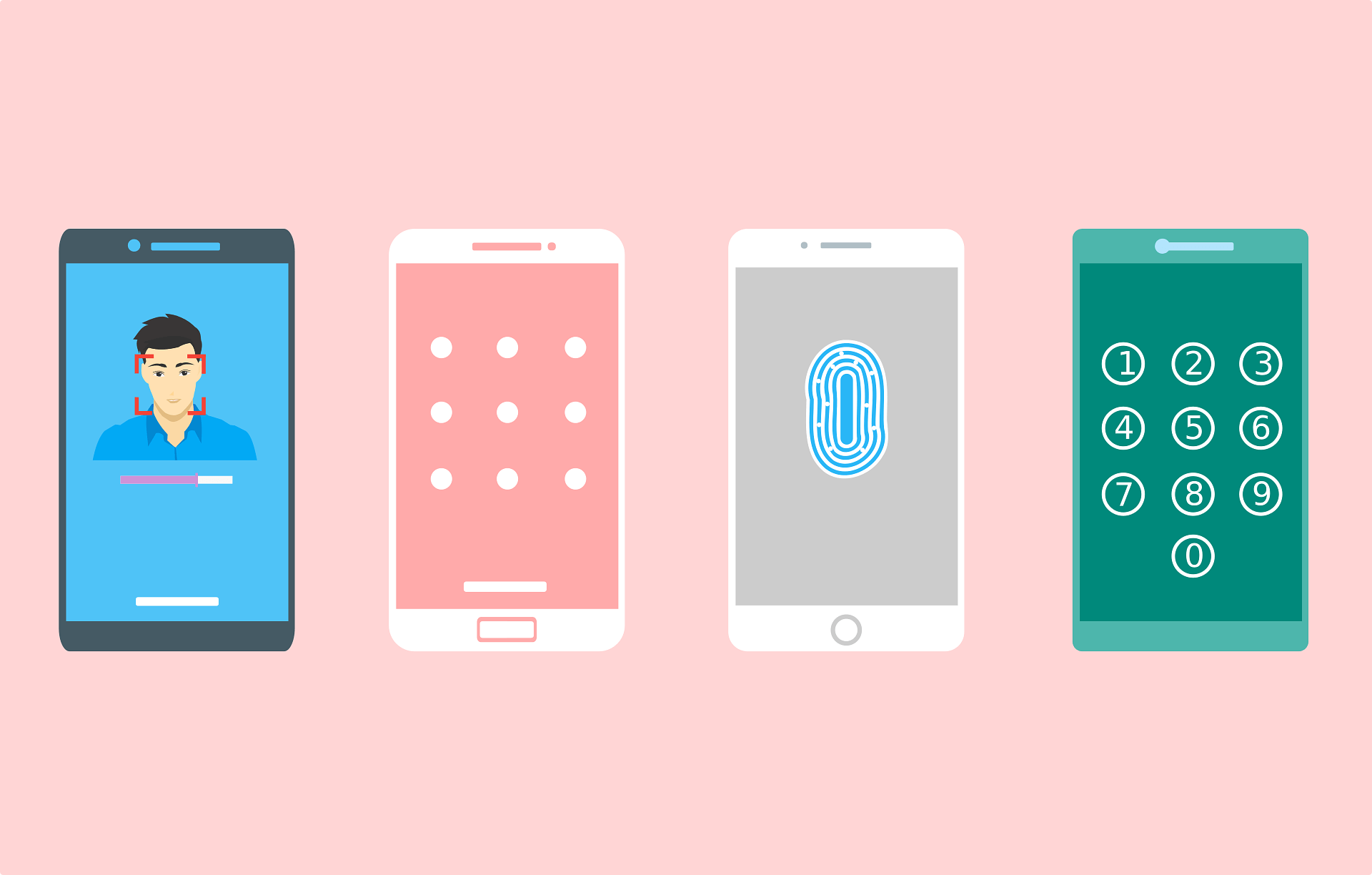
2FA adds an extra layer of security to your accounts by requiring a second form of verification, such as a code sent to your phone or a biometric scan, in addition to your password.
Conclusion
While hacking is a serious threat that can compromise our personal data and identities, there are steps we can take to protect ourselves. By being aware of the potential dangers and taking simple precautions, such as using strong passwords, keeping our devices and software up-to-date, and using 2FA, we can significantly reduce the risk of falling victim to hacking.
Frequently Asked Questions (FAQs)
- What is Social Engineering?
Social engineering is a technique used by hackers to trick victims into divulging sensitive information, such as login credentials or financial details.
- How do Keyloggers Work?
Keyloggers record every keystroke made on a device, allowing hackers to capture login credentials, passwords, and other sensitive information.
- What is Phishing?
Phishing is a form of social engineering where hackers send fake emails or messages that appear to be from legitimate sources, asking for sensitive information.
- How Can I Protect Myself From Hacking?
You can protect yourself from hacking by using strong passwords, keeping your device and software up-to-date, and using two-factor authentication (2FA).
- What is Two-factor Authentication (2FA)?
2FA adds an extra layer of security to your accounts by requiring a second form of verification, such as a code sent to your phone or a biometric scan.
- Can I Use The Same Password For Multiple Accounts?
No, it’s not recommended to use the same password for multiple accounts, as this can increase the risk of hacking.
- How Often Should I Change my Passwords?
It’s recommended to change your passwords every 60-90 days to ensure maximum security.
- What Should I do if I Suspect my Account Has Been Hacked?
If you suspect your account has been hacked, immediately contact Facebook’s support team and take steps to secure your account, such as changing your password and enabling 2FA.


