
Are you tired of being ignored by a contact on WhatsApp? Do you feel like you’ve been blocked, but you’re not sure how to find out or unblock the person? Look no further! In this article, we’ll guide you through the steps to understand if someone has blocked you on WhatsApp and provide tips on how to unblock them.
Understanding What It Means to Be Blocked
When someone blocks you on WhatsApp, they won’t receive any of your messages or calls. You also won’t be able to see their status updates or last seen information. However, if you’re in a group chat with the person who blocked you, you’ll still be able to send them messages.
Signs That Someone Has Blocked You
Here are some signs that someone has blocked you on WhatsApp:
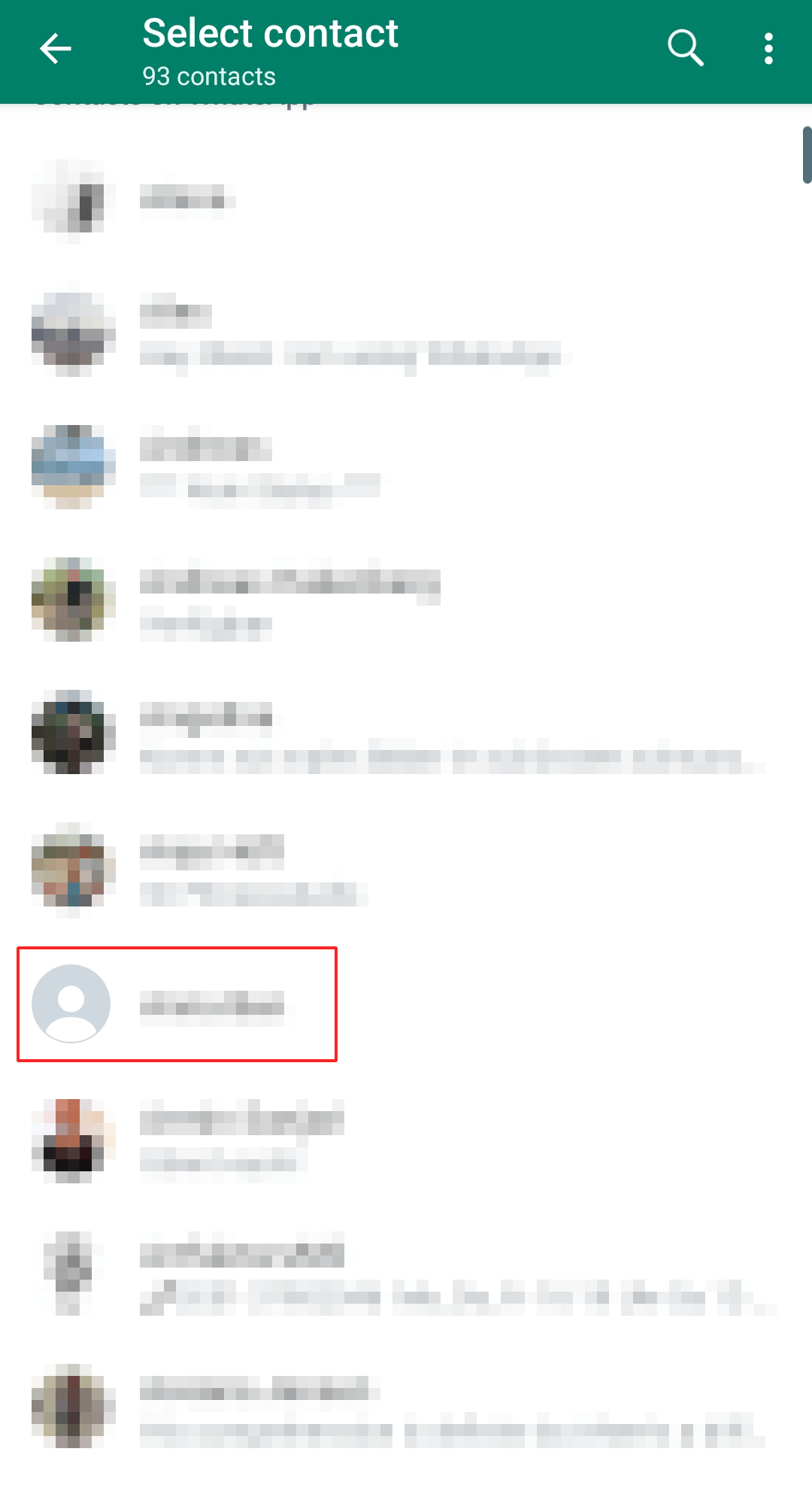
- The image of their profile doesn’t load or is a default avatar.
- Their last seen information is not visible.
- You can’t see their state (online/offline).
How to Confirm If Someone Has Blocked You
To confirm if someone has blocked you, follow these steps:
- Open WhatsApp and go to the chat with the person who you suspect has blocked you.
- Tap on their name at the top of the screen.
- Check if the image of their profile loads or if it’s a default avatar.
What to Do If Someone Has Blocked You
If someone has blocked you, here are some steps you can take:
- Try contacting them directly via phone call or SMS.
- Use alternative social media platforms like Facebook, Instagram, or Twitter to reach out to them.
- Join a group chat with the person who blocked you.
Tips on How to Unblock Someone
If someone has blocked you, here are some tips on how to unblock them:
- Apologize for any past behavior that might have led to being blocked.
- Avoid being too pushy or aggressive in your messages.
- Give the person space and let them respond when they’re ready.
Conclusion
Being blocked on WhatsApp can be frustrating, but it’s not the end of the world! Follow these steps to understand if someone has blocked you and take the necessary actions to unblock them. Remember to always use good manners and respect people’s boundaries.
Faqs
- What happens when I’m blocked on WhatsApp?
When you’re blocked on WhatsApp, you won’t receive any messages or calls from the person who blocked you. - Can I still see a person’s status updates if they’ve blocked me?
No, if someone has blocked you, you won’t be able to see their status updates or last seen information. - How can I unblock someone on WhatsApp?
Try contacting them directly via phone call or SMS, use alternative social media platforms, or join a group chat with them. - What if I’ve been blocked by mistake?
If you think you’ve been blocked by mistake, try apologizing and explaining the situation to the person who blocked you. - Can I still use WhatsApp if someone has blocked me?
Yes, being blocked on WhatsApp doesn’t affect your ability to use the app or make calls. - How can I prevent being blocked again in the future?
Avoid being too pushy or aggressive in your messages and respect people’s boundaries. If you’ve had a disagreement, apologize and promise to behave.
Note
The information provided in this article is for educational purposes only. Being blocked on WhatsApp doesn’t mean that someone hates or dislikes you; it might simply be a sign of busy schedules or misunderstandings.


