
The Ultimate Guide to Choosing The Best Wifi Amplifier For Your Home
Are you tired of dealing with weak or non-existent Wi-Fi signals in your home? Do you struggle to get a stable internet connection, especially in areas far from your router? If so, a WiFi amplifier (also known as a range extender) might be just what you need. In this article, we’ll explore the world of WiFi amplifiers, helping you choose the best one for your needs.
What is a Wifi Amplifier?
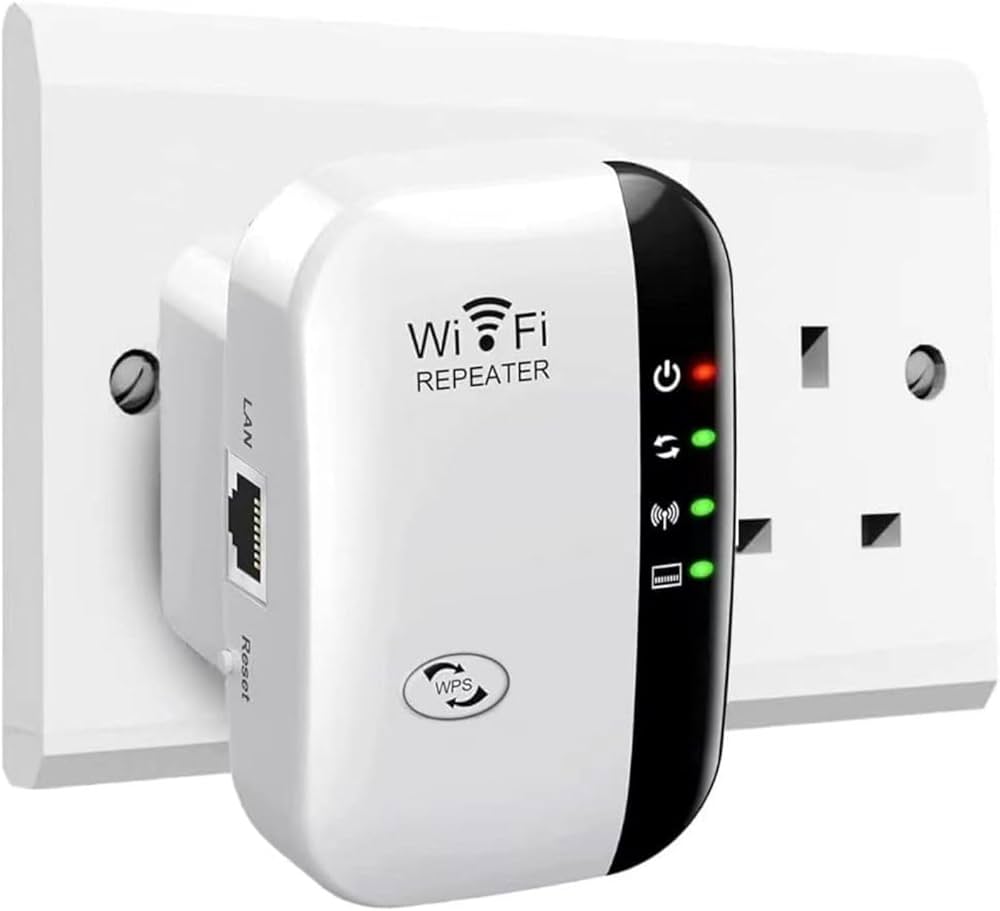
A WiFi amplifier is a device that repeats and strengthens your Wi-Fi signal, extending its coverage to areas where it was previously weak or non-existent. These devices work by receiving your router’s signal and re-broadcasting it to extend the range of your internet connection.
Choosing The Right Wifi Amplifier For Your Home
Before selecting a WiFi amplifier, consider the following factors:
- Coverage Area: Determine how large an area you need to cover with a stable Wi-Fi signal.
- Speed Requirements: Think about the type of activities you’ll be using the amplified internet connection for (e.G., Streaming, online gaming).
- Interference: Consider any potential sources of interference in your home that might affect the WiFi amplifier’s performance.
Top Wifi Amplifiers on The Market
Here are some top-rated WiFi amplifiers to consider:
- Tp-link Tl-wa850re: A compact and easy-to-use device with a range of up to 500 feet.
- Tp-link Re190: A dual-band repeater that offers fast speeds and a long coverage area.
- Avm Fritz!repeater 1200 AX Edition: A high-performance repeater with support for the latest Wi-Fi 6 standard.
How to Choose The Best Wifi Amplifier
To make an informed decision, consider the following:
- Dual-band Capability: Look for devices that can operate on both 2.4GHz and 5GHz frequencies.
- Speed And Capacity: Opt for a device with high speeds (e.G., AC1750 or AX) to ensure reliable performance.
- Range And Coverage Area: Choose a device that can cover the desired area with a stable signal.
Tips For Setting Up Your Wifi Amplifier
To get the most out of your WiFi amplifier:
- Place it Strategically: Position the device in an area where it can receive a strong signal from your router.
- Avoid Interference: Try to place the device away from sources of interference (e.G., Cordless phones, microwaves).
- Use Quality Cables: Use high-quality cables to connect devices to the amplified network.
Conclusion
Choosing the right WiFi amplifier can make a huge difference in your online experience at home. By considering factors like coverage area, speed requirements, and interference, you’ll be able to select a device that meets your specific needs. Don’t forget to check out our top recommendations and follow our tips for setting up your new WiFi amplifier.
Frequently Asked Questions
Q: What is the difference between a WiFi amplifier and a range extender?
A: A WiFi amplifier (or repeater) strengthens your Wi-Fi signal, while a range extender amplifies it. The terms are often used interchangeably, but in this article, we’ll focus on WiFi amplifiers.
Q: Can I use multiple WiFi amplifiers to extend the coverage area?
A: Yes, you can use multiple devices to increase the coverage area, but be aware that they may cause interference with each other.
Q: How do I choose the right WiFi amplifier for my needs?
A: Consider your specific requirements (e.G., Speed, range, and interference) and research different models to find one that meets those needs.
Q: Can a WiFi amplifier improve my internet connection’s overall performance?
A: While a WiFi amplifier can strengthen your signal, it won’t necessarily improve the quality of your internet connection. If you experience slow speeds or dropped connections, consider upgrading your router or service provider.


