
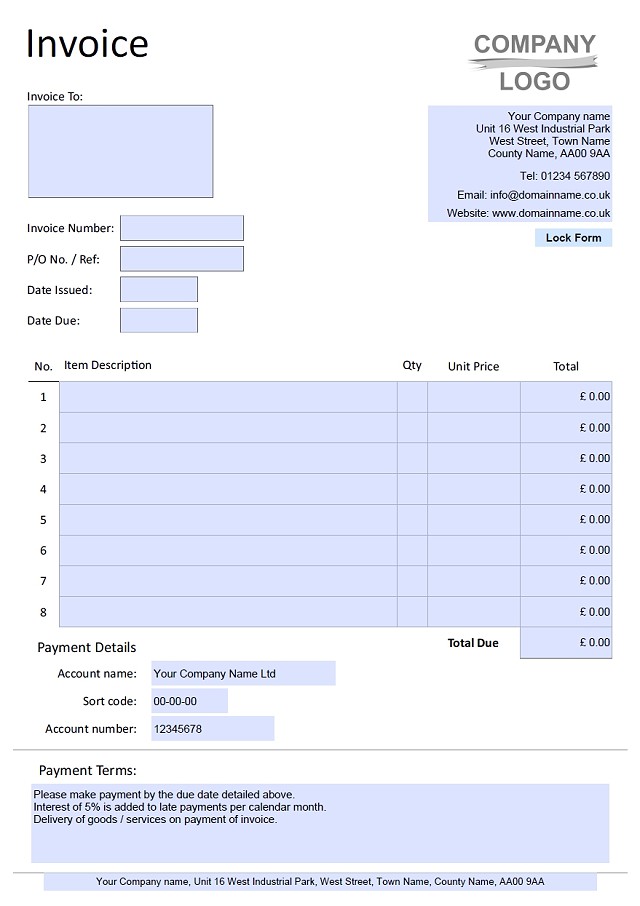
How to Print an Electronic Bill in Pdf on Your Computer
Are you tired of dealing with electronic bills that are difficult to print or share? Do you wish there was a way to easily convert them into a PDF format? Look no further! In this article, we will guide you through the process of printing an electronic bill in PDF on your computer.
What You Need to Know
Before we begin, it’s essential to understand that not all software can open and print electronic bills. However, with the right tools and knowledge, you can easily convert these files into a printable format.
Aruba Pec And Electronic Turnover Aruba
If you have an Aruba PEC account, you’re in luck! You can visualize and print electronic bills directly from your webmail or mobile app. The service includes all necessary functionalities for broadcasting and receiving bills, as well as creating invoices in standard formats.
Assoinvoice (Windows/macOS)
Among the best software available for opening and printing electronic bills is AssoInvoice. This free tool can be downloaded on Windows, macOS, and Linux operating systems. To use it, you’ll need to install Java on your computer.
How to Use Assoinvoice
To get started with AssoInvoice:
- Download and install the software from its official website.
- Launch the program and accept the license agreement.
- Select the directory where you store your electronic bills.
- Open the bill you want to print in PDF format.
- Click on the “Print” button and choose the virtual printer.
Visualize Electronic Bill (Windows 10)
If you’re using Windows 10, you can download the free application Visualize Electronic Bill. This tool allows you to open bills in P7M or XML format and export them as a PDF file using the virtual printer.
How to Use Visualize Electronic Bill
To use this app:
- Download it from the Microsoft Store.
- Launch the program and select the bill you want to print.
- Click on the “Print” button and choose the virtual printer.
Printing an Electronic Bill in Pdf on Your Smartphone or Tablet
If you need to print an electronic bill on your smartphone or tablet, there are several apps available that can help you achieve this. For Android devices, Visualizzatore Electronic Bill is a great option. For iOS devices, P7M Viewer is the way to go.
How to Use Visualizzatore Electronic Bill (Android)
To use Visualizzatore Electronic Bill:
- Download and install the app from the Play Store.
- Launch the program and select the bill you want to print in PDF format.
- Tap on the “Share” button and choose the option to create a PDF file.
How to Use P7m Viewer (iOS)
To use P7M Viewer:
- Download and install the app from the App Store.
- Launch the program and select the bill you want to print in PDF format.
- Tap on the “Create” button and choose the option to create a PDF file.
Conclusion
Printing an electronic bill in PDF format is easier than ever, thanks to various software solutions available for both desktop and mobile devices. Whether you’re using Aruba PEC, AssoInvoice, Visualize Electronic Bill, or any other app, we hope this guide has provided you with the necessary knowledge to achieve your goal.
Frequently Asked Questions
- What is an Electronic Bill?
An electronic bill is a digital invoice sent by businesses or organizations to their customers. - Why do I Need to Print an Electronic Bill in Pdf Format?
You may want to print an electronic bill in PDF format for sharing with others, storing as a record, or printing a physical copy. - Can I Use Any Software to Open And Print Electronic Bills?
Not all software can open and print electronic bills. However, there are specific tools available that cater to this need. - How do I Convert an Electronic Bill Into a Pdf File?
You can use various software solutions, such as AssoInvoice or Visualize Electronic Bill, to convert an electronic bill into a PDF file. - Can I Print an Electronic Bill on my Smartphone or Tablet?
Yes, there are mobile apps available that allow you to open and print electronic bills in PDF format.
References
- Aruba PEC: Www.Arubapec.It
- AssoInvoice: Www.Assoinvoice.Com
- Visualize Electronic Bill (Windows 10): Www.Microsoft.Com/store/apps/visualizerelectronicbill
- P7M Viewer (iOS): Www.P7mviewer.Com


