
Creating a Paypal Account: A Step-by-step Guide
Are you looking to create a PayPal account to receive payments online? Look no further! This guide will walk you through the process of creating a personal, business, or even an anonymous PayPal account.
Why Create a Paypal Account?
Before we dive into the process, let’s quickly discuss why creating a PayPal account is beneficial. With a PayPal account, you can:
- Receive payments online from clients, customers, or users
- Send money to friends and family easily and securely
- Use your account to shop online without sharing your credit card information
Creating a Personal Paypal Account
To create a personal PayPal account, follow these steps:
Step 1: Go to The Paypal Website
Head over to the PayPal website (www.Paypal.Com) and click on the “Sign Up” button.
Step 2: Choose Your Account Type
Select the option for a personal account. If you have an existing business, you can create a business account later in this guide.
Step 3: Enter Your Email Address
Enter your email address to use as your PayPal login.
Step 4: Create a Password
Create a strong password that meets PayPal’s requirements (at least 8 characters, including numbers and special characters).
Step 5: Confirm Your Phone Number
Enter your phone number to receive a verification code via SMS. This is an extra security measure to ensure it’s really you creating the account.
Step 6: Fill Out Your Address Information
Fill out your address information, including your name, surname, and date of birth.
Step 7: Review And Accept Terms
Review PayPal’s terms and conditions, then click “Accept” to agree.
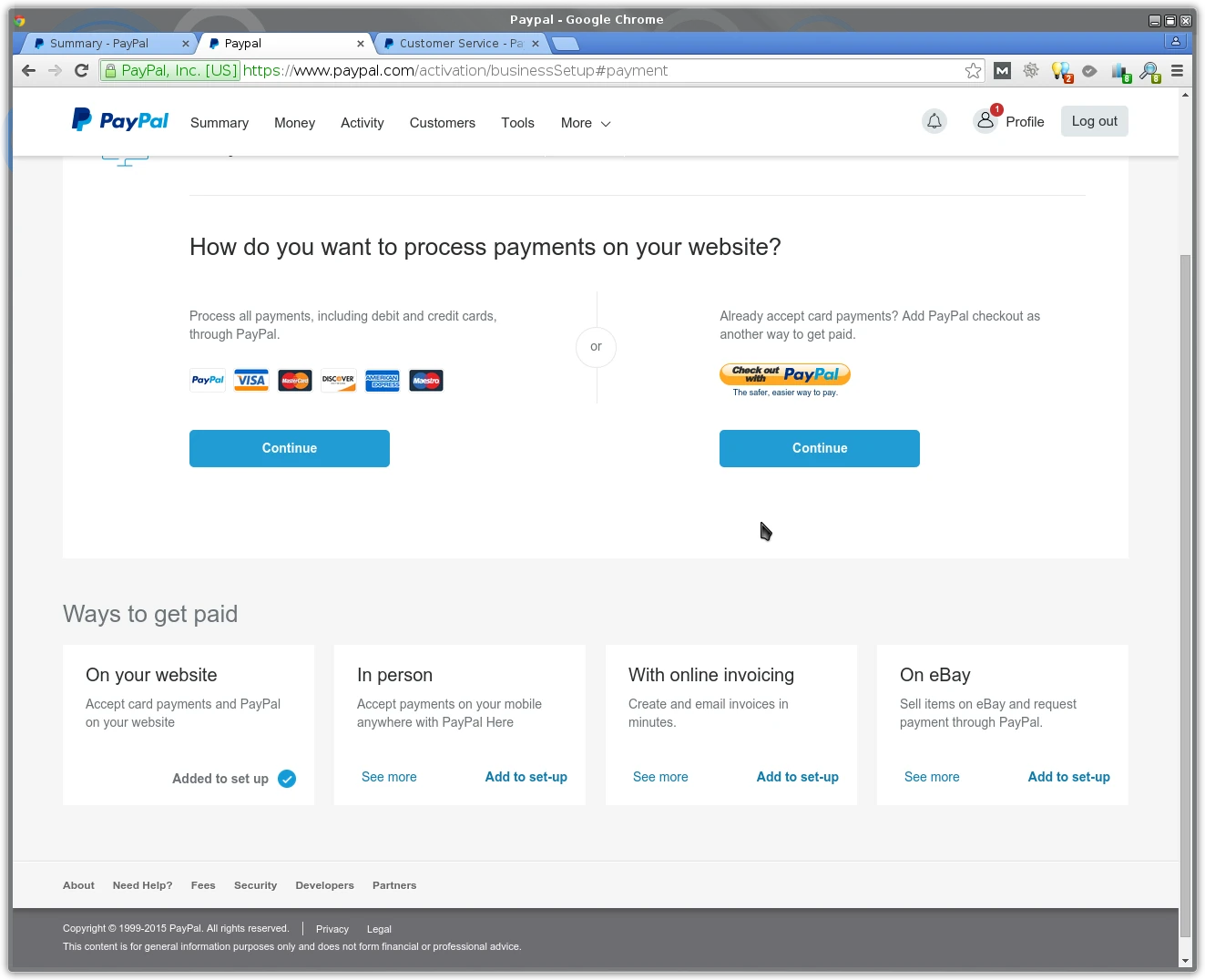
Creating a Business Paypal Account
If you have an existing personal account or want to create a business account from scratch, follow these steps:
Step 1: Log in to Your Personal Account
Log in to your existing personal PayPal account or create one using the steps above.
Step 2: Go to Settings
Click on the gear icon next to your profile picture and select “Settings.”
Step 3: Convert to Business Account
Select the option to convert your personal account to a business account. If you have an existing personal account, this will transform it into a business one.
Step 4: Provide Business Details
Fill out the required information for your business, including contact details and address.
Step 5: Confirm Your Business Information
Review and confirm your business information to complete the process.
Creating a Paypal Account Without a Credit Card
Yes, it’s possible to create a PayPal account without a credit card! Simply follow these steps:
- Follow the steps above to create an account.
- When prompted to add a payment method, select “No” to skip adding a credit or debit card.
- You can still use your PayPal account to send and receive money.
Creating an Anonymous Paypal Account
Unfortunately, it’s not possible to create a completely anonymous PayPal account. To create one, you’ll need to provide your personal details, including name and surname, which will be verified through your government-issued ID.
Conclusion
In conclusion, creating a PayPal account is a straightforward process that can be completed online. Whether you’re looking for a personal or business account, this guide has provided you with the necessary steps to get started.


