
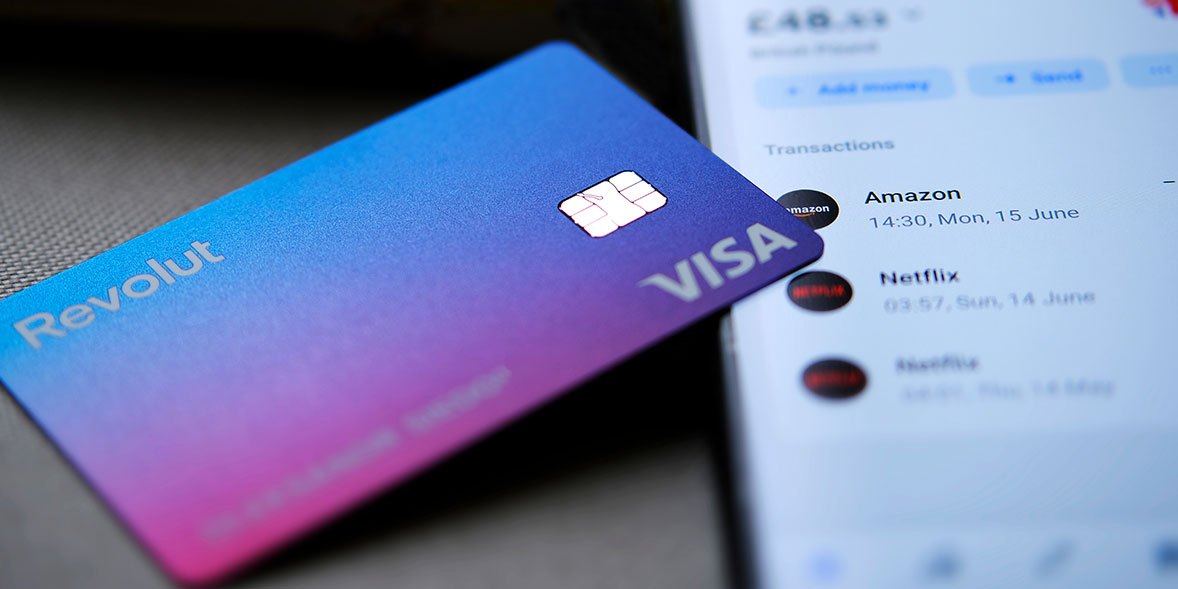
Revolut Card Activation Guide: A Step-by-step Tutorial
Are you a Revolut user struggling to activate your new card? Look no further! This article will guide you through the process of activating your physical or virtual Revolut card, with a special focus on activating cards for minors.
What is Revolut?
Revolut is a popular digital banking platform that offers users a range of features, including fee-free currency exchange, real-time budgeting, and contactless payments. The service has gained popularity worldwide due to its innovative approach to banking.
Activating Your New Card: A Step-by-step Guide
Activating your new Revolut card is relatively straightforward. Here’s how:
Activating a Physical Card
- Download The Revolut App: If you haven’t already, download the Revolut app on your Android or iOS device.
- Access Your Account: Log in to your Revolut account using your login credentials.
- Navigate to The Cards Section: Tap on the icon of the card you want to activate, which is located in the top-right corner of the screen.
- Select The Card You Want to Activate: Choose the physical card you want to activate from the list of available cards.
- Tap on The Physical Card: Select the physical card you want to activate and tap on it to access its details.
Activating a Virtual Card
- Access Your Account: Log in to your Revolut account using your login credentials.
- Navigate to The Cards Section: Tap on the icon of the virtual card you want to activate, which is located in the top-right corner of the screen.
- Select The Virtual Card: Choose the virtual card you want to activate from the list of available cards.
- Tap on The Virtual Card: Select the virtual card you want to activate and tap on it to access its details.
How to Activate a Revolut Card For Minors
Activating a Revolut card for minors is relatively straightforward. Here’s how:
- Access Your Account: Log in to your Revolut account using your login credentials.
- Navigate to The Cards Section: Tap on the icon of the card you want to activate, which is located in the top-right corner of the screen.
- Select The Card You Want to Activate: Choose the physical or virtual card you want to activate from the list of available cards.
- Tap on The Card: Select the card you want to activate and tap on it to access its details.
Tips For Activating a Revolut Card
- Make sure you have the latest version of the Revolut app installed on your device.
- Ensure you have sufficient funds in your account to cover any fees associated with activating your card.
- If you’re experiencing issues activating your card, try restarting the app or contacting Revolut’s customer support team for assistance.
Frequently Asked Questions (FAQs)
Q: How do I Activate my New Revolut Card?
A: To activate your new Revolut card, simply follow the steps outlined in this guide. If you’re still having trouble activating your card, contact Revolut’s customer support team for assistance.
Q: Can I Activate a Revolut Card For Minors?
A: Yes, you can activate a Revolut card for minors by following the same process as outlined in this guide.
Q: How do I Reactivate my Deactivated Revolut Card?
A: If your Revolut card has been deactivated, simply contact Revolut’s customer support team to request that it be reactivated.


